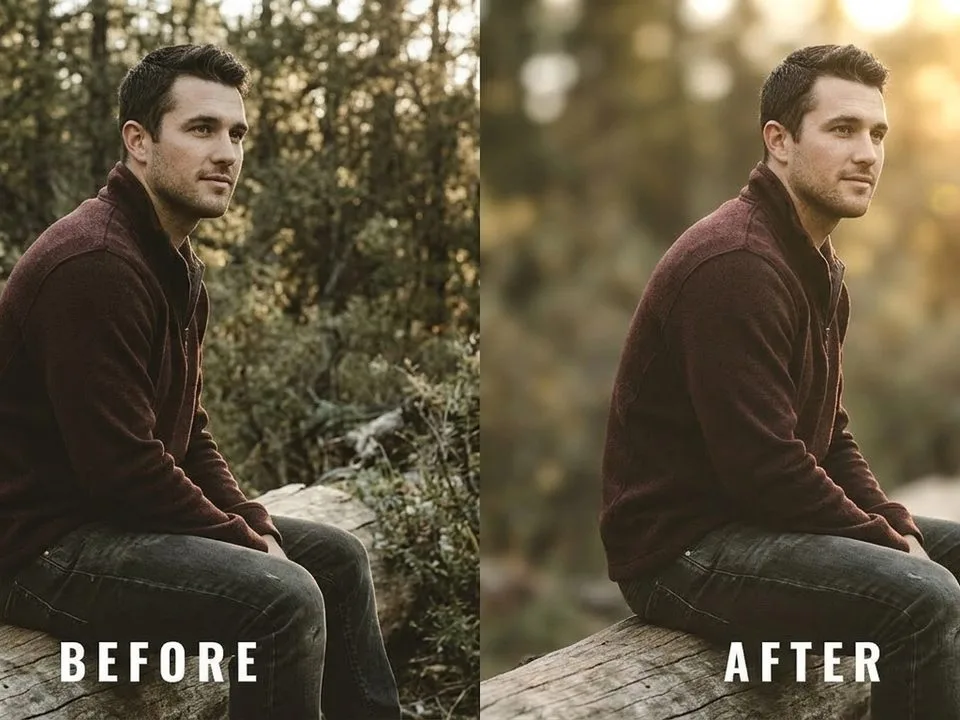
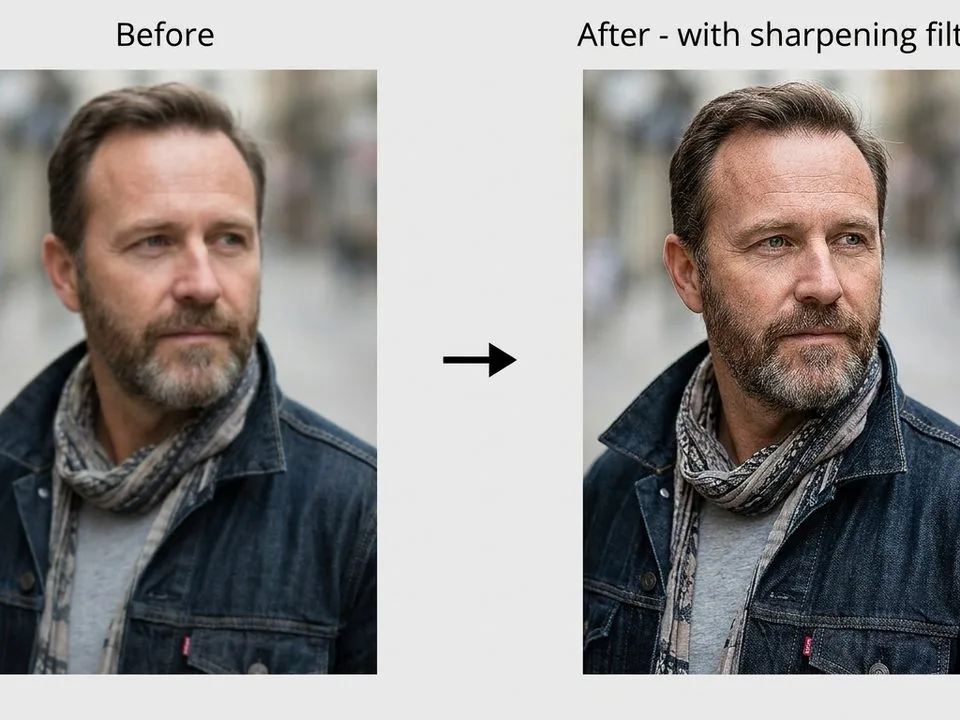
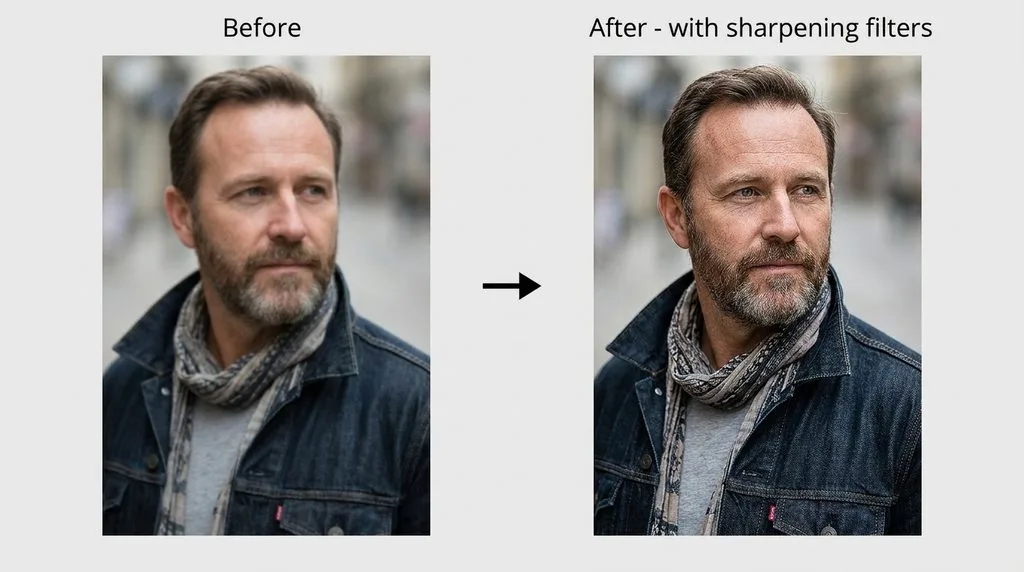
TL;DR: The Short Answer To blur a picture in Photoshop, duplicate your layer (Ctrl/Cmd+J), go to Filter > Blur > Gaussian Blur, and adjust the Radius […]
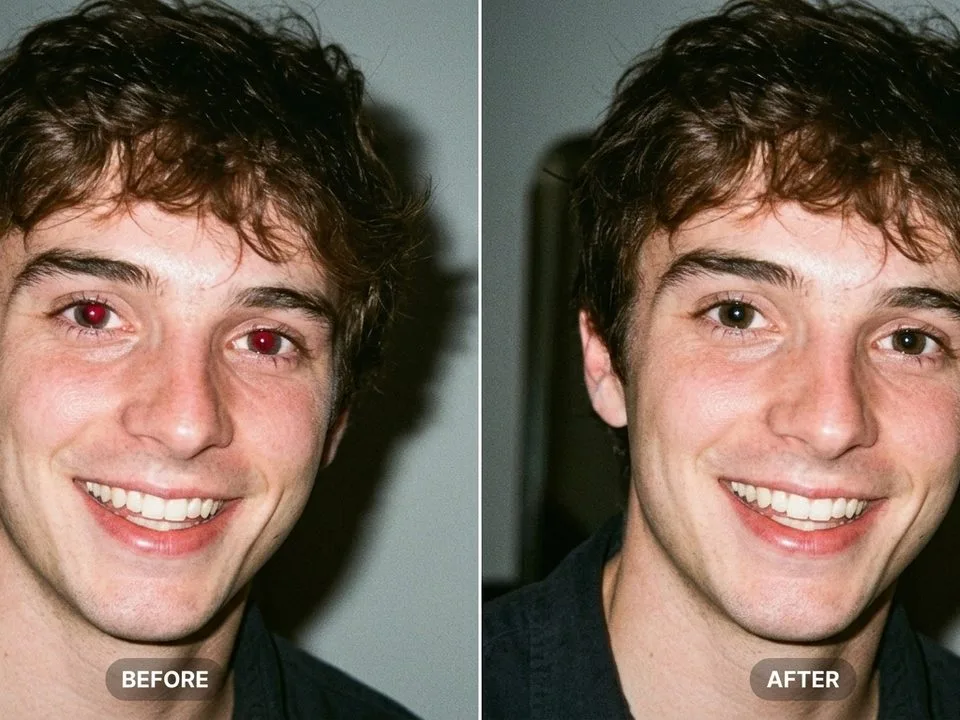
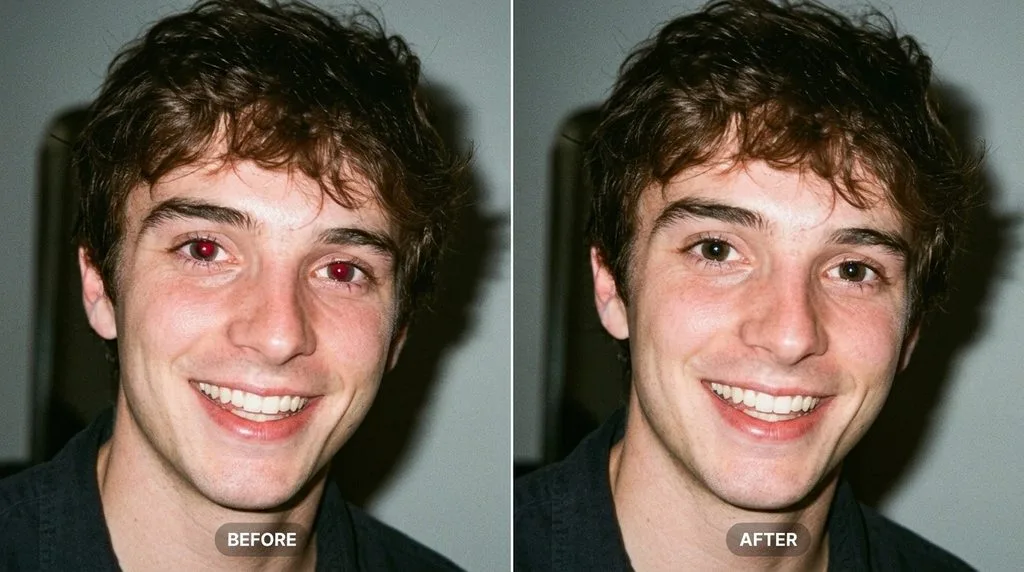
TL;DR: The Short Answer Red eye happens when your camera’s flash bounces off the blood-rich retina at the back of your subject’s eye and reflects straight […]
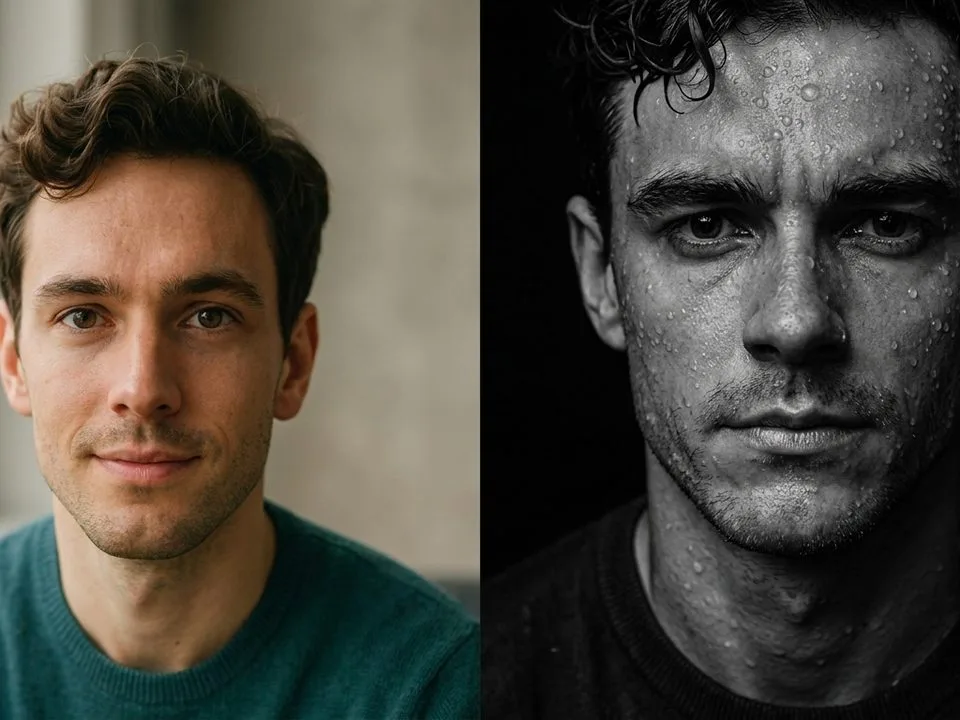
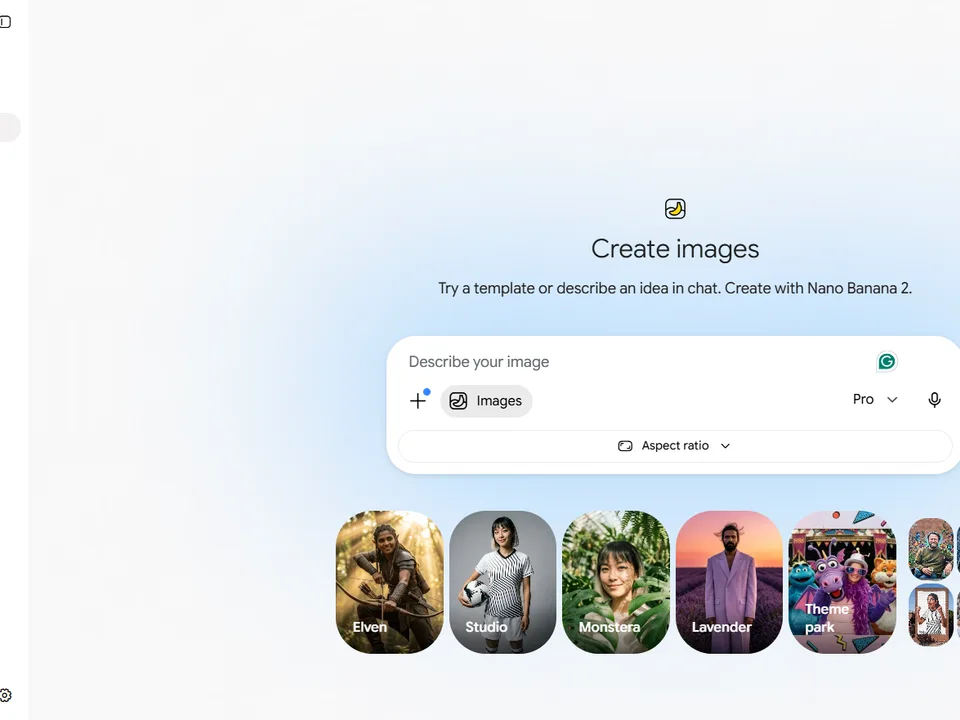
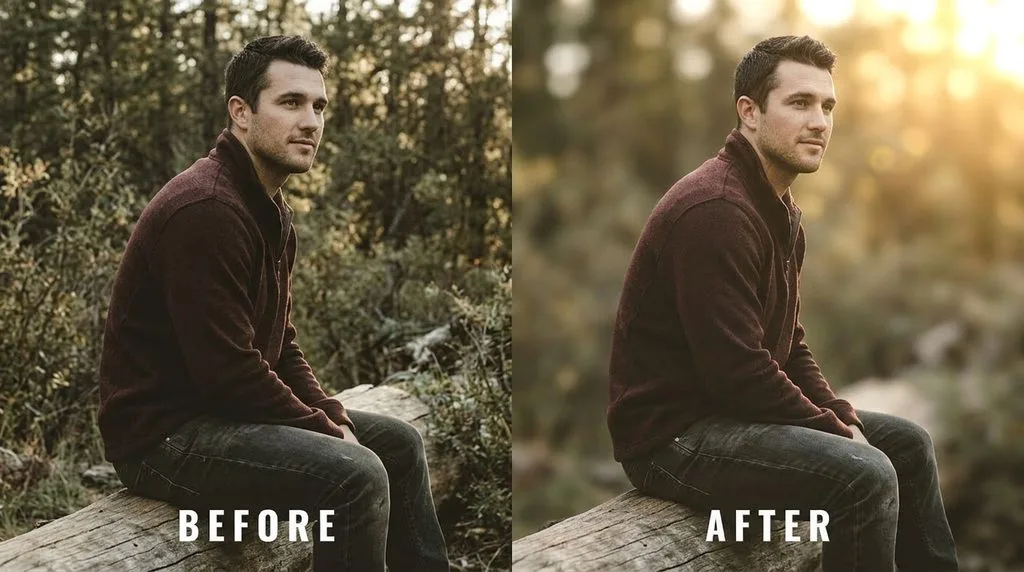
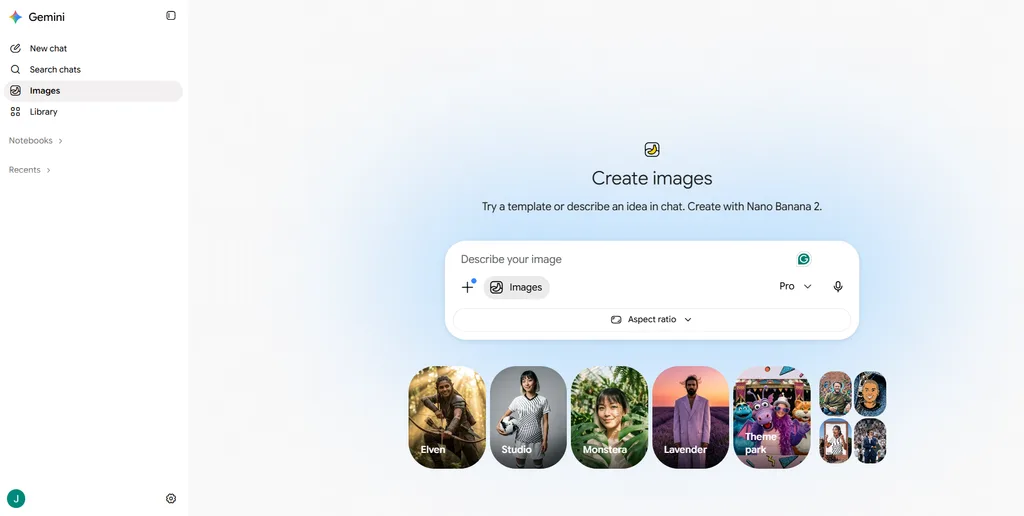
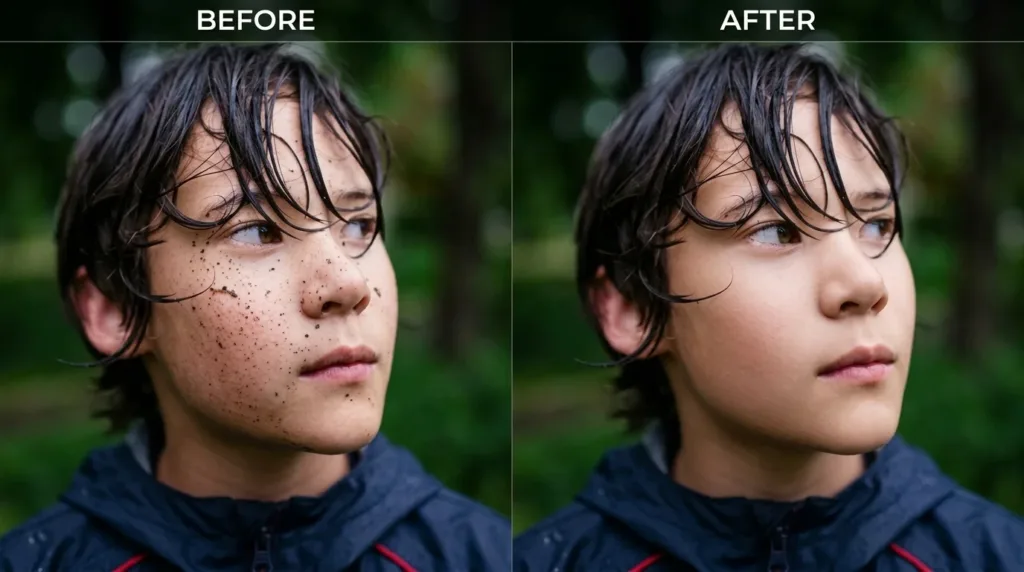
You do not need Photoshop skills to get scroll-stopping photos anymore. You need the right words. Since Google rolled out Nano Banana (the nickname for Gemini’s […]
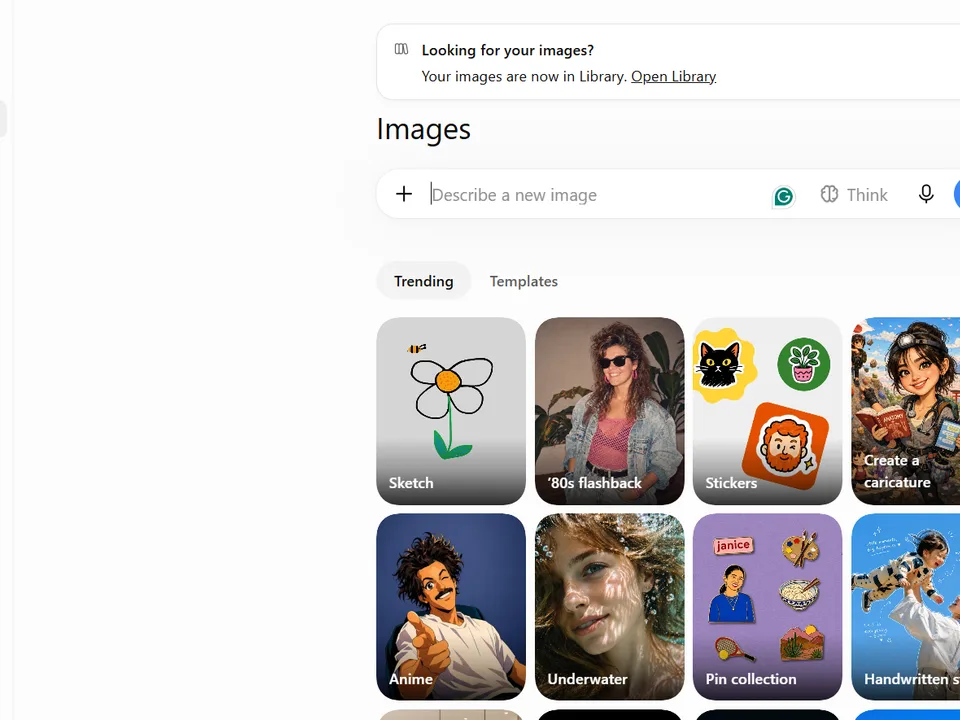
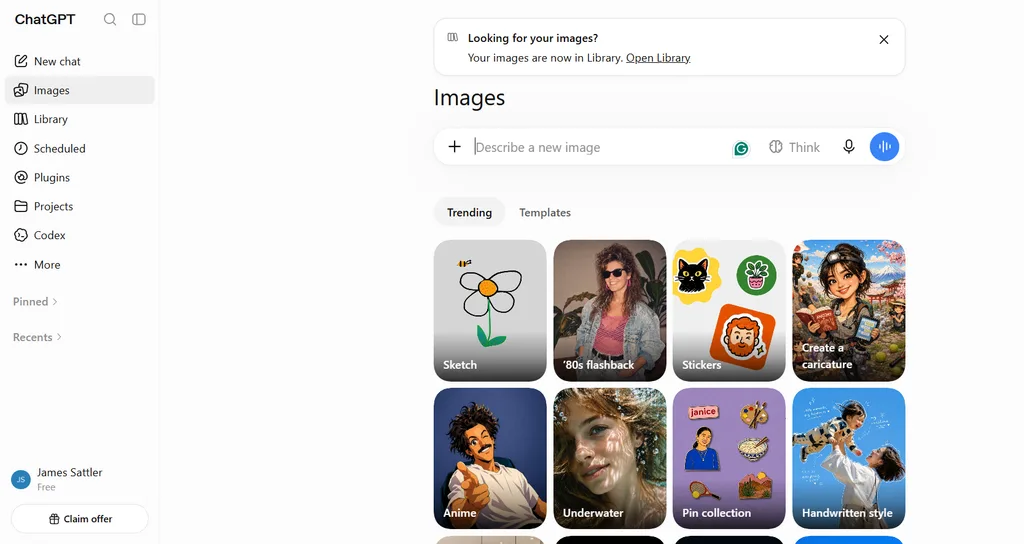
Quick answer: The best ChatGPT image prompts for photo editing follow a six-part formula — source context, specific edit, preservation clause, mood, camera specs, and output […]
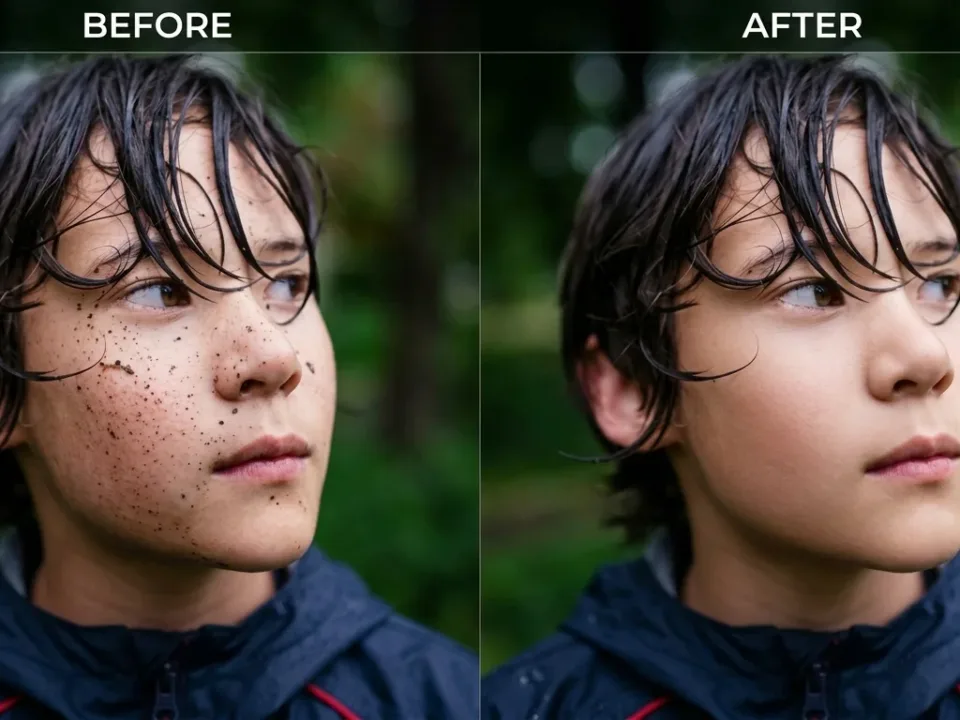
Frequency separation is a Photoshop retouching technique that splits an image into two layers — a high-frequency layer for texture (pores, hairs, grain) and a low-frequency […]
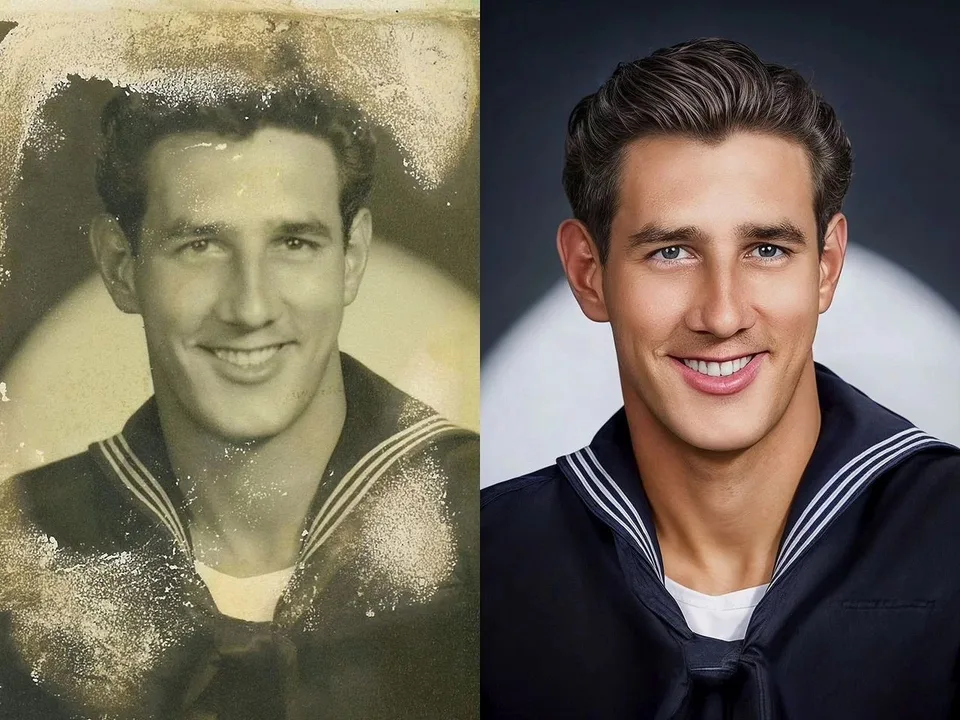
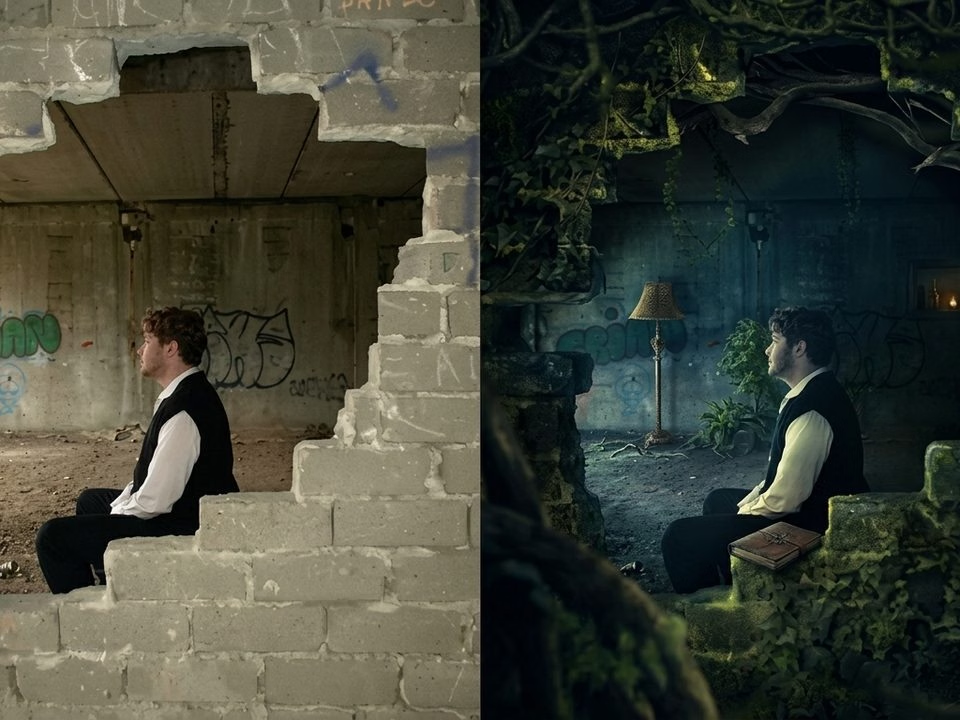
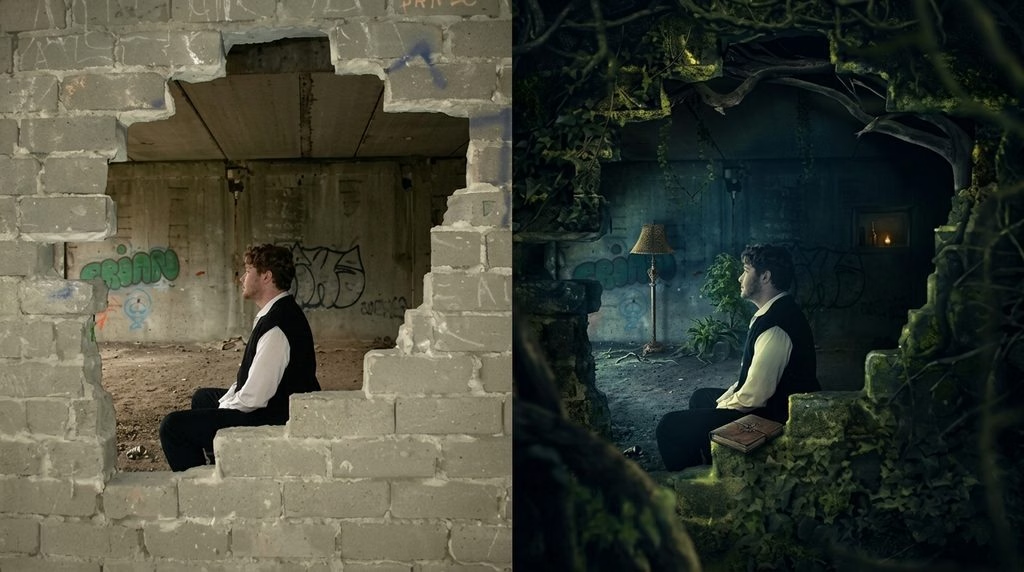
Photo manipulation is the intentional alteration of a photograph — through digital tools, AI, or traditional darkroom methods — to change what the image shows beyond […]