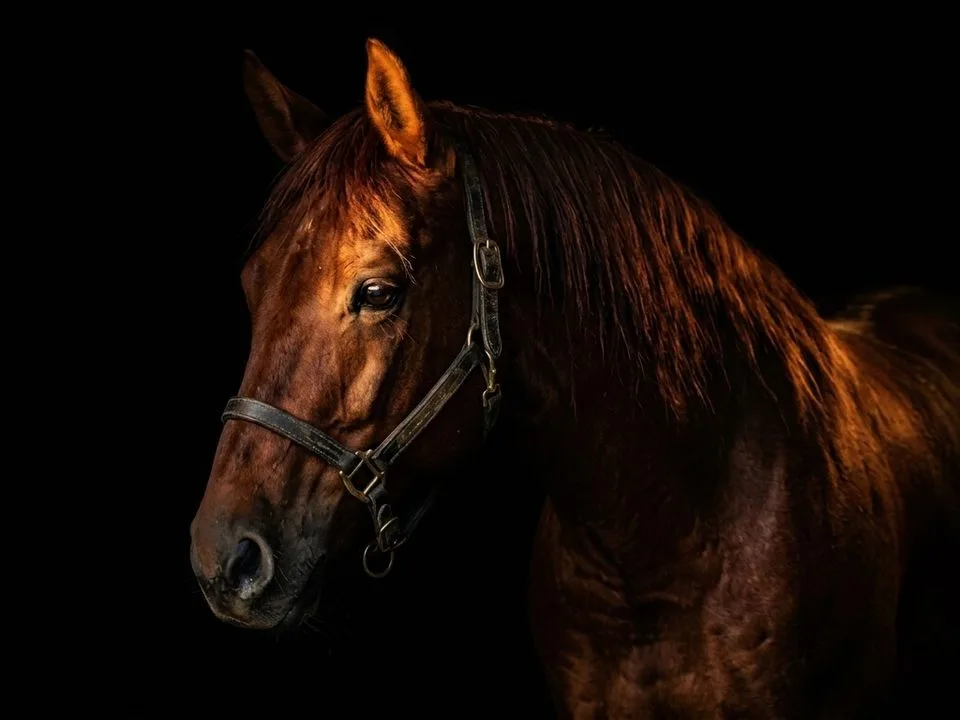
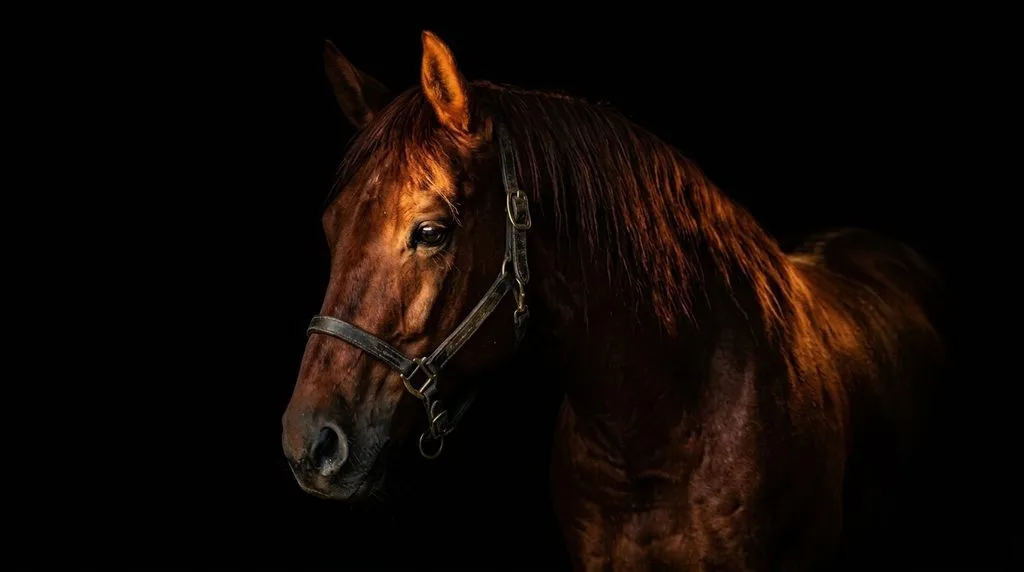
Here is what actually moves the needle in horse photography: shoot with a 70–200mm f/2.8 lens (or anything 100mm+), lock your shutter speed at 1/1000s or […]
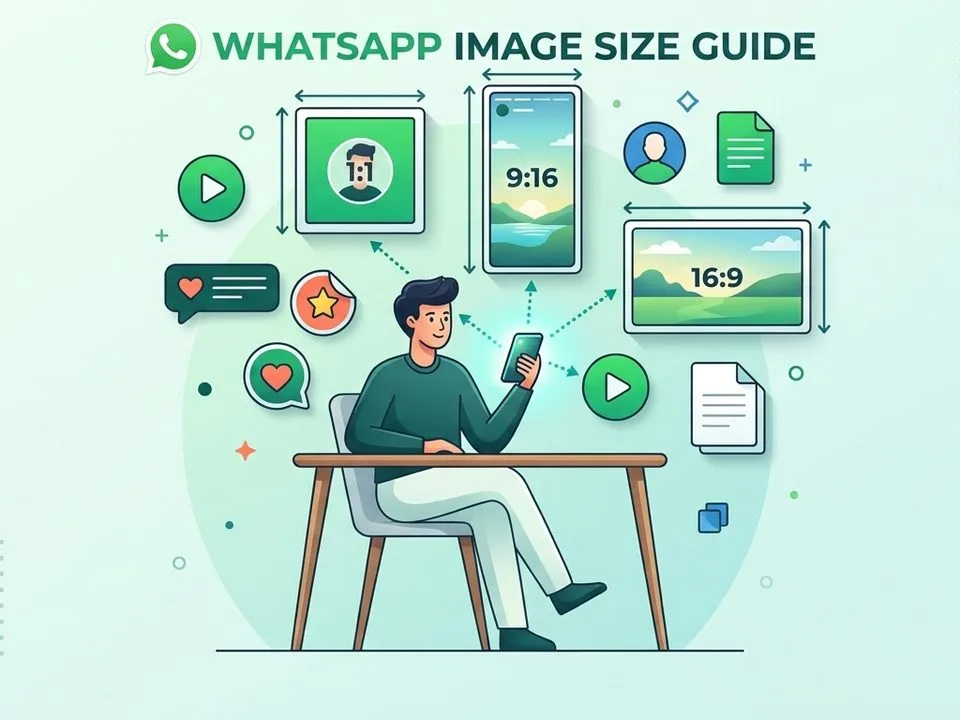
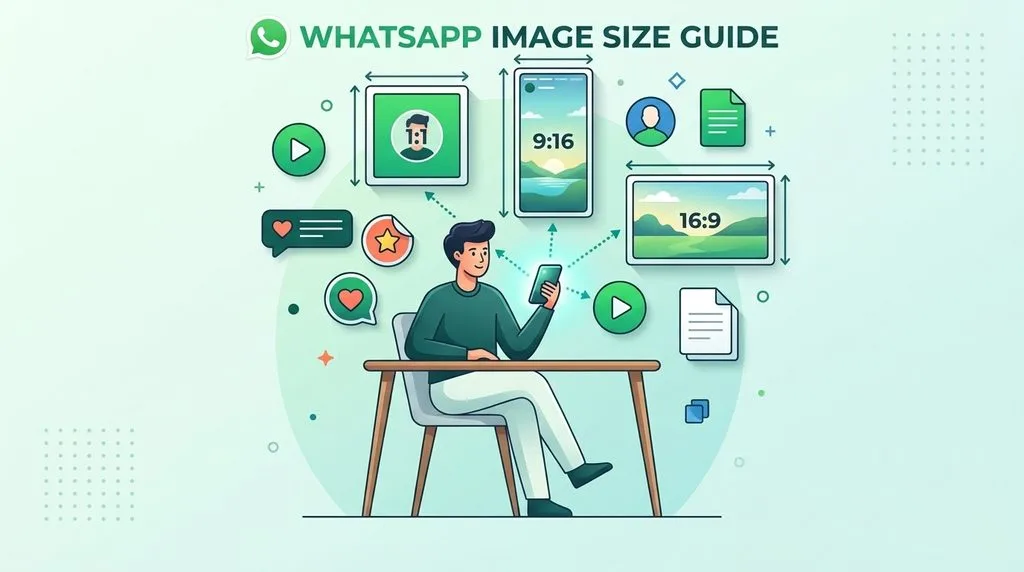
WhatsApp doesn’t have “one” image size — it has three quality tiers, and which one you pick matters more than the pixels. Standard quality crushes every […]
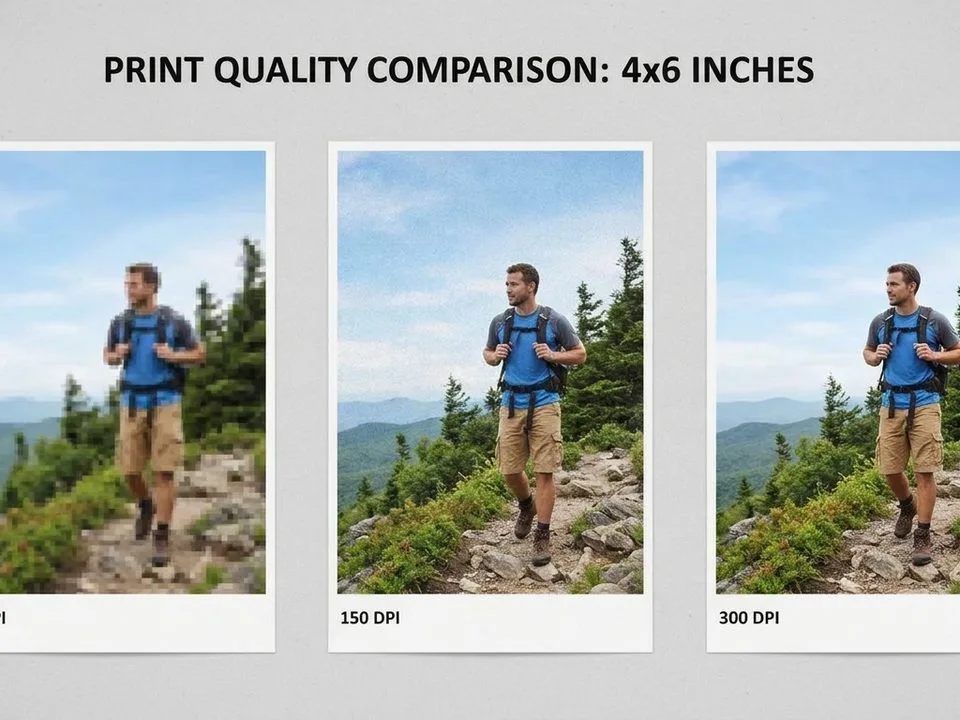
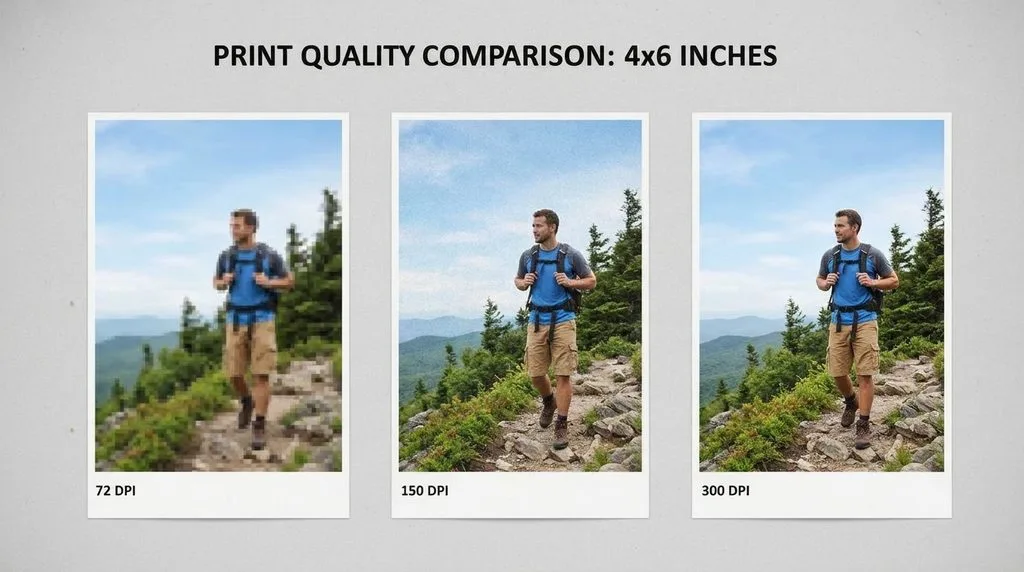
You designed something beautiful on screen. It looked razor-sharp, vibrant, flawless. Then you hit print — and the business cards came back fuzzy, the poster looks […]
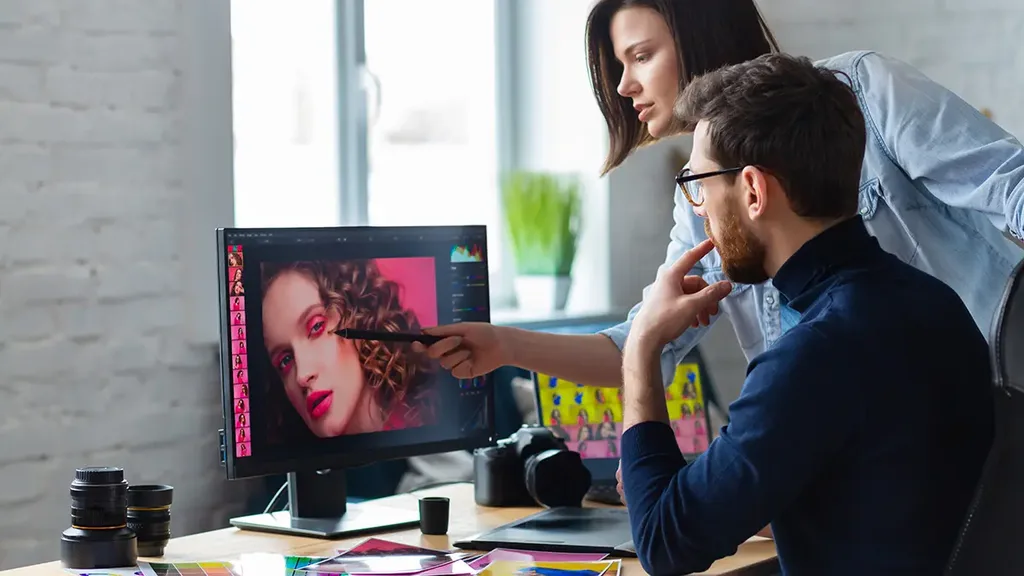
Hiring an image retouching expert costs $0.50 to $10 per image for standard professional work in 2026, and $15 to $100+ per image for high-end commercial […]
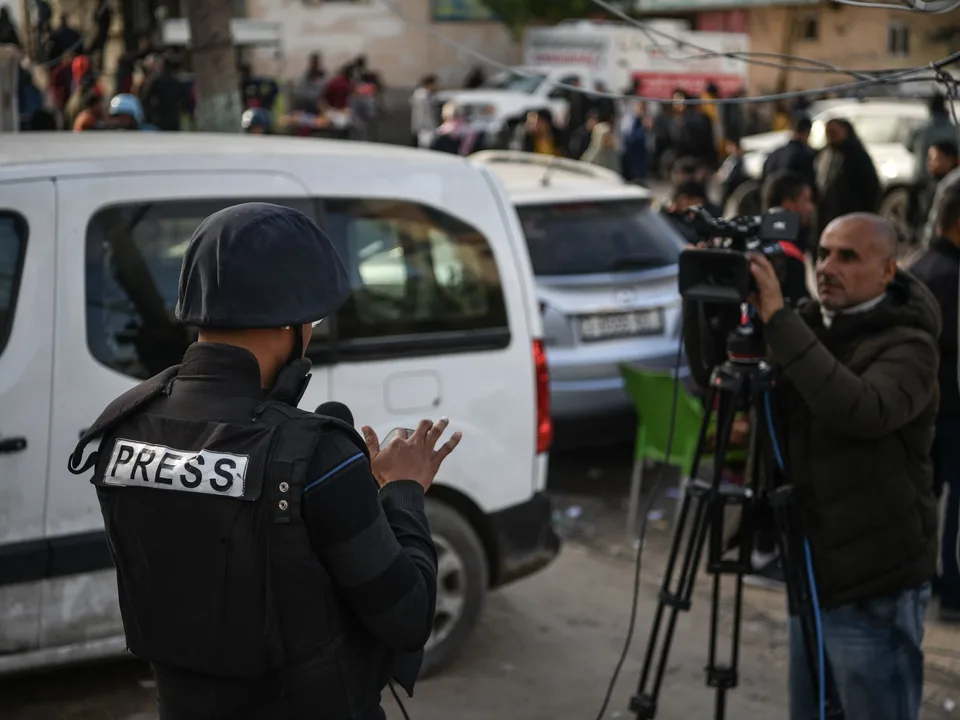
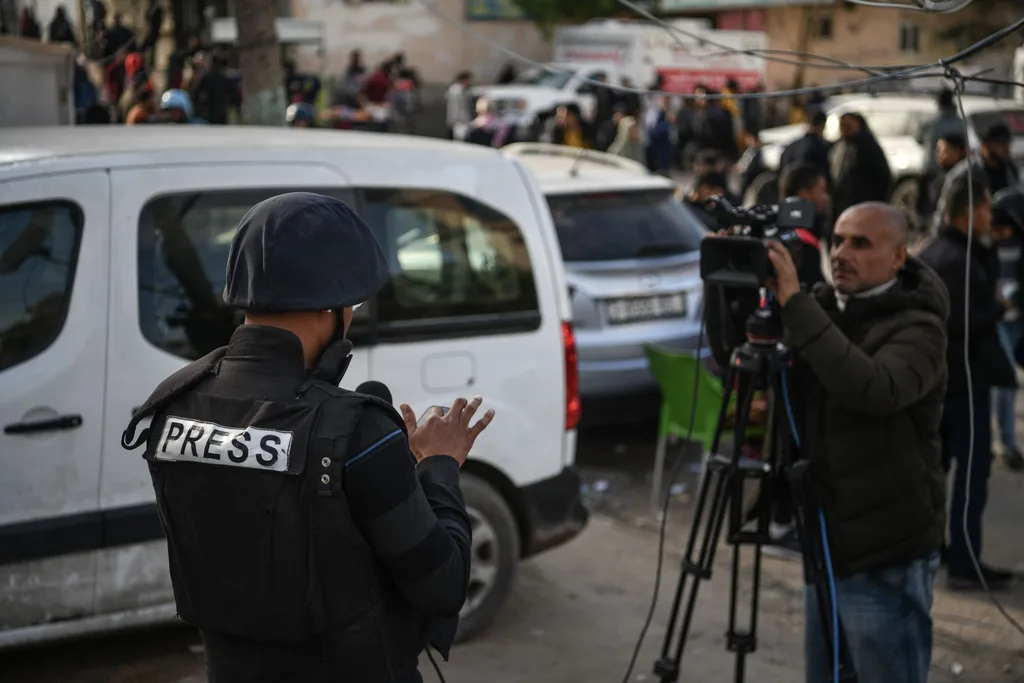
TL;DR: The Short Answer Photojournalism editing is the post-processing of news and documentary photographs under a strict ethical rule: you may improve the presentation of a […]
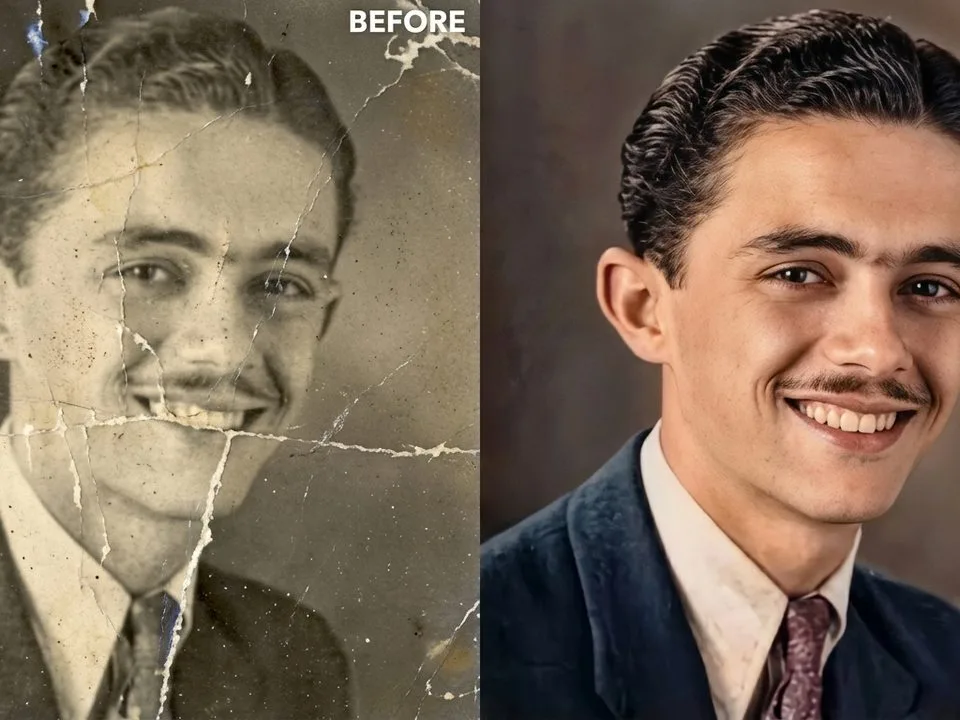
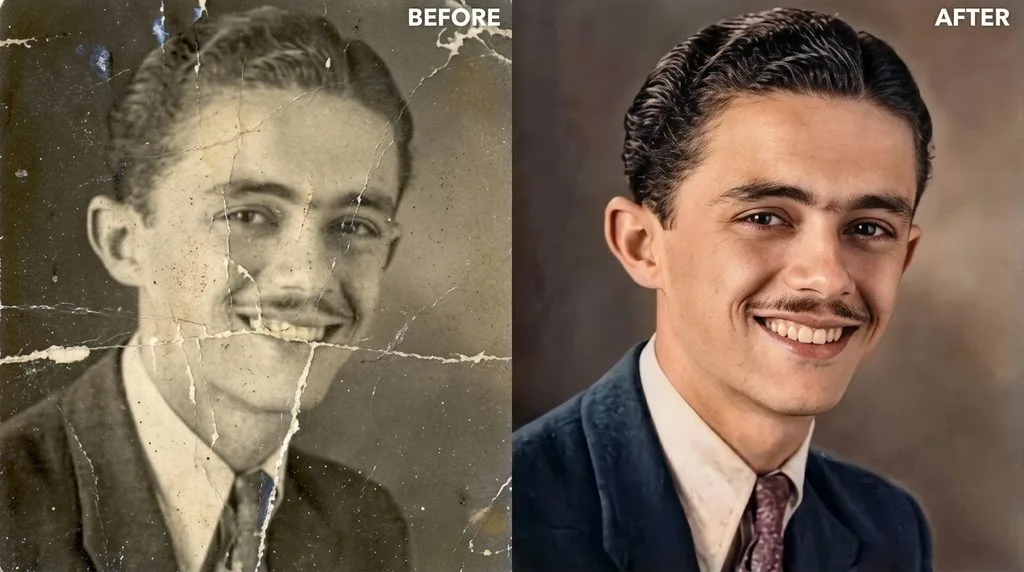
TL;DR: The Short Answer To restore old photos, start with a high-resolution scan (600 DPI minimum, 1200 DPI for small or badly damaged prints, saved as […]