

Shadow Creation in Product Photography: The Key to Realistic Product Images
March 4, 2026
Mastering Adobe Photoshop Tools and Toolbar: Complete 2026 Guide
March 10, 2026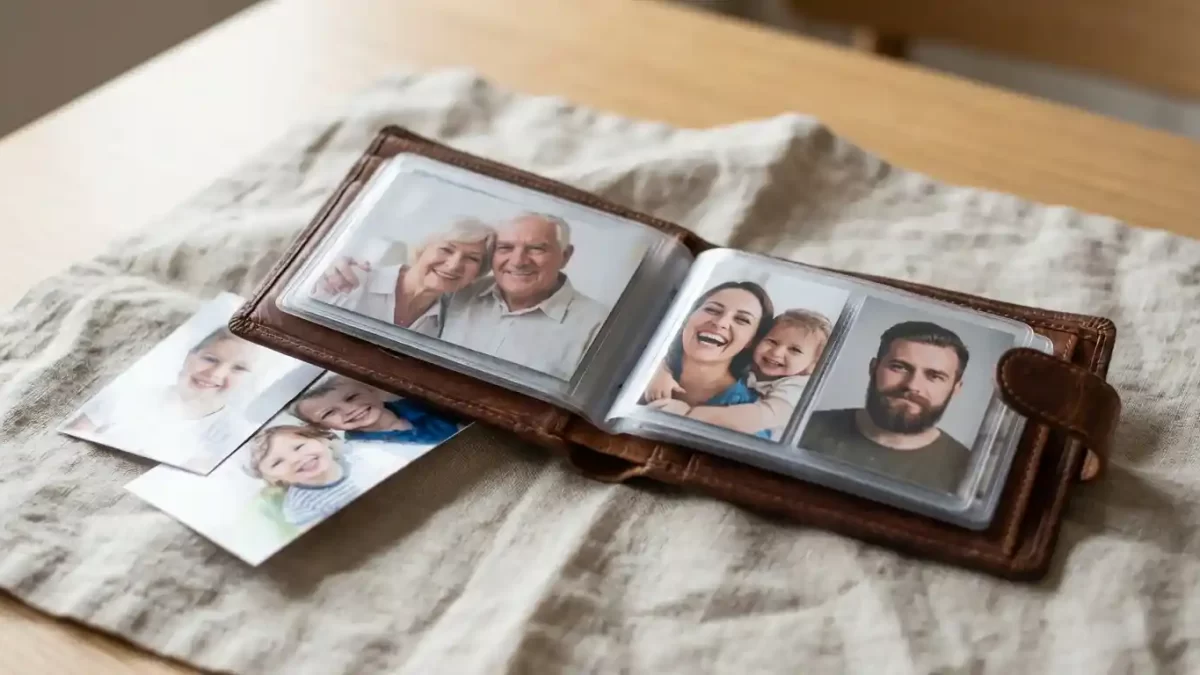
You open your wallet, slide out a small photo, and instantly share a smile with someone special. That compact print fits so naturally in the clear sleeve, yet many people wonder exactly what size makes a wallet photo work perfectly every time.
This comprehensive guide walks you through everything about wallet photo sizes. You discover the exact standard dimensions, learn how to prepare your images professionally, explore printing options, and gain creative ideas to make the most of these cherished small prints.
Wallet photos need sharp details. Get a free clipping path test for tiny prints
- Understanding the Purpose of Wallet Photos
- Standard Wallet Photo Dimensions Explained
- Why Choosing the Correct Wallet Photo Size Matters
- Wallet Photo Size Compared to Other Common Photo Formats
- Step-by-Step Guide to Preparing Images for Wallet Size
- Capturing the Best Photos for Wallet Printing
- Essential Cropping and Resizing Techniques
- Professional Editing Tips That Elevate Wallet Photos
- Selecting the Best Methods for Printing Wallet Photos
- Creative and Modern Ways to Use Wallet Photos
- Avoiding Common Mistakes with Wallet Photos
- Tips for Keeping Wallet Photos Looking Great Over Time
- Final Thoughts on Mastering Wallet Photo Sizes
- Frequently Asked Questions
Understanding the Purpose of Wallet Photos
Wallet photos earn their name because they slide effortlessly into the dedicated photo pockets found in most wallets. Photographers and printing professionals developed this format specifically for carrying loved ones with you everywhere in a practical way.
These small prints deliver just enough space to capture clear facial features and expressions while remaining slim enough to avoid adding bulk. Families rely on them heavily to keep children, partners, and relatives close at heart. Professionals also use them in portfolios, identification badges, or small thank-you gifts.
The consistent small format makes wallet photos versatile for both personal keepsakes and thoughtful sharing. You gain the perfect balance of visibility and portability that larger prints simply cannot match.
Standard Wallet Photo Dimensions Explained
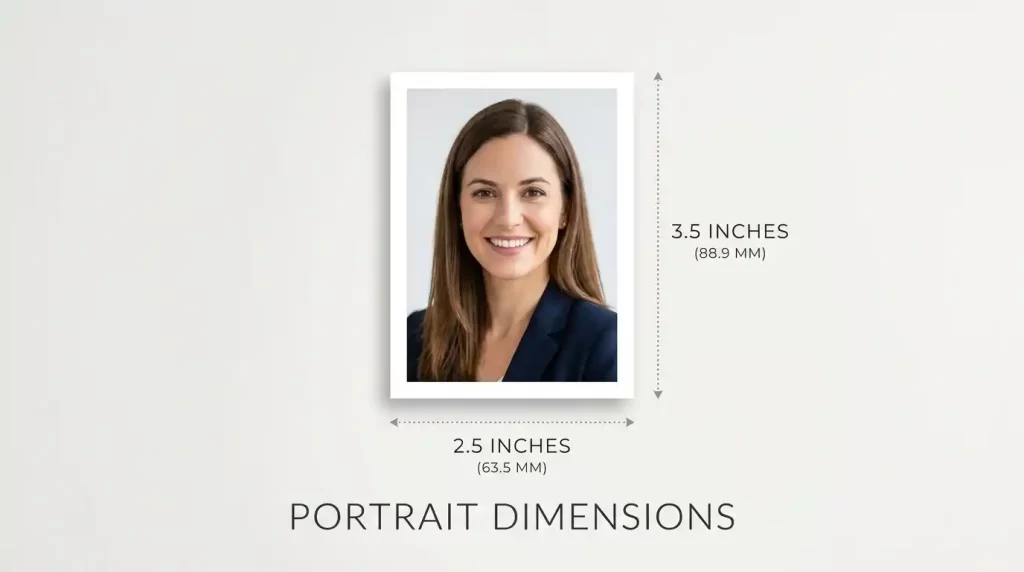
The most widely accepted standard wallet photo size measures 2.5 inches wide by 3.5 inches tall (63.5 mm x 88.9 mm).
This classic vertical orientation provides a balanced, flattering frame for portraits. Most professional labs and online printing services treat this measurement as their primary wallet size.
Some providers also offer a slightly smaller 2 inches by 3 inches option, which works well for narrower wallet slots or minimalist designs. However, the 2.5 x 3.5 inch version remains the go-to choice because it fits comfortably in the majority of standard wallet photo sleeves while giving ample room for excellent composition.
Key technical specifications you need:
- Width: 2.5 inches (63.5 mm)
- Height: 3.5 inches (88.9 mm)
- Aspect ratio: 5:7 (or 7:5 depending on orientation)
- Minimum recommended resolution: 300 DPI
- Ideal pixel dimensions at 300 DPI: 750 pixels wide by 1050 pixels tall
Printing at 300 DPI ensures every detail stays sharp and professional even when viewed up close inside a wallet.
For more insights on wallet photo aspect ratios and practical fitting tips, explore this helpful breakdown on ideal dimensions of a wallet sized photo.
Why Choosing the Correct Wallet Photo Size Matters
Getting the size right prevents frustrating situations where prints do not fit properly or look awkwardly cropped. When the dimensions match wallet sleeves perfectly, your photos stay protected, flat, and easy to view for years.
Correct sizing also ensures consistent quality across multiple prints. Whether you order 10 or 200 copies, every photo maintains the same professional look and feel.
Many people discover that using the proper 2.5 x 3.5 inch standard improves how they compose shots. You naturally frame faces better and leave appropriate space around the subject for a polished result.
Wallet Photo Size Compared to Other Common Photo Formats
Wallet photos differ significantly from passport photos and other popular sizes. Passport photos measure 2 x 2 inches and follow strict official guidelines for identification documents. Wallet photos, however, give you complete creative freedom with natural smiles, varied poses, and softer backgrounds.
You should never substitute one for the other because each format serves a unique purpose. For a clear breakdown of wallet versus passport requirements, explore this detailed comparison guide: wallet photo vs passport size.
Compared to standard 4×6 prints, wallet photos feel far more personal and portable. The smaller size encourages frequent viewing and sharing while still delivering impressive clarity when prepared correctly.
Step-by-Step Guide to Preparing Images for Wallet Size
Creating perfect wallet photos starts with a high-quality source image. Follow these straightforward steps to achieve excellent results every time:
- Select an original photo with at least 3000 pixels on the longer side for best flexibility
- Open the image in any reliable editing program
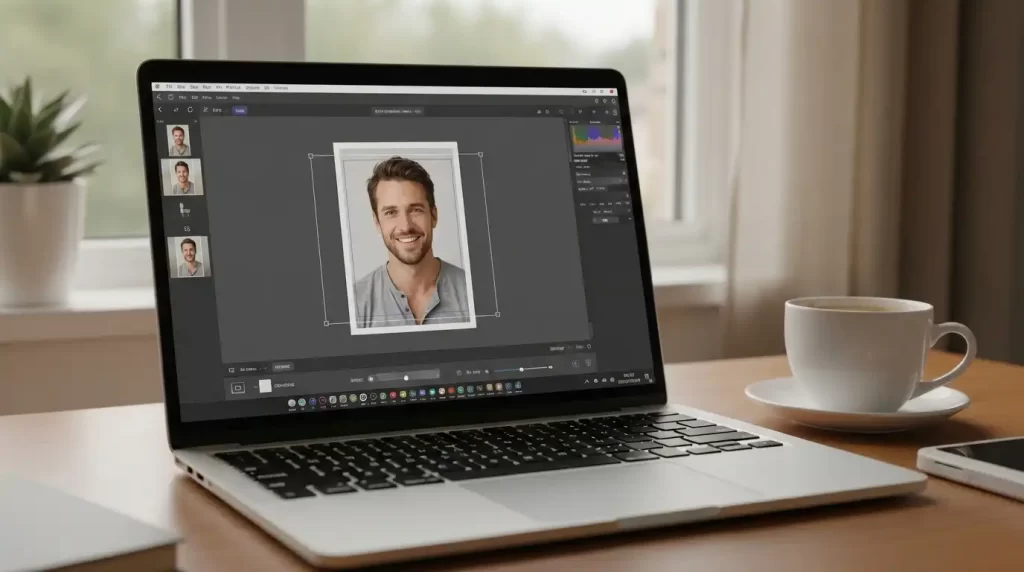
- Set your crop tool to the exact 5:7 aspect ratio
- Position the main subject slightly above the center line for the most flattering portrait
- Ensure you leave natural space above the head and below the shoulders
- Export the final file at 300 DPI as a high-quality JPEG
Smartphone editing apps now include built-in ratio guides that make this process quick and accurate. Desktop programs offer even more precision when you need it.
Small size, big quality demands. Learn about our photo retouching service
Capturing the Best Photos for Wallet Printing
Great wallet photos begin with thoughtful capture. Natural light from a window often produces the softest, most flattering illumination. Position your subject at a gentle angle to the light source to create pleasing dimension without harsh shadows.
Choose simple backgrounds that complement the subject rather than compete with it. Solid or softly blurred options help the face remain the clear focal point when reduced to wallet size.
Dress in solid colors that provide nice contrast with skin tones and the background. Avoid busy patterns that can appear cluttered in a small print.
For group shots, limit the number of people to two or three so each face stays clearly visible. Simple compositions always translate better to wallet format.
Essential Cropping and Resizing Techniques
Precise cropping makes or breaks wallet photo quality. You want the face and upper shoulders to fill most of the frame while maintaining balanced proportions.
Always work with a copy of your original file. This approach protects your master image while you experiment with different crops. After resizing, zoom in to 100% and check for any pixelation or softness before saving.
Professional Editing Tips That Elevate Wallet Photos
Even excellent original photos can benefit from light professional adjustments. Experts can balance lighting, soften minor distractions, and ensure colors print vibrantly on photo paper.
Background cleanup helps the subject stand out beautifully in the small format. Color correction guarantees skin tones look natural across different printing methods.
For reliable, high-precision editing services that specialize in preparing photos for exact sizes like wallet prints, many creators trust professional clipping path and image masking teams.
Selecting the Best Methods for Printing Wallet Photos
You have multiple reliable ways to turn your prepared files into beautiful physical prints.
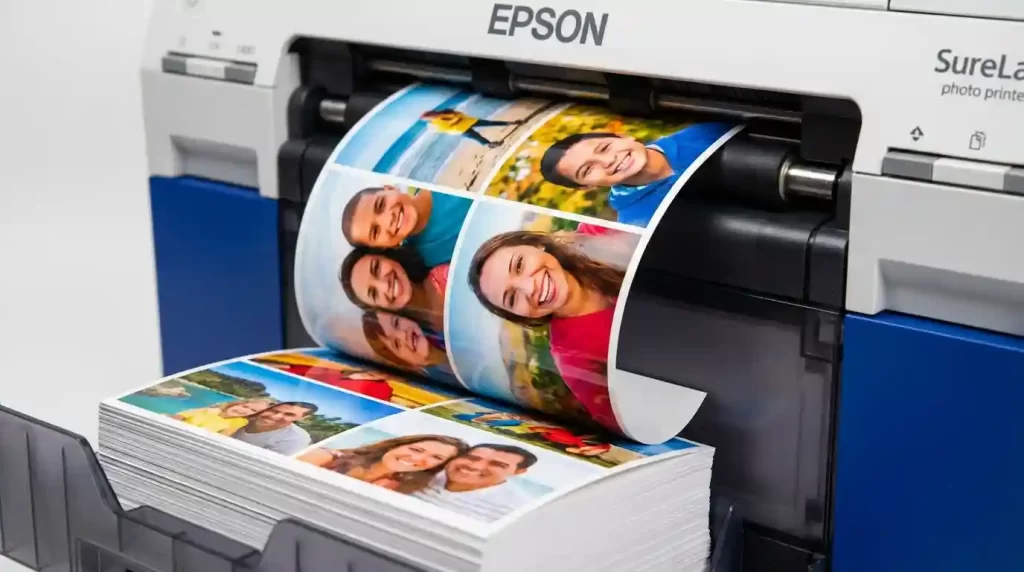
Professional photo labs deliver outstanding color accuracy and durable finishes. They often provide wallet sheets with 8 or 16 individual prints per page, which reduces cost per photo significantly.
Online printing platforms make uploading and ordering convenient with fast shipping options. Read recent customer feedback about color consistency before committing to large quantities.
Quality home printers paired with proper photo paper can produce very good results for smaller orders. Choose glossy or lustre paper and set your printer driver to the highest quality mode with the correct 2.5 x 3.5 inch dimensions.
To discover which services consistently deliver top results in 2026, see this expert roundup of the best online photo printing services.
Understanding the right resolution prevents disappointment. For crisp small prints like wallet photos, always aim for 300 DPI. Learn more about choosing the correct image resolution for any print project in this practical standard DPI & image resolution guide.
Creative and Modern Ways to Use Wallet Photos
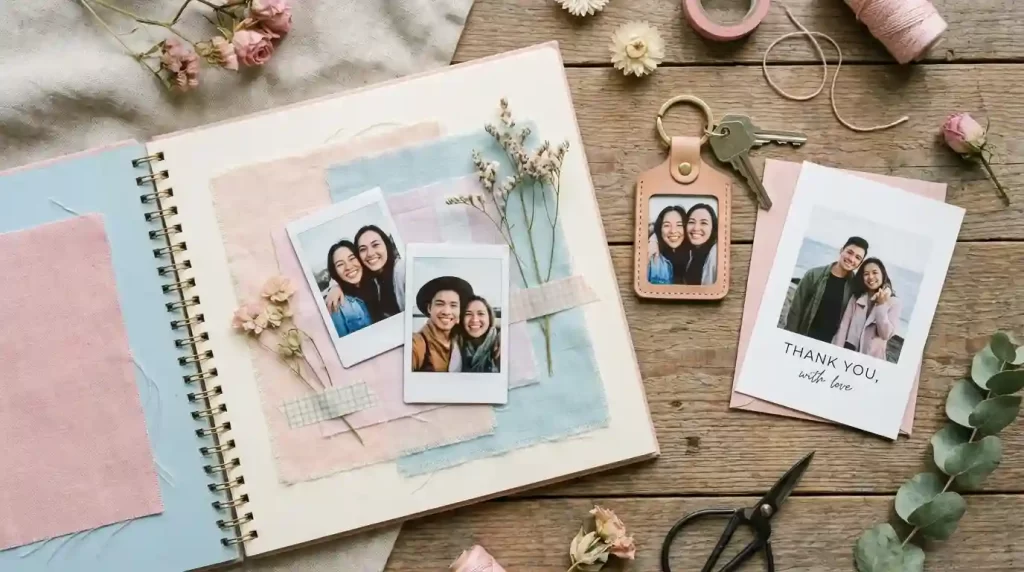
Wallet photos continue to find fresh applications beyond traditional wallets. Many people create custom keychains, luggage tags, and refrigerator magnets using this compact size.
Teachers often welcome student wallet photos at the start of the school year to help remember names and build connections. Event planners incorporate them into guest favors, memory books, and personalized thank-you cards.
Couples include them in wedding stationery or anniversary gifts. Grandparents cherish receiving regular updates of grandchildren in this easy-to-carry format.
Fashion brands sometimes use similar small portrait prints alongside product shots prepared with ghost mannequin editing to create clean catalog presentations.
Some hobbyists use wallet photos in scrapbooks, journals, and handmade greeting cards where the small size adds charm without taking up much space.
Avoiding Common Mistakes with Wallet Photos
Several frequent errors can reduce the quality of your final prints. Using low-resolution files leads to blurry results once printed small. Overly tight crops remove important context around the subject.
Busy or distracting backgrounds overpower the main person when viewed in wallet size. Printing on regular office paper instead of dedicated photo stock makes colors look dull and prints feel flimsy.
Forcing an image into the wrong aspect ratio causes unnatural stretching or cropping. Always verify your final file measures exactly 2.5 x 3.5 inches at 300 DPI before ordering.
Tips for Keeping Wallet Photos Looking Great Over Time
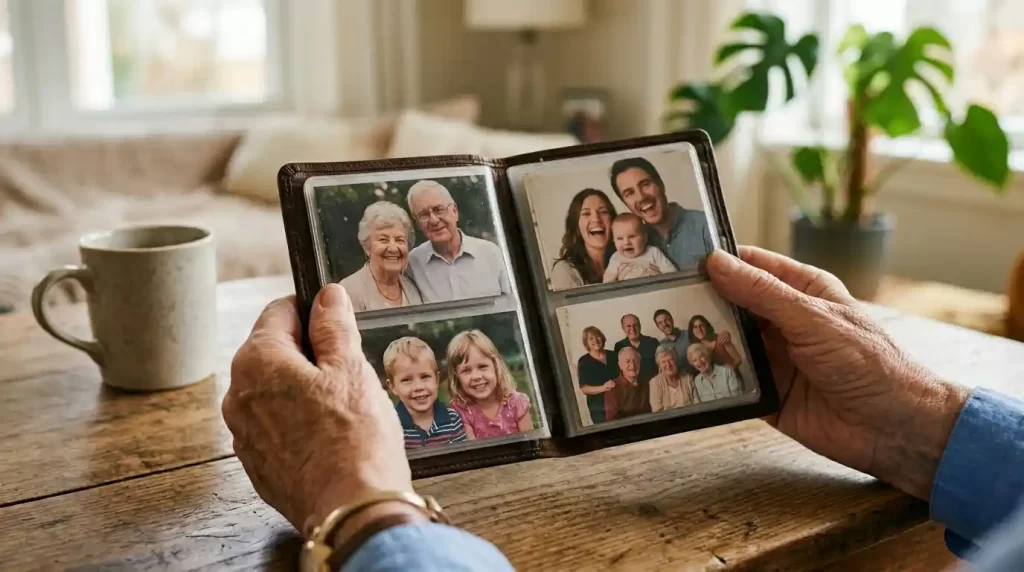
Protect your printed photos by choosing archival-quality paper when possible. Store wallets away from direct sunlight and extreme temperatures to prevent fading.
Consider adding a thin protective sleeve over each print if your wallet allows it. Replace photos every couple of years if you handle them frequently to keep colors bright.
Digital backups of your edited wallet-size files ensure you can reprint fresh copies whenever needed without starting from scratch.
Final Thoughts on Mastering Wallet Photo Sizes
Understanding the standard wallet photo size removes all confusion when you want to create these meaningful small prints. The classic 2.5 by 3.5 inch dimension gives you the ideal combination of clarity, comfort, and convenience that has made this format timeless.
Take time to start with good source images, crop thoughtfully, and print on quality materials. Your wallet photos will continue bringing joy and connection for many years ahead.
Now that you know exactly how big a wallet photo should be and how to produce beautiful results, gather your favorite memories and start creating prints you will love carrying everywhere.
From wallet to wall art – we edit it all. Contact us for a custom quote
Frequently Asked Questions
What is the standard size for a wallet photo?
The most common standard wallet photo size measures 2.5 inches by 3.5 inches. This dimension fits comfortably in most wallet sleeves while providing clear, detailed portraits.
How does a wallet photo differ from a passport photo?
Wallet photos allow natural expressions and creative backgrounds in a 2.5 x 3.5 inch format. Passport photos follow strict 2 x 2 inch rules designed only for official identification documents.
What resolution should I use when preparing wallet photos?
Set your images to 300 DPI or higher. This resolution guarantees sharp, professional prints without any visible pixelation in the small format.
Can I print wallet photos successfully at home?
Yes, you can achieve good results at home. Use high-quality photo paper, select the correct dimensions in your printer settings, and choose the highest print quality mode available.
How many wallet photos usually fit on one 4×6 sheet?
Professional services commonly fit eight wallet photos on a standard 4×6 inch sheet, offering an affordable way to order multiples.
What file format works best for ordering wallet photo prints?
High-quality JPEG files saved at 300 DPI in the correct 5:7 aspect ratio deliver the most reliable printing results across different services.
How do I resize photos to wallet size without losing quality?
Begin with a high-resolution original image, crop to the exact 5:7 ratio first, then resize while maintaining 300 DPI. Professional editing tools help preserve maximum detail during this process.
Are there smaller or larger wallet photo options available?
Yes, some labs offer a 2 x 3 inch alternative for narrower wallets. The 2.5 x 3.5 inch size remains the most popular choice for standard use.