Best Raster Editor Software for Photo Editing
January 27, 2026
AI vs. Professional Real Estate Photo Editing: What’s Best for Your Business in 2026?
January 28, 2026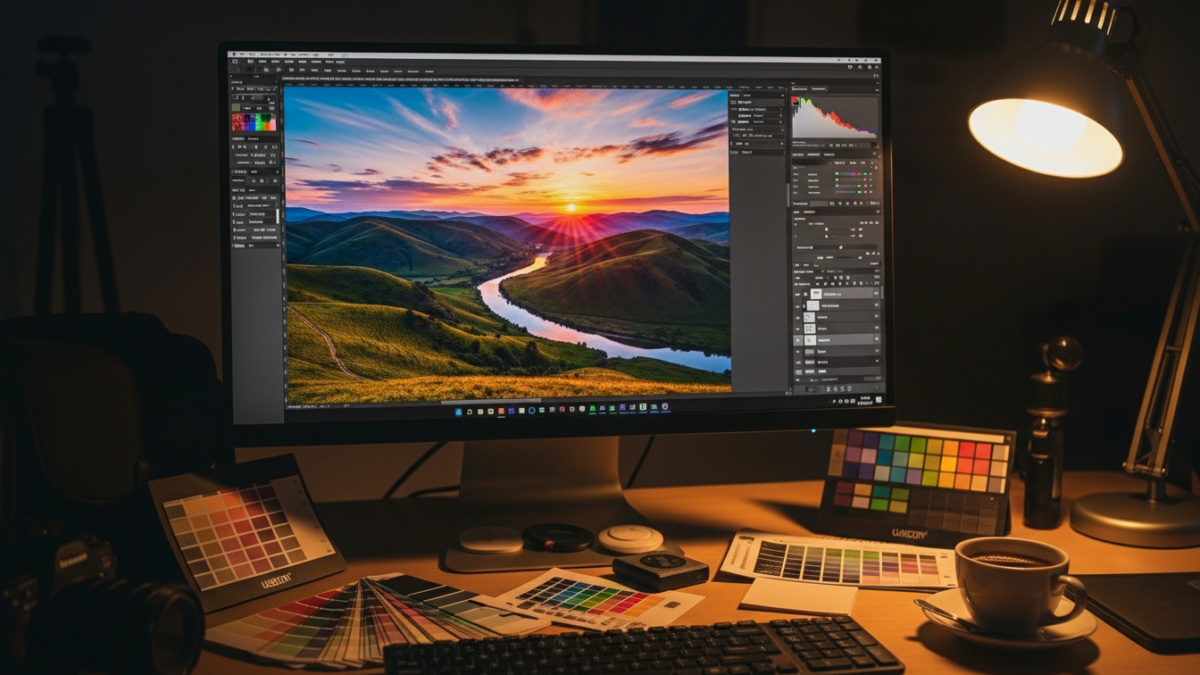
Color grading transforms ordinary images into captivating visuals that draw viewers in. Professionals in photography and e-commerce rely on this technique to enhance mood, correct inconsistencies, and create a cohesive look. At its core, color grading adjusts tones, hues, and contrasts to evoke specific emotions or highlight product features. Imagine a sunset photo where oranges glow warmer or an online store image where fabrics pop with vibrant accuracy. This guide dives deep into color grading, offering practical insights for beginners and experts alike. You’ll learn techniques, tools, and real-world applications to elevate your work.
Many people confuse color grading with basic edits, but it goes beyond simple fixes. It shapes the story an image tells. In photography, it sets the atmosphere for portraits or landscapes. E-commerce sellers use it to make products irresistible, boosting sales through appealing visuals. Mastering color grading requires understanding color theory and software skills. This process ensures images align with brand aesthetics or artistic visions. As you read on, discover how it differs from related practices and why it matters in today’s digital world.
Understanding the Basics of Color Grading
Color grading involves manipulating an image’s color palette to achieve a desired aesthetic. Editors adjust parameters like hue, saturation, and luminance. They work on individual color channels red, green, blue to fine-tune the overall look. This technique originated in film but now thrives in digital photography and online retail. Professionals start by analyzing the raw image, identifying areas needing enhancement. For instance, a dull sky might gain depth through blue intensification.
Tools play a crucial role here. Software allows precise control over these elements. Users apply curves, levels, and color wheels to make changes. The goal? Create harmony and emphasis where needed. In practice, a fashion photographer might warm skin tones for a natural glow. E-commerce teams ensure product colors match reality, reducing return rates. This foundational knowledge sets the stage for advanced applications.
How Color Grading Differs from Color Correction
People often mix up color grading and color correction, but they serve distinct purposes. Color correction fixes technical issues like exposure imbalances or white balance errors. It neutralizes the image, making it accurate and consistent. Grading, however, builds on that foundation by adding creative flair. It stylizes the photo to convey mood or narrative.
Consider a real-life scenario: A wedding photographer corrects underexposed shots first, then grades them for a romantic, soft vibe. In e-commerce, correction ensures true-to-life colors, while grading enhances appeal. For more on correction basics, check out this insightful resource on what is color correction. Understanding this distinction helps professionals streamline their workflow and produce polished results.
Essential Tools for Effective Color Grading
Choosing the right tools makes color grading efficient and enjoyable. Popular software includes options with intuitive interfaces for both novices and pros. These programs offer features like selective color adjustments and preset looks. Hardware matters too calibrated monitors ensure accurate previews.
One standout tool excels in layering edits and masking specific areas. It integrates seamlessly with other creative suites for comprehensive workflows. Explore advanced editing capabilities through Adobe Photoshop, which supports intricate color manipulations. Pair it with plugins for specialized effects. Tablets and styluses provide precision, mimicking traditional artistry. Investing in quality tools elevates your grading game, saving time and enhancing output.
Step-by-Step Techniques for Photography Color Grading
Start with importing your raw files into editing software. Assess the image’s strengths and weaknesses. Adjust exposure and contrast first to establish a solid base. Then, dive into color wheels for primary corrections shadows, midtones, highlights.
Experiment with curves to refine tonal ranges. Add vignettes for focus or split-toning for artistic effects. Always zoom in to check details. For portraits, soften skin while preserving textures. Landscape shots benefit from boosted vibrancy in greens and blues. Practice on sample images to build confidence. These steps create professional-grade photos that stand out in portfolios or galleries.
Applying Color Grading in E-commerce Imagery
E-commerce thrives on visuals that convert browsers to buyers. Color grading ensures products look enticing across devices. It standardizes images for brand consistency, vital for catalogs. Brighten whites, saturate colors, and remove distractions to highlight features.
Sellers often outsource this to experts for efficiency. Services handle bulk edits, maintaining quality. This approach minimizes discrepancies between screen and reality, fostering customer trust. In competitive online spaces, graded images drive engagement and sales.
Benefits of Professional Color Grading for Businesses
Businesses gain a competitive edge through superior imagery. Graded photos evoke emotions, influencing purchasing decisions. They improve site aesthetics, reducing bounce rates. Consistent grading strengthens brand identity, making products memorable.
Photographers attract more clients with polished work. E-commerce platforms see higher conversion rates studies show appealing visuals boost sales by up to 20%. It also saves time on reshoots by fixing issues post-production. Overall, investing in grading yields measurable returns, from increased traffic to loyal customers.
Common Mistakes to Avoid in Color Grading
Over-saturating colors creates unnatural looks that repel viewers. Always reference calibrated screens. Ignoring skin tones in portraits leads to unflattering results aim for warmth without orange casts.
Neglecting consistency across a series causes disjointed albums or catalogs. Rush through without breaks; fresh eyes spot errors. Forgetting to save versions hinders revisions. Beginners often skip histograms, missing exposure clues. Avoid these pitfalls by practicing deliberately and seeking feedback.
Advanced Color Grading Strategies for Pros
Pros layer multiple adjustments for depth. Use LUTs (Look-Up Tables) for quick cinematic effects. Selective grading targets areas without affecting the whole image.
Incorporate masks for precision. Blend modes experiment with overlays. For e-commerce, automate batches via actions. Study film grades for inspiration apply teal-orange schemes subtly. These tactics produce standout work that captivates audiences.
Why E-commerce Sellers Prioritize Color Grading
Online sellers face fierce competition. Graded images differentiate listings, drawing clicks. They convey quality, encouraging adds to cart. Amazon, for example, favors high-quality visuals in search rankings.
Professional editing addresses lighting variances from shoots. It adapts colors for seasonal promotions. Discover why Amazon sellers need professional photo editing to understand its impact on visibility and profits. Prioritizing grading turns casual shoppers into repeat buyers.
Integrating Color Grading into Your Workflow
Streamline by organizing files first. Set up templates for recurring projects. Batch process similar images to save time.
Collaborate with teams using shared presets. Regularly calibrate equipment for accuracy. Track edits with notes for future reference. This integration boosts productivity, allowing focus on creativity.

Exploring Creative Possibilities with Color Grading
Creativity flourishes in grading. Experiment with duotones for minimalist vibes. Simulate film stocks for vintage feels.
In photography, grade for seasons cool blues for winter, warm yellows for summer. E-commerce uses it for thematic campaigns. Push boundaries with surreal hues, but ground in purpose. These explorations keep work fresh and engaging.
The Role of Color Theory in Grading
Color theory guides effective grading. Complementary colors create contrast; analogous schemes harmony.
Understand psychology reds energize, blues calm. Apply wheels to balance compositions. Study masters like painters for insights. This knowledge informs choices, making images more impactful.
Outsourcing Color Grading: When and How
Busy professionals often outsource to specialists. It frees time for core tasks. Choose providers with portfolios matching your style.
Communicate needs clearly provide references. Services like color changes offer quick turnarounds for e-commerce needs. Review samples before committing. Outsourcing ensures consistent quality without in-house expertise.
Future Trends in Color Grading Technology
Technology evolves rapidly. AI-assisted tools suggest edits, speeding processes. Real-time previews on mobile devices expand accessibility.
HDR grading handles wider ranges for lifelike results. Integration with VR enhances immersive experiences. Stay updated to leverage these advancements.

Color grading remains essential for photography and e-commerce success. It elevates visuals, tells stories, and drives business growth. Whether you’re a hobbyist or pro, embracing this skill unlocks endless possibilities. Refine your approach, experiment boldly, and watch your images transform.
Frequently Asked Questions
What software is best for beginners in color grading?
Start with user-friendly options like Lightroom for intuitive controls. It offers presets to ease into the process.
How does color grading affect e-commerce sales?
It makes products more appealing, leading to higher click-through rates and conversions by showcasing true colors and details.
Can I color grade photos on a mobile device?
Yes, apps like VSCO or Snapseed provide basic tools, though desktops offer more precision for professional work.
What’s the difference between hue and saturation in grading?
Hue changes the color itself, like shifting blue to green, while saturation controls intensity, making it vivid or muted.
How long does it take to learn color grading?
Basics take a few weeks with practice; mastering advanced techniques might require months of hands-on experience.
Why calibrate monitors for color grading?
Calibration ensures colors display accurately, preventing mismatches between editing and final output.
Is color grading necessary for all photos?
Not always, but it enhances most images, especially in professional photography or e-commerce where visuals sell.