


4×6 vs 5×7 Photo Size Which One Should You Choose?
March 2, 2026
Guide to Selecting Aspect Ratio for Stunning Photos
March 3, 2026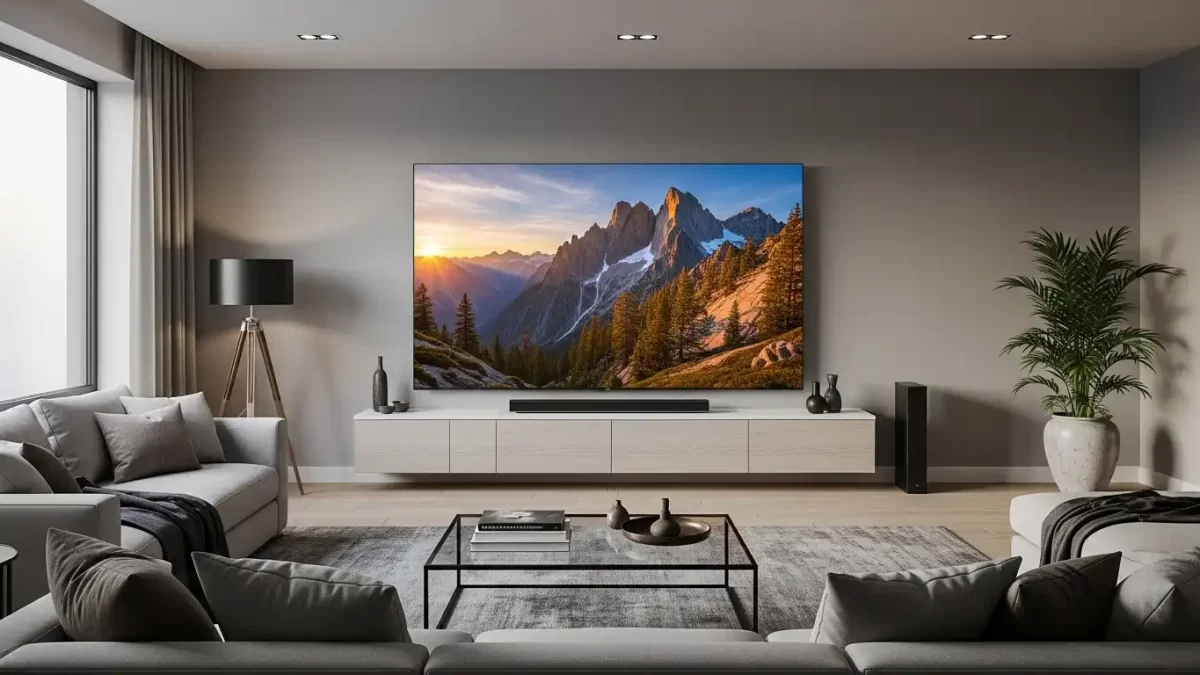
You step into any modern living room today and spot a sleek flat-panel TV that turns everyday viewing into an immersive adventure. That magic starts with 4K resolution.
You see four times the detail of Full HD, and every frame pulls you deeper into the story. This guide walks you through exactly what 4K resolution delivers, how pixels create the magic, which screen sizes work best, and why the upgrade transforms your entertainment and creative work.
You discover practical tips you can apply today, whether you shop for a new TV, edit photos, or stream your favorite shows. Let’s dive straight in.
- What Does 4K Resolution Actually Mean?
- Breaking Down the Pixels That Power 4K
- How Screen Size Changes Your 4K Experience
- Finding the Ideal Viewing Distance for 4K Screens
- Real Benefits You Gain from 4K Resolution
- Technical Features That Make 4K Even Better
- Choosing the Right 4K TV or Monitor for Your Needs
- Where to Find and Enjoy 4K Content Today
- Mastering 4K Image Editing for Professional Results
- The Exciting Future Beyond 4K Resolution
- Conclusion: Make 4K Resolution Work for You
- Frequently Asked Questions
What Does 4K Resolution Actually Mean?
You hear the term 4K everywhere, yet the real meaning goes far beyond marketing buzz. 4K stands for roughly 4,000 pixels across the horizontal line of your screen.
Two main standards exist. Consumer TVs and monitors use Ultra HD 4K at 3840 pixels wide by 2160 pixels tall. Cinema 4K measures 4096 by 2160 pixels and appears mainly in professional theaters.
You enjoy the Ultra HD version in everyday devices. Manufacturers label these screens as 4K UHD because the extra pixels deliver four times more detail than 1080p Full HD.
The jump feels immediate. You notice individual blades of grass in nature documentaries and tiny stitches on clothing in fashion shows. Every scene gains depth and realism that older screens simply cannot match.
Breaking Down the Pixels That Power 4K
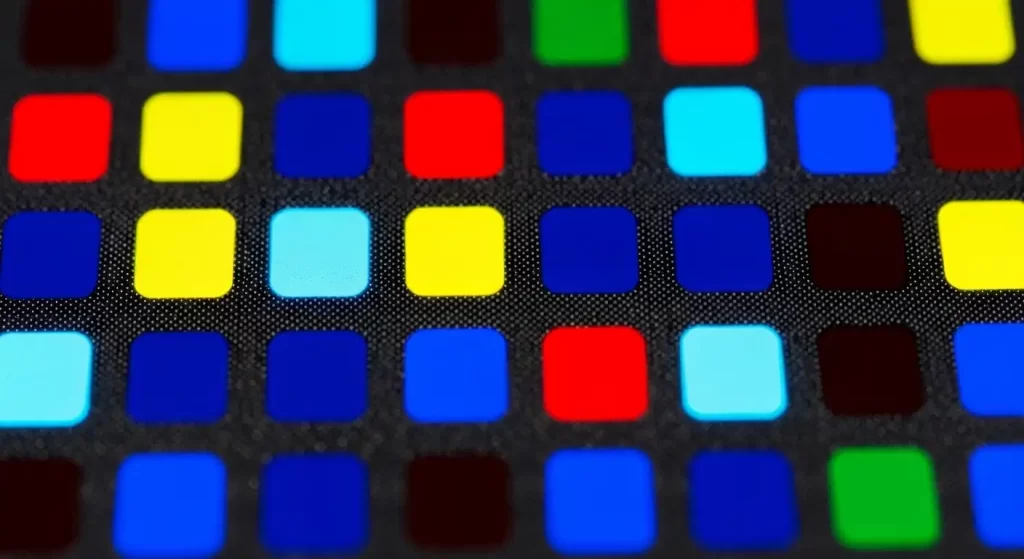
Pixels form the tiny building blocks of every image you see. Each pixel contains red, green, and blue sub-pixels that blend to create millions of colors.
In 4K resolution you work with exactly 8,294,400 pixels. You calculate this total by multiplying width times height: ( 3840 \times 2160 = 8,294,400 ).
That massive number lets your screen pack incredible detail into every inch. You see fine textures, subtle shadows, and smooth gradients that lower-resolution displays blur together.
Engineers pack these pixels so tightly that your eyes cannot distinguish individual dots from normal viewing distances. The result feels like looking through a clear window rather than at a screen.
You gain sharper edges, richer colors, and lifelike motion. Photographers and filmmakers love 4K because it captures nuances that standard HD misses completely.
How Screen Size Changes Your 4K Experience
You pick the perfect screen size when you understand how 4K resolution interacts with physical dimensions. Larger screens spread those 8.3 million pixels across more space, so pixel density drops slightly yet still delivers stunning clarity.
A 55-inch 4K TV gives you excellent sharpness from 6 to 9 feet away. You move closer without noticing any pixel grid because the pixels stay small enough for your eyes.
You enjoy even bigger 65-inch or 75-inch models in spacious rooms. The extra size immerses you deeper into movies and games while 4K resolution keeps every detail razor-sharp.
Smaller 43-inch or 50-inch 4K screens work beautifully in bedrooms or offices. You sit closer and still receive the full benefit of high pixel count without any softness.
Manufacturers design modern panels so you never see the grid from normal distances. You focus on the content instead of worrying about technical specs.
Finding the Ideal Viewing Distance for 4K Screens
You sit closer to a 4K screen than you ever could with older Full HD sets. The higher pixel density lets you enjoy bigger screens from shorter distances without eye strain.
Experts recommend roughly 1 to 1.5 times the screen height for optimal 4K viewing. For a 65-inch TV you measure about 32 inches high, so you sit 3 to 5 feet away and still see every detail perfectly.
You test this rule easily at home. Move closer than usual and watch how crisp faces, text, and textures remain. Lower-resolution screens force you farther back to hide pixelation.
Larger rooms let you mount 75-inch or 85-inch 4K TVs and still follow the same comfortable rule. You create a true cinema feel without sacrificing sharpness.
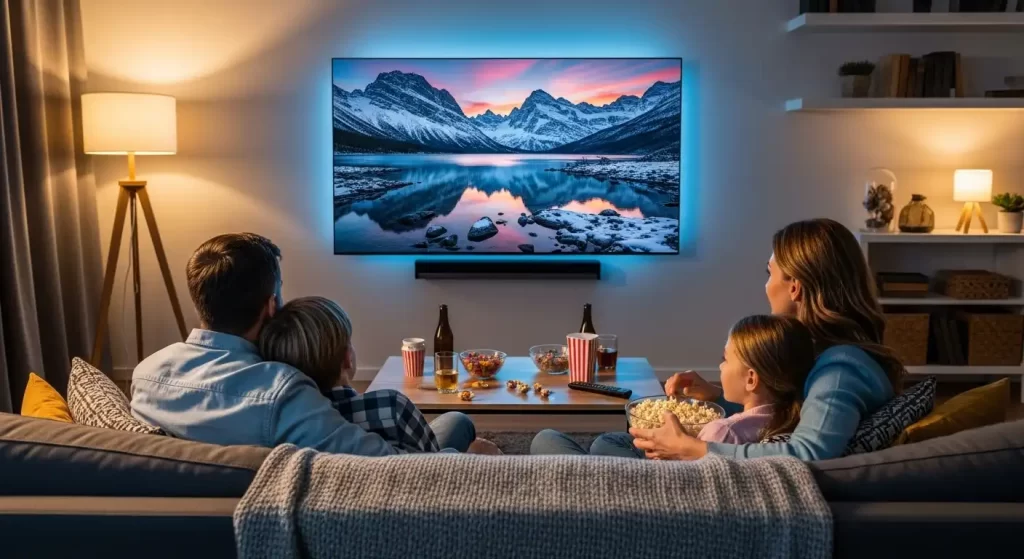
You adjust seating for family movie nights so everyone enjoys the same crystal-clear view. The flexibility makes 4K perfect for any living space.
Real Benefits You Gain from 4K Resolution
You notice sharper images the moment you switch to 4K. Tiny details pop — freckles on actors’ faces, fabric textures in clothing, and distant city lights all appear lifelike.
Colors look more vibrant because 4K panels pair with wider color gamuts and higher brightness. You experience richer reds, deeper blues, and smoother gradients that make nature scenes breathtaking.
Gaming feels more responsive and immersive. Fast action stays clear without motion blur, and you spot enemies or obstacles faster thanks to the extra detail.
You edit photos and videos with confidence because 4K screens reveal flaws and strengths you never saw before. Every pixel change shows instantly and accurately.
Streaming services deliver 4K content that feels closer to real life. You watch documentaries, sports, and concerts with a presence that older resolutions cannot match.
Technical Features That Make 4K Even Better
You unlock the full power of 4K when you pair it with high refresh rates and HDR. Many 4K TVs now reach 120Hz or 144Hz, so motion looks buttery smooth during sports and action scenes.
HDR technology expands brightness and contrast dramatically. You see bright highlights and deep shadows in the same frame without losing detail.
You connect devices through HDMI 2.0 or 2.1 ports to carry the full 4K signal at high frame rates. Modern sound systems sync perfectly with the picture for theater-quality experiences.
Variable refresh rate technology eliminates screen tearing in games. You enjoy fluid gameplay that matches your graphics card output exactly.
These features work together so you receive a complete entertainment package rather than just higher pixel counts.
Choosing the Right 4K TV or Monitor for Your Needs
You narrow options quickly once you know your room size and primary use. Gamers look for low input lag and high refresh rates. Movie lovers prioritize HDR brightness and wide color support.
You check panel types carefully. OLED panels deliver perfect blacks and infinite contrast, while QLED or Mini-LED models shine with brighter highlights and larger sizes.
Budget 4K TVs still deliver excellent picture quality today. You focus on brightness levels above 400 nits and full HDMI 2.1 ports for future-proof performance.
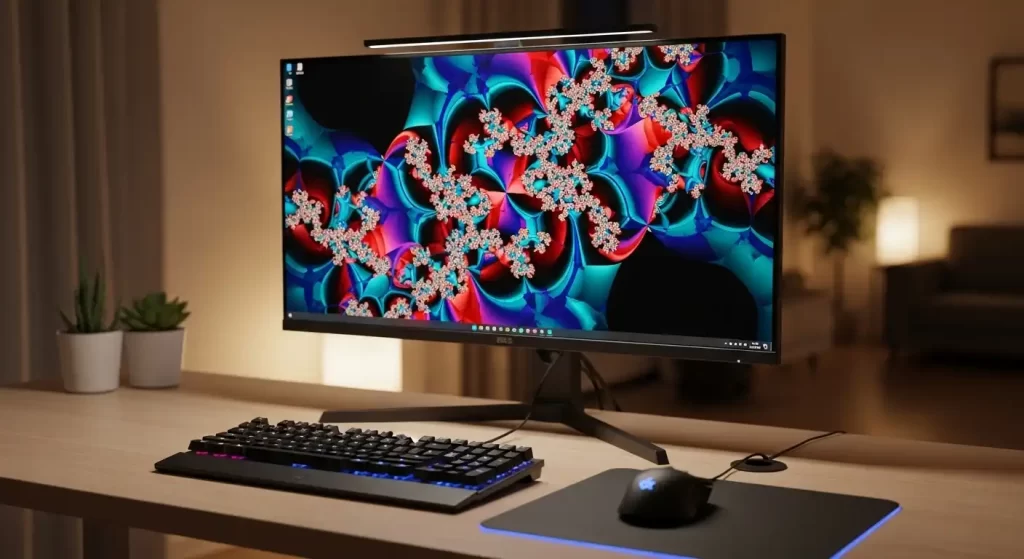
Monitors for creative work need accurate color calibration and wide viewing angles. You select IPS panels for consistent colors from any seat at your desk.
You read recent reviews and compare actual measured performance rather than just advertised specs. Real-world testing reveals which models truly impress.
Where to Find and Enjoy 4K Content Today
You stream 4K shows and movies on Netflix, Disney+, Amazon Prime Video, and YouTube. Most platforms automatically detect your 4K screen and deliver the highest quality available.
Gaming consoles like PlayStation 5 and Xbox Series X output native 4K at 60 frames per second or higher. You feel every detail in open-world adventures and fast-paced shooters.
You download 4K videos from Vimeo or purchase Ultra HD Blu-ray discs for the absolute best quality without compression.
Social media platforms now support 4K uploads, so you share your own high-resolution videos and photos with friends and followers.
Cable and satellite providers roll out 4K channels for live sports and events. You upgrade your receiver or set-top box to unlock these broadcasts.
Mastering 4K Image Editing for Professional Results
You capture stunning 4K photos and videos with modern smartphones and cameras, yet raw files often need polishing before they shine. Professional editing removes distractions, enhances colors, and sharpens details so your 4K content looks its absolute best across every screen.
You rely on skilled teams who understand high-resolution workflows. They handle complex selections and clean backgrounds while preserving every pixel of detail you worked hard to capture.
When you need expert help with clipping paths, background removal, or color correction on your 4K images, turn to professional image editing services. Their precise techniques make your ultra-high-definition photos pop on any device.
You export edited 4K files in the correct formats for web, print, or social media. The result looks flawless whether viewers watch on phones, tablets, or giant TVs.

The Exciting Future Beyond 4K Resolution
You already enjoy 4K as the new standard, yet 8K TVs and content slowly enter the market. These displays pack four times more pixels again, though you need very large screens and close seating to notice the difference today.
Content creators produce more native 4K material every month. You expect even better streaming quality, higher frame rates, and advanced HDR formats in coming years.
Display technology keeps improving brightness, contrast, and color accuracy. You benefit from thinner panels, lower power use, and smarter upscaling that makes older content look sharper on 4K screens.
You stay ready for the next leap by choosing devices with up-to-date ports and processing power. The foundation you build with 4K today carries forward smoothly.
Conclusion: Make 4K Resolution Work for You
You now understand exactly what 4K resolution delivers — millions of pixels, flexible screen sizes, and lifelike detail that transforms entertainment and creative work.
Take the next step today. Measure your viewing distance, check your current devices, and upgrade to a 4K screen that matches your space and budget.
You will notice sharper images, richer colors, and deeper immersion from the very first minute. Whether you watch movies, play games, edit photos, or simply enjoy better everyday viewing, 4K resolution elevates every experience.
Start exploring 4K content this week and feel the difference yourself. Your eyes will thank you.
Frequently Asked Questions
What exactly is 4K resolution?
4K resolution means approximately 4,000 pixels across the width of the screen. Consumer 4K UHD uses 3840 × 2160 pixels, delivering four times the detail of Full HD for sharper, more realistic images.
How many pixels does a 4K screen have?
A standard 4K UHD screen contains exactly 8,294,400 pixels. You calculate this by multiplying 3840 by 2160, giving you massive detail that makes every scene crystal clear.
Does screen size matter with 4K resolution?
Yes, larger screens spread the pixels farther yet still look sharp because of the high pixel count. You can sit closer to 65-inch or 75-inch 4K TVs than you could with older resolutions and still enjoy perfect clarity.
Is 4K resolution worth it for gaming?
Absolutely. 4K gaming gives you sharper textures, better visibility of distant objects, and smoother motion when paired with high refresh rates. Most modern consoles and PCs deliver native 4K gameplay that feels far more immersive.
How far should I sit from a 4K TV?
You can sit as close as 1 to 1.5 times the screen height. For a 65-inch TV this means roughly 3 to 5 feet away without seeing any pixel grid, letting you enjoy maximum detail comfortably.
Do I need special cables for 4K?
You need HDMI 2.0 or 2.1 cables to carry the full 4K signal at 60 frames per second or higher. Standard HDMI cables may limit resolution or refresh rate, so check your cable ratings.
Can my phone or camera shoot in 4K resolution?
Yes, most recent smartphones and mirrorless cameras record 4K video and photos. You capture incredible detail that looks stunning when viewed or edited on a 4K screen.