


How to Make a Clipping Path in InDesign: A Simple Guide
October 20, 2025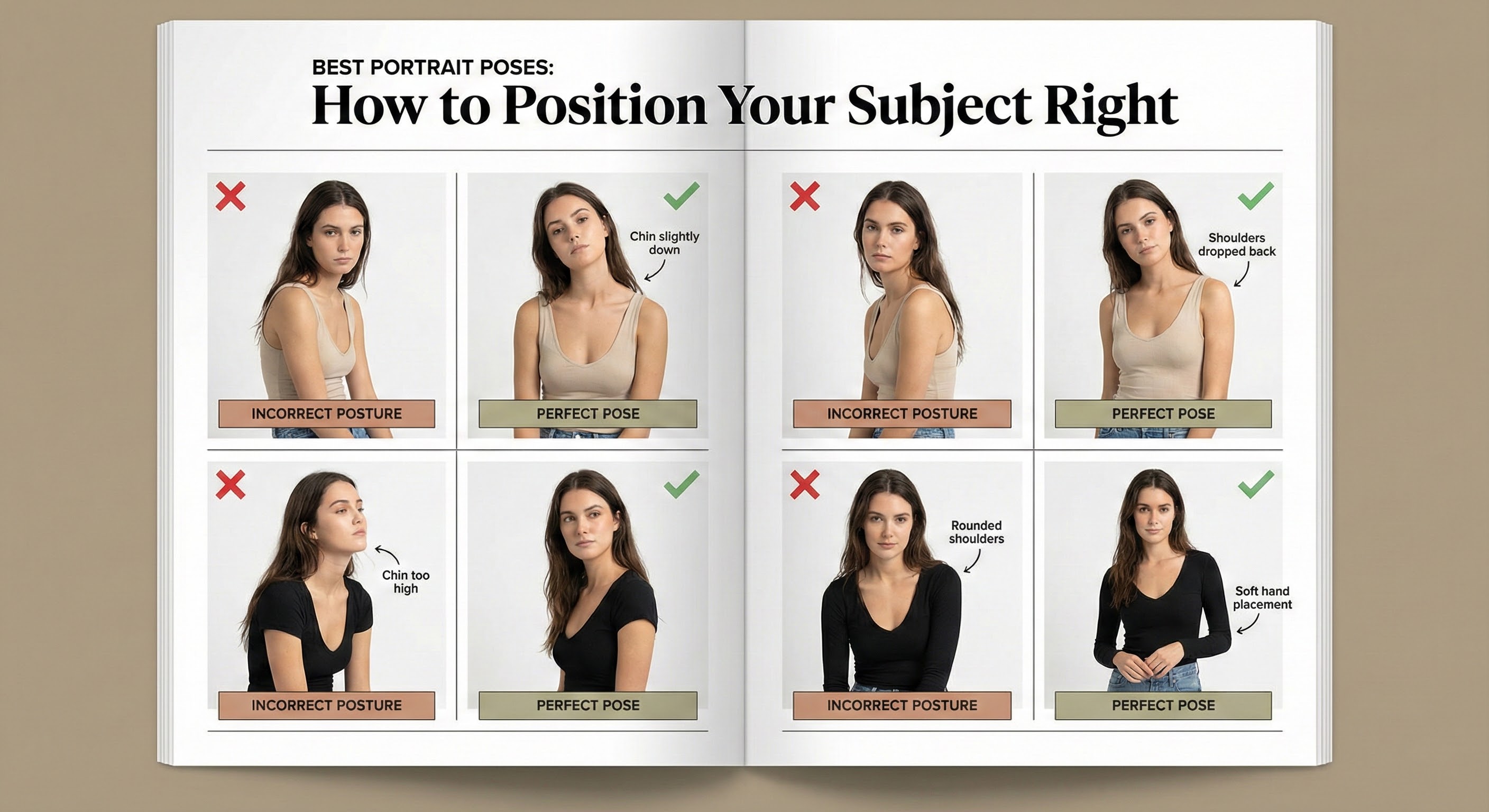
Best Portrait Poses: How to Position Your Subject Right
October 20, 2025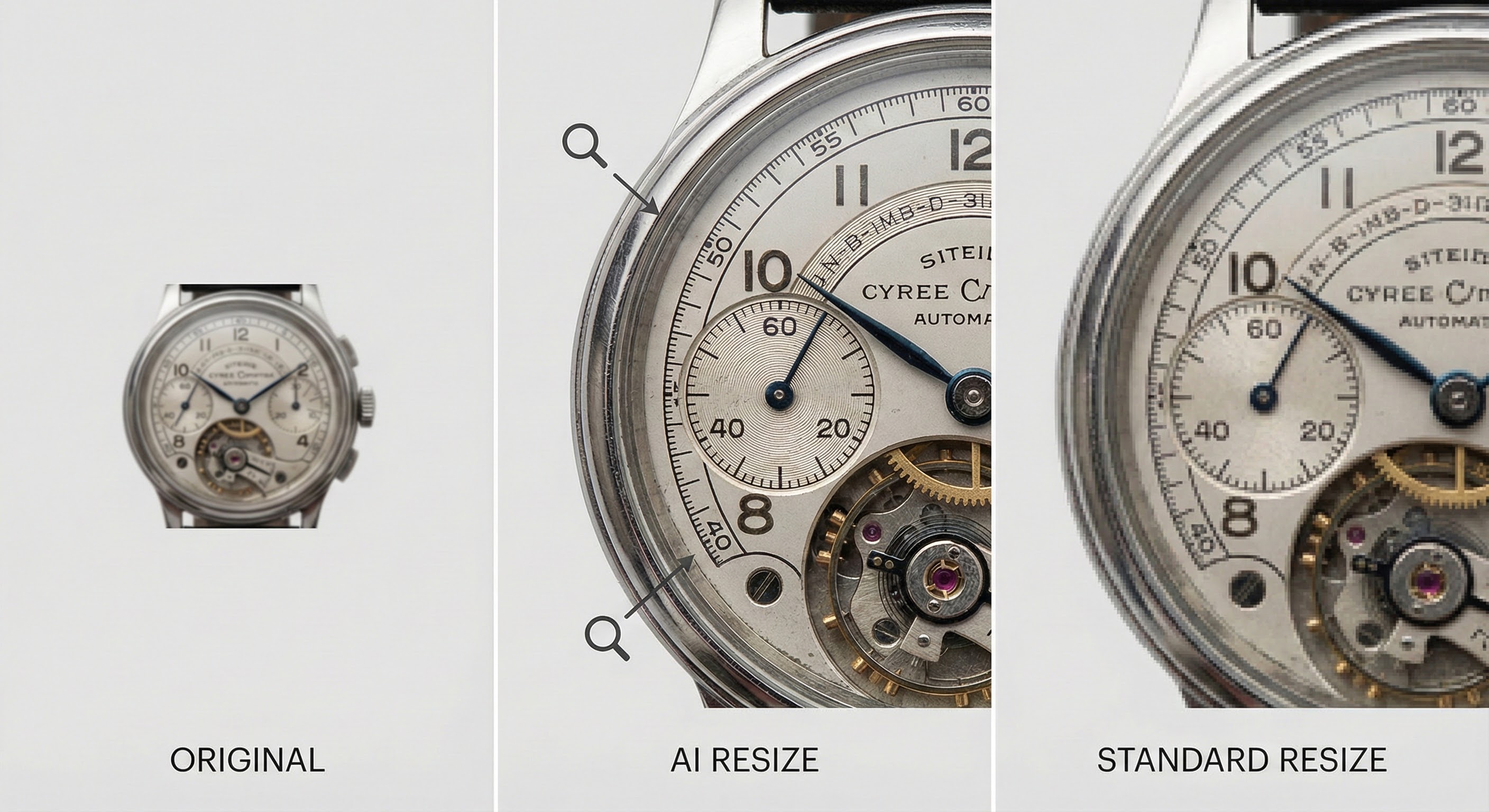
- Image Resizing Without Quality Loss: A Comprehensive Guide
- 1. How to Prepare for Image Resizing
- 2. How to Resize Images in Photoshop
- 3. Top Image Resizing Tools
- 4. Best Image Resizing Tools with AI Technology
- 5. Essential Tips for Resizing Ecommerce Photos
- 6. Tips for Resizing Headshots
- 7. Why Outsource Image Resizing?
- 8. FAQs About Image Resizing and Compression
- 9. Advanced Techniques for Image Resizing
- 10. Importance of Aspect Ratios
- 11. Common Mistakes to Avoid
- Conclusion
Image Resizing Without Quality Loss: A Comprehensive Guide
Images play a crucial role in digital communication across websites, social media, ecommerce, and personal projects. Resizing and compressing images properly ensures they are visually appealing, load swiftly, and are optimized for their specific use. This guide explores the best practices, tools, and techniques for resizing images without compromising quality, including insights into Clipping Expert Asia’s professional services.
1. How to Prepare for Image Resizing
Preparation is key to achieving optimal results in resizing:
- Start with High-Resolution Originals: Always work with the highest quality image possible to minimize any potential quality loss during resizing.
- Know the Purpose: Different platforms require different image sizes and aspect ratios. For example, social media might need specific dimensions for posts, while websites focus on fast-loading images for better user experience.
- Choose the Right Tools: Use professional tools like Photoshop, GIMP, or services from Clipping Expert Asia for the best results.
2. How to Resize Images in Photoshop
Here are two methods to resize images efficiently in Photoshop:
Shortcut Method:
- Open your image in Photoshop.
- Press Ctrl + Alt + I (Windows) or Command + Option + I (Mac) to open the Image Size dialog box.
- Adjust dimensions and ensure “Resample Image” is checked to preserve quality.
Export Method:
- Go to File > Export > Export As…
- Select your desired dimensions and format, then adjust quality settings to balance image clarity and file size.
3. Top Image Resizing Tools
Several tools are available for resizing images based on your needs:
- Photoshop: The industry standard for professional image editing.
- GIMP: A powerful free alternative for image manipulation.
- Canva: Great for quick, user-friendly edits.
- Clipping Expert Asia: Offers professional, precise resizing services tailored to specific needs.
4. Best Image Resizing Tools with AI Technology
- Photoshop’s Neural Filters: Use this AI-powered tool to upscale images without losing clarity.
- Waifu2x: An online tool that enlarges images while retaining their sharpness and quality.
5. Essential Tips for Resizing Ecommerce Photos
- Uniform Dimensions: Ensure consistency in product image sizes for a professional look across your website.
- Optimize for Speed: Compress images to reduce file sizes and improve website loading times.
- Focus on Detail: Ensure that product features are sharp and clearly visible for a better customer experience.
- Outsource for Bulk Resizing: If you have many product images, outsourcing to professionals like Clipping Expert Asia can save you time and ensure quality.
6. Tips for Resizing Headshots
- Maintain Clarity: Focus on ensuring facial features are sharp and well-lit.
- Use Smart Objects in Photoshop: This helps preserve image quality and avoid pixelation when resizing.
- Background Removal: Clean backgrounds improve the overall professional appearance. Clipping Expert Asia can help with this task efficiently.
7. Why Outsource Image Resizing?
Outsourcing your image resizing can save you a lot of time and effort, especially for businesses with large image volumes. Clipping Expert Asia provides:
- Bulk Resizing: Consistent and high-quality results in bulk.
- Custom Solutions: Tailored services for different industries, whether it’s ecommerce or personal use.
- Quick Turnaround: Fast, reliable delivery without compromising quality.
8. FAQs About Image Resizing and Compression
- Does resizing affect image quality? Yes, resizing can cause quality loss. However, tools like Photoshop and services like Clipping Expert Asia minimize this loss, ensuring sharp and clear images.
- What formats are best for resized images? JPEG for web, PNG for transparency, and TIFF for high-quality prints.
- Can I resize images in bulk? Absolutely! Use tools like Clipping Expert Asia for bulk resizing to save time.
- What’s the difference between resizing and compression? Resizing changes the image’s dimensions, while compression reduces the file size. Both are vital for optimizing images.
9. Advanced Techniques for Image Resizing
- Vector Graphics: Use scalable vector formats like SVG for logos or illustrations. These can be resized without any quality loss.
- Batch Processing: Efficiently resize multiple images at once using tools like Adobe Bridge or Clipping Expert Asia’s bulk services.
- Hybrid Formats: Consider using WebP for images that combine both lossy and lossless compression, delivering the best of both worlds.
10. Importance of Aspect Ratios
Aspect ratios ensure your images maintain proportionality across different platforms. Some common ratios include:
- 1:1 for social media profile pictures.
- 16:9 for widescreen displays.
- 4:5 for Instagram posts.
11. Common Mistakes to Avoid
- Ignoring Aspect Ratios: This may cause your images to appear stretched or distorted.
- Over-Compression: Too much compression can result in blurry or pixelated images.
- Using Low-Resolution Originals: Starting with low-resolution images limits the quality of the resized version.
12. Why Choose Clipping Expert Asia?
Clipping Expert Asia stands out for its expertise in professional image resizing. Their services include:
- Precision Resizing: Ensuring images are resized according to your exact specifications.
- Bulk Processing: Efficiently handle large quantities of images while maintaining high-quality results.
- Custom Solutions: Tailored services for specific needs, whether it’s for ecommerce, social media, or personal use.
Conclusion
Image resizing is more than just a technical task; it’s a process of balancing quality, size, and usability. By choosing the right tools and techniques, and leveraging professional services like Clipping Expert Asia, you can ensure your images always make the right impression, enhancing your website’s user experience, social media presence, and ecommerce success.