

Photography Editing Tips: How to Get Professional Results Without Being a Pro
January 22, 2026
AI Photo Retouching: Professional Photography Tips | Pros & Cons
January 24, 2026
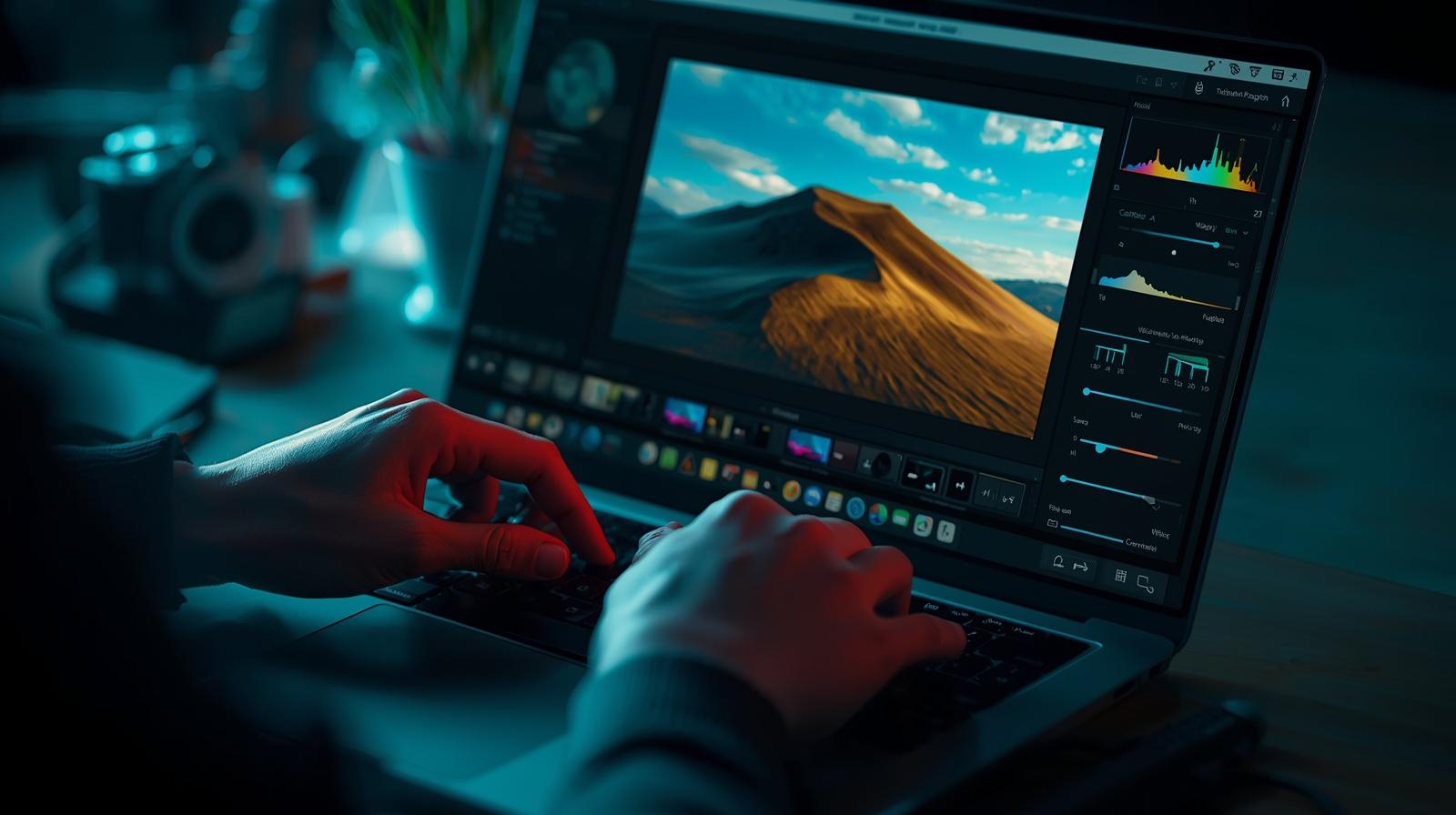
Photographers and designers constantly seek tools that enhance images with precision and creativity. In 2026, photo retouching software evolves rapidly, integrating advanced AI to simplify complex edits. Professionals rely on these programs to remove blemishes, adjust lighting, and create stunning visuals for e-commerce, portraits, and marketing. This guide explores the top options, helping you choose the right one for your workflow. Whether you edit portraits or product shots, the best tools deliver efficiency and quality.
- Understanding Photo Retouching Essentials
- Key Criteria for Selecting Photo Retouching Software
- Adobe Photoshop: The Industry Standard for Detailed Retouches
- Adobe Lightroom Classic: Streamlined Workflow for Batch Retouching
- Affinity Photo 2: Affordable Alternative with Pro Features
- Capture One Pro: Superior Color Handling for Studios
- Luminar Neo: AI-Driven Creativity for Quick Enhancements
- DxO PhotoLab 8: Technical Excellence in Noise and Lens Correction
- GIMP: Free and Open-Source Powerhouse
- Imagen AI: Personalized Batch Editing with AI
- ON1 Photo RAW 2026: All-in-One with Generative AI
- Emerging Trends in Photo Retouching Software for 2026
- Choosing the Right Tool for Your Needs
- Frequently Asked Questions
Understanding Photo Retouching Essentials
Photo retouching transforms raw images into polished masterpieces. Professionals use it to correct imperfections, enhance colors, and refine details. Unlike basic editing, retouching involves targeted adjustments like skin smoothing or object removal. In 2026, AI accelerates these processes, allowing users to achieve pro-level results faster.
You start with selecting the right software based on your needs. Beginners prefer user-friendly interfaces, while experts demand layered editing and batch processing. Key features include healing brushes, frequency separation, and AI masks. These tools ensure natural outcomes without over-editing.
Retouching impacts industries from fashion to real estate. E-commerce sites boost sales with flawless product images, and portrait photographers build reputations through subtle enhancements. As technology advances, software incorporates machine learning for automated suggestions, reducing manual work.
Experts recommend practicing ethical retouching to maintain authenticity. Over-altering can mislead viewers, so balance enhancements with reality. Mastering these basics sets the foundation for exploring advanced programs.
Key Criteria for Selecting Photo Retouching Software
You evaluate software based on several factors to match your projects. Compatibility with file formats like RAW matters for preserving details. Look for programs that support high-resolution exports without quality loss.
Ease of use influences productivity. Intuitive interfaces save time, especially for batch edits. AI integration ranks high in 2026, as it automates tasks like noise reduction and subject selection.
Pricing models vary, subscriptions offer updates, while one-time purchases appeal to budget-conscious users. Consider cloud storage for seamless access across devices.
Performance on hardware affects efficiency. Software optimized for GPUs handles complex retouches smoothly. Community support, through forums and tutorials, aids learning.
Security features protect sensitive client images. Finally, integration with other tools, like plugins for Adobe suites, streamlines workflows.
Adobe Photoshop: The Industry Standard for Detailed Retouches
Adobe Photoshop dominates photo retouching in 2026 with its powerful layers and AI tools. You manipulate pixels precisely using features like Generative Fill, which removes objects or adds elements seamlessly. The program excels in portrait work, offering Liquify for reshaping and Healing Brush for blemish removal.
Professionals appreciate its integration with Lightroom for a complete workflow. AI enhancements, such as Neural Filters, automate skin smoothing and color correction. You achieve natural results through frequency separation, separating texture from color for targeted edits.
Pros include:
- Unmatched selection and masking tools for complex composites.
- Generative AI for creative expansions.
- Extensive plugin ecosystem.
Cons involve a steep learning curve and subscription costs. Pricing starts at $20.99 monthly for the full Creative Cloud suite.
Photoshop suits advanced users handling intricate projects. It processes large files efficiently on modern hardware. For learning paths, explore photo retouching techniques in Photoshop to master basics and beyond.
Adobe Lightroom Classic: Streamlined Workflow for Batch Retouching
Adobe Lightroom Classic streamlines organization and editing for photographers. You catalog thousands of images, applying non-destructive adjustments across batches. AI masking selects subjects or skies automatically, speeding up retouches.
The program shines in color grading with precise sliders for exposure and vibrance. Local adjustments via brushes refine specific areas, like enhancing eyes in portraits. In 2026, integrated RAW Enhance tools reduce noise effectively.
Users praise its tethered shooting for real-time previews. Pros feature:
- Powerful search and cataloging.
- Cloud sync for mobile access.
- AI denoising for low-light shots.
Drawbacks include a dated interface and hardware dependency. It costs $9.99 monthly via the Photography Plan.
Lightroom fits high-volume workflows, such as wedding photography. It complements Photoshop for deeper edits.
Affinity Photo 2: Affordable Alternative with Pro Features
Affinity Photo 2 offers perpetual licensing, attracting users avoiding subscriptions. You edit with live filters and unlimited layers, supporting advanced retouching like astro stacking and HDR merges.
The software handles frequency separation for skin work and provides vector tools for precision. In 2026, it integrates AI via Canva for enhanced masking, though core features remain free.
Key advantages include:
- One-time purchase at $69.99.
- PSD compatibility for seamless transitions.
- Hardware acceleration for smooth performance.
Limitations involve no built-in cataloging and optional AI subscriptions. It excels for individual image retouches in creative fields.
Discover more at the official Affinity Photo site for tutorials and downloads.
Capture One Pro: Superior Color Handling for Studios
Capture One Pro leads in color accuracy, essential for fashion and product retouching. You adjust hues with the Skin Tone tool, unifying complexions across shots. Layered editing allows masks for localized changes.
Tethering with live view supports studio sessions, capturing adjustments in real time. AI masking accelerates selections, and the program processes RAW files exceptionally.
Benefits encompass:
- Customizable interface.
- Session or catalog modes.
- Excellent noise reduction.
Cons include higher pricing, $299 perpetual or $179 yearly, and a need for external editors occasionally. It targets pros prioritizing color fidelity.
Luminar Neo: AI-Driven Creativity for Quick Enhancements
Luminar Neo leverages generative AI for effortless retouches. You replace skies or remove objects with GenErase, and Relight AI adjusts lighting based on 3D maps. Portrait tools enhance features naturally.
The modular interface adapts to your style, focusing on creative outputs. In 2026, it handles small batches efficiently with presets.
Pros highlight:
- Perpetual license options.
- Intuitive AI sliders.
- Integrated catalog.
Downsides feature workflow inconsistencies and variable AI results. Pricing varies, starting at $149 for lifetime access.
Luminar suits creators seeking inspiration over precision.
DxO PhotoLab 8: Technical Excellence in Noise and Lens Correction
DxO PhotoLab 8 excels in RAW processing, using DeepPRIME XD2s for superior denoising. You correct lens distortions automatically, sharpening edges without artifacts. The Hue Mask tool refines colors selectively.
It prioritizes technical quality, integrating U Point for control-point masking. Pros include:
- Hand-crafted adjustments.
- Compatibility with various cameras.
- Perpetual licensing.
Cons note a daunting toolset and limited library management. Elite version costs around $229.
This software benefits photographers rescuing flawed images.
GIMP: Free and Open-Source Powerhouse
GIMP provides robust retouching without costs, appealing to beginners and hobbyists. You use paths and brushes for selections, with plugins extending functionality. Frequency separation supports skin edits.
In 2026, community updates add AI-like features via scripts. Advantages cover:
- Customizable via extensions.
- Multi-platform support.
- No subscriptions.
Limitations involve slower performance and a complex interface. It’s free forever.
GIMP fits budget users exploring retouching. Check the official GIMP website for resources.
Imagen AI: Personalized Batch Editing with AI
Imagen AI trains on your style for consistent retouches across catalogs. It culls images automatically, detecting issues like closed eyes. Specialized tools handle real estate edits, such as sky replacements.
Cloud processing ensures speed, editing images in under a second. Pros feature:
- Personal AI profiles.
- Integration with Lightroom.
- Talent profiles for starters.
Cons require internet and initial edits for training. Pricing is subscription-based.
Imagen revolutionizes high-volume workflows.
ON1 Photo RAW 2026: All-in-One with Generative AI
ON1 Photo RAW combines cataloging and effects in one app. Super Select AI masks regions, and Tack Sharp deblurs images. Generative tools erase and crop intelligently.
It blends presets for creative retouches. Benefits include:
- One-off or subscription pricing.
- Excellent filters.
- RAW handling.
Drawbacks encompass patchy AI and weaker lens corrections. It costs $99.99 yearly or $149 perpetual.
ON1 appeals to versatile editors.
Emerging Trends in Photo Retouching Software for 2026
AI dominates 2026, with tools predicting edits based on user habits. Generative features fill gaps creatively, expanding possibilities. Cloud collaboration allows teams to retouch simultaneously.
Sustainability influences development, optimizing for energy-efficient processing. Mobile apps gain desktop parity, enabling on-the-go adjustments.
Privacy concerns drive local AI models, reducing data sharing. Integration with AR/VR previews retouches in virtual spaces.
These trends push boundaries, making retouching accessible yet powerful.
For in-depth reviews, visit this comprehensive guide on photo editing software.
Choosing the Right Tool for Your Needs
You select based on project scale and budget. Pros opt for Adobe suites for integration, while independents choose Affinity for affordability. Test trials to assess fit.
Combine tools for optimal results, use Lightroom for organization and Photoshop for details. Stay updated with releases to leverage new AI.
Retouching elevates your work, turning good images into great ones.
Frequently Asked Questions
- What makes Adobe Photoshop the top choice for photo retouching in 2026?
Photoshop provides advanced layers, AI tools like Generative Fill, and precise controls for professional results. It integrates seamlessly with other Adobe apps. - Is there free photo retouching software worth using?
Yes, GIMP offers powerful features like brushes and plugins without costs, making it ideal for beginners or budget users. - How does AI improve photo retouching?
AI automates masking, noise reduction, and object removal, saving time while maintaining natural looks in tools like Luminar Neo. - Can I use mobile apps for professional retouching?
Apps like Lightroom Mobile offer desktop-level features, but for intricate work, desktop software provides more precision. - What should beginners look for in retouching software?
Start with user-friendly options like Photoshop Elements, focusing on guided edits and simple AI tools to build skills. - How do pricing models affect software choice?
Subscriptions ensure updates, while perpetual licenses like Affinity’s avoid ongoing fees but may lack future enhancements. - Does retouching software support RAW files?
Most top programs, including Capture One and DxO, excel in RAW processing for maximum detail and flexibility. - What trends will shape retouching in the coming years?
Expect more generative AI, cloud collaboration, and sustainable processing to enhance efficiency and creativity.