

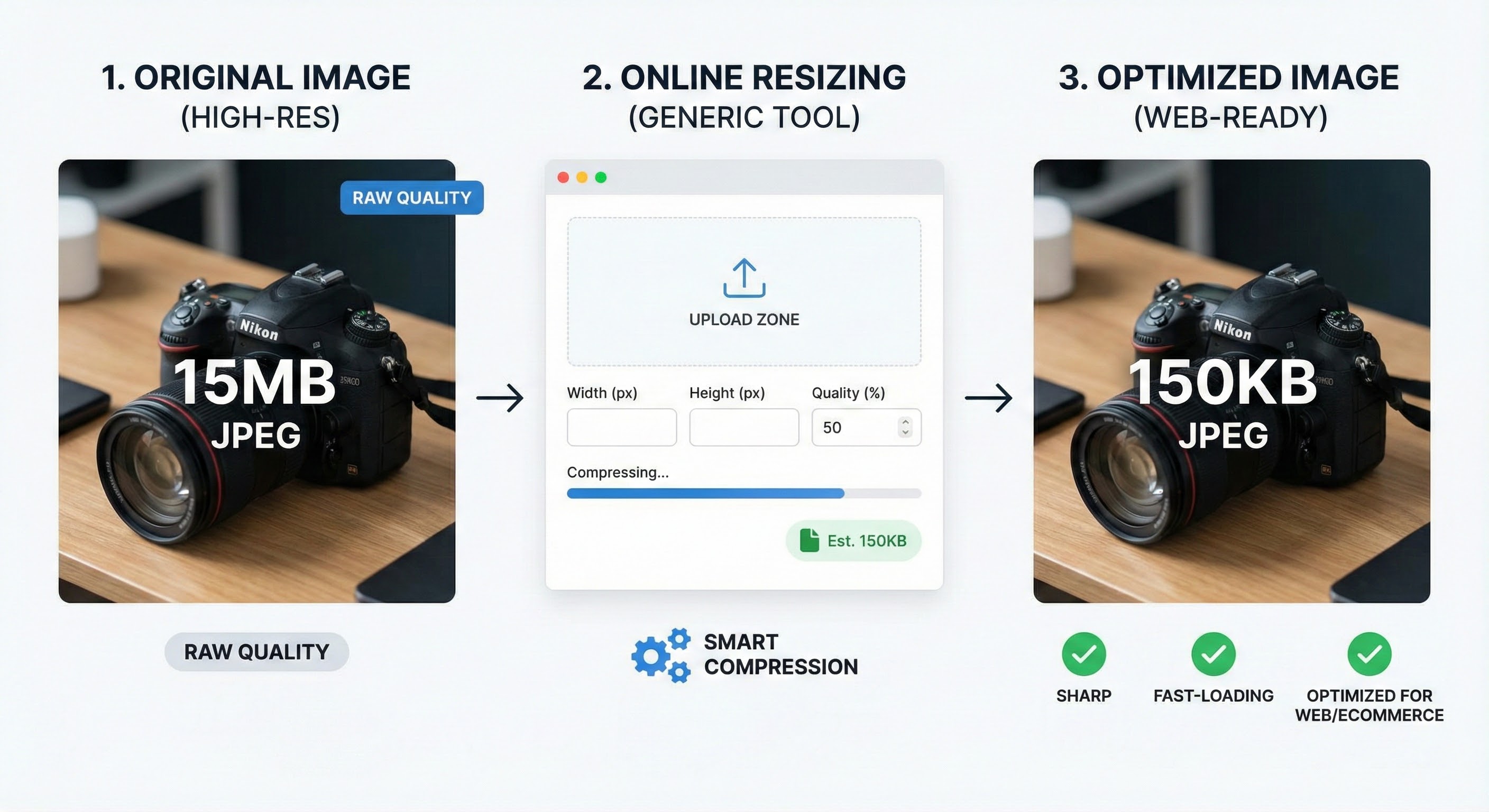
Best Ways to Resize Images Without Losing Quality Online
October 20, 2025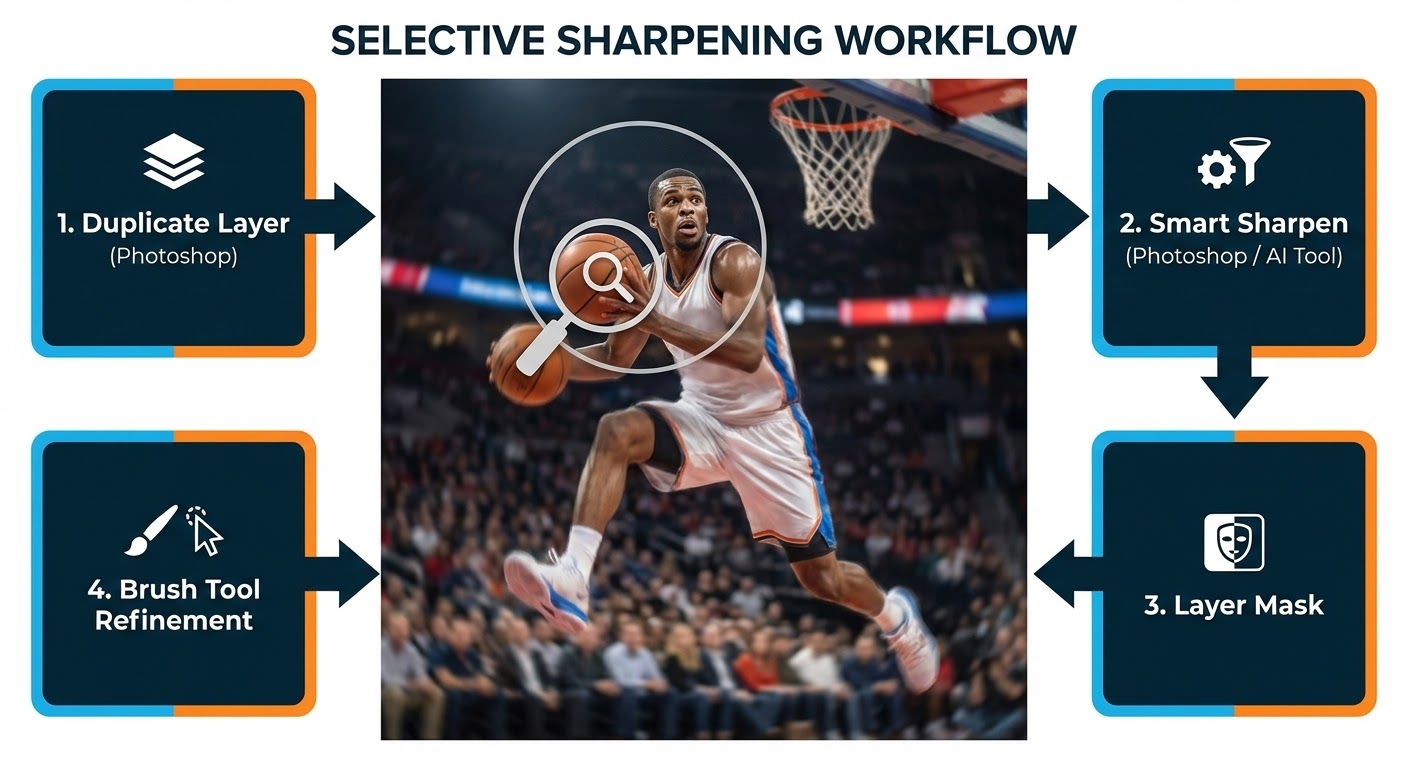
Fix Blurry Sports Photos: Step-by-Step Guide
October 20, 2025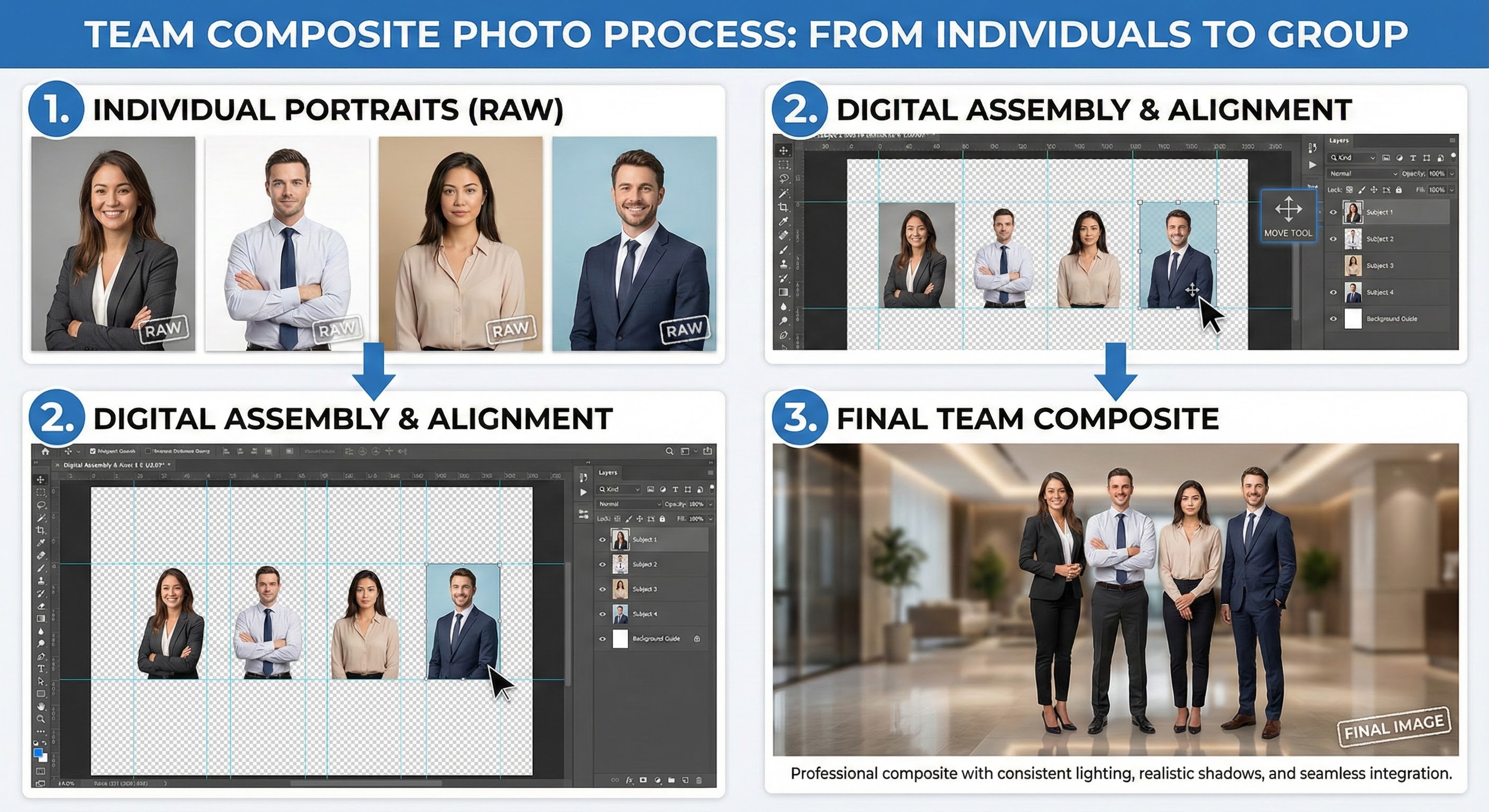
- A Complete Guide to Team Composite Photos with Simple Tips
- What is a Team Composite Photo?
- Benefits of Team Composite Photos
- Why Choose Composite Photos Over Traditional Group Photos?
- How to Create a Team Composite Photo (Step-by-Step)
- Photography Tips for Better Team Composite Photos
- Common Mistakes to Avoid
- Send Your Team Composite to Clipping Expert Asia
- Why Choose Clipping Expert Asia?
A Complete Guide to Team Composite Photos with Simple Tips
In today’s digital-first world, visuals speak louder than words. Whether it’s a corporate team, a school sports squad, or an organization with members around the globe, representing everyone in one polished image can be challenging. That’s where team composite photos come in.
A team composite photo allows you to showcase every individual in a clean, consistent, and professional way without the hassle of coordinating schedules or gathering everyone in one place. If you’ve ever wondered how to create a professional-looking team composite, this step-by-step guide will walk you through everything from what it is to photography tips and professional editing solutions.
What is a Team Composite Photo?
A team composite photo is a group picture that combines individual portraits into one seamless image. Instead of photographing the entire group together, each person is photographed separately, and then professional editors merge them into a single cohesive portrait.
This type of photo is widely used in:
- Corporate and business teams
- Schools and universities
- Sports teams and clubs
- Associations and non-profits
- Military or uniformed organizations
Benefits of Team Composite Photos
- Flexibility – No need for everyone to be present at the same time.
- Professional Look – Each member appears polished with consistent lighting and positioning.
- Easy Updates – Adding or replacing members in the future is simple without retaking the entire photo.
- Time-Saving – Photoshoots are shorter and less stressful.
- Cost-Effective – One photographer can handle multiple shoots without needing everyone at once.
Why Choose Composite Photos Over Traditional Group Photos?
Traditional group photos have several drawbacks:
- Difficult to organize everyone at once.
- Uneven lighting and shadows when shooting large groups.
- Some individuals may blink, look away, or appear uncomfortable.
- Hard to maintain consistency when retaking in the future.
Composite photography solves these problems by ensuring:
Uniform backgrounds
Proper lighting and exposure
Flexibility for future edits
Perfect alignment and natural shadows
For modern businesses and teams, composite photos are becoming the gold standard for professionalism.
How to Create a Team Composite Photo (Step-by-Step)
Here’s a practical step-by-step guide to creating flawless team composite photos:
1. Plan the Layout
Before you start photographing, decide on the final design. Will your team be arranged in rows? Staggered positions? A casual lineup? Planning helps maintain consistency during editing.
2. Set Up the Background
Choose a plain background (preferably white, gray, or green screen) to make clipping easier. Neutral backgrounds help editors seamlessly merge images later.
3. Photography Session Individual Portraits
Photograph each team member individually. Ensure:
- The same camera settings are used.
- Consistent lighting for uniform skin tones.
- A tripod is used to keep the camera angle steady.
Encourage natural smiles and confident postures so everyone looks their best.
4. Maintain Consistency
Consistency is key to making a composite look real. Pay attention to:
- Eye level – Keep the camera at the same height for everyone.
- Framing – Capture from the same distance.
- Lighting direction – Shadows should fall in the same way.
5. Editing & Clipping Path
Once photos are taken, the editing process begins:
- Remove backgrounds with clipping paths.
- Align individuals into the planned layout.
- Add shadows for depth and realism.
- Adjust colors, brightness, and tones for uniformity.
6. Final Touches
Polish the final image with retouching:
- Remove blemishes and imperfections.
- Balance contrast and exposure.
- Apply finishing effects for a professional look.
Photography Tips for Better Team Composite Photos
Even though editing plays a huge role, capturing good raw images makes the process easier and results in higher-quality composites.
Here are some pro tips:
- Use Soft Lighting – Harsh lighting creates uneven skin tones. Use softboxes or natural diffused light.
- Shoot in RAW Format – This gives more editing flexibility.
- Keep the Same Pose Style – Standing with arms by the side or slight angles works best.
- Use Markers on the Floor – So everyone stands in the same spot and alignment.
- Leave Extra Space – Shoot slightly wider to allow cropping and repositioning.
- Check Outfits – Encourage team members to wear coordinated or branded clothing.
Common Mistakes to Avoid
Inconsistent backgrounds – makes editing harder.
Changing camera settings during shoots – creates mismatched tones.
Uneven lighting – shadows don’t align later.
Over-editing – makes the photo look fake and unnatural.
Send Your Team Composite to Clipping Expert Asia
Creating a professional team composite requires precision editing, and not everyone has the time or tools to perfect it. That’s where Clipping Expert Asia comes in.
Our expert editors specialize in:
Clipping Path Services – Clean background removal.
Photo Retouching – Smooth skin, fix imperfections.
Color Correction – Match tones for a consistent look.
Shadow Creation – Add depth for realism.
Composite Alignment – Place team members perfectly.
Whether it’s for your corporate team, sports club, or school, we deliver high-quality, print-ready composite portraits that truly stand out.
All you need to do is send us your team’s individual photos, and we’ll handle the rest.
Why Choose Clipping Expert Asia?
- Experienced editors with years of industry expertise.
- Quick turnaround times for urgent projects.
- Affordable packages suitable for businesses and schools.
- High-resolution output for both print and digital use.
Our goal is simple: make your team look their absolute best while saving you time and effort.