

How to Add Realistic Shadows in Photoshop: Step-by-Step Guide
January 24, 2026
Why Amazon Sellers Need Professional Photo Editing
January 27, 2026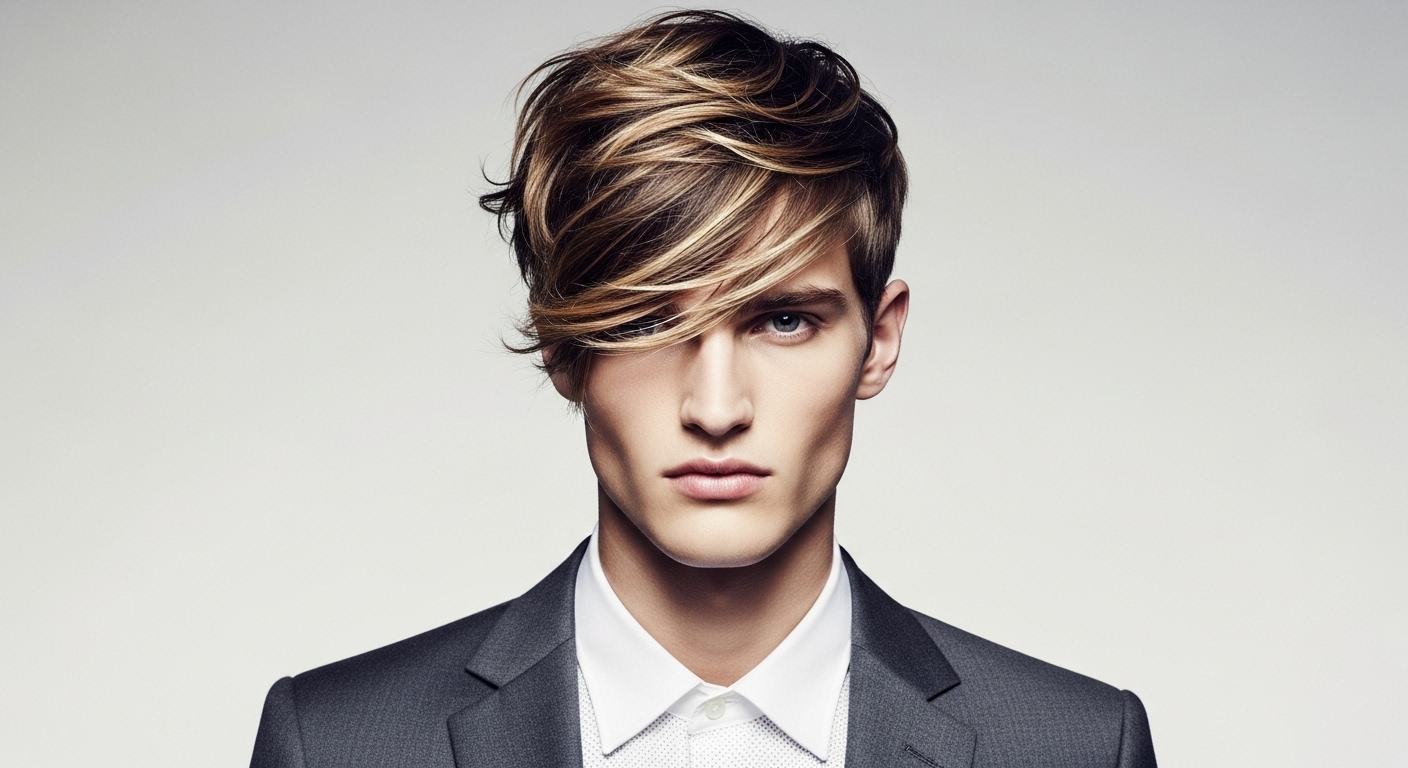
Fashion photography thrives on perfection, where every strand of hair, delicate lace edge, or flowing fabric must shine without distractions. High-precision image masking steps in as the hero, allowing editors to isolate subjects seamlessly from backgrounds. This technique preserves intricate details that basic clipping paths often destroy. Professionals rely on it to create composite images that look natural and compelling. In this guide, we dive into proven methods that handle those tricky elements, ensuring your shots pop in catalogs, ads, and social media.
You achieve high-precision image masking by layering non-destructive edits in software like Photoshop. It involves creating masks that hide or reveal parts of an image based on color, contrast, or manual selection. For fashion, this means tackling challenges like translucent materials or fine textures. Editors start with selecting tools to outline the subject, then refine the mask for accuracy. The result? Images that blend effortlessly into new scenes, boosting creative freedom.
- Understanding Image Masking Basics
- Why Fashion Photography Demands High-Precision Masking
- Essential Tools for Effective Masking
- Layer Masking Technique for Beginners
- Alpha Channel Masking for Advanced Control
- Refine Edge and Hair Masking Strategies
- Handling Fabrics and Textures with Precision
- Integrating Masks with Other Editing Techniques
- Common Pitfalls and How to Avoid Them
- Professional Services for Complex Projects
- Scaling Up: Batch Processing Masks
- Creative Applications in Fashion Campaigns
- Tips for Maintaining Workflow Efficiency
- Future Trends in Image Masking
- Mastering High-Precision Image Masking
- FAQs
Understanding Image Masking Basics
Image masking lets you control visibility in specific areas without altering the original file. Unlike erasing, which permanently removes pixels, masking hides them reversibly. In fashion photography, this proves essential for subjects with complex outlines. Think of a model in a fringed outfit—masking captures each fringe precisely. Beginners often confuse it with clipping, but masking excels at soft edges and gradients.
Professionals use layer masks to paint in black or white, revealing or concealing as needed. This approach maintains flexibility during revisions. For intricate details, combine it with brush tools set to varying opacities. Fashion editors appreciate how it preserves shadows and highlights, making composites realistic. Start simple: duplicate your layer, add a mask, and experiment on practice shots.
Why Fashion Photography Demands High-Precision Masking
Fashion images sell dreams, so imperfections like jagged edges ruin the illusion. High-precision image masking ensures models stand out against any backdrop, from urban streets to studio whites. It handles elements like wispy hair or embroidered fabrics that defy straight cuts. Brands use it to swap backgrounds quickly, saving time on reshoots.
This technique enhances post-production efficiency. Photographers capture raw shots, then editors apply masks to refine. The outcome elevates product visibility in e-commerce. Imagine a necklace on a model—masking isolates it cleanly for catalogs. It also supports creative effects, like adding glows or textures without affecting the core subject.
Essential Tools for Effective Masking
Editors turn to robust software for precision work. Adobe Photoshop stands out with its advanced masking features. Its Select Subject tool uses intelligent algorithms to detect figures automatically, speeding up the process for fashion shoots.
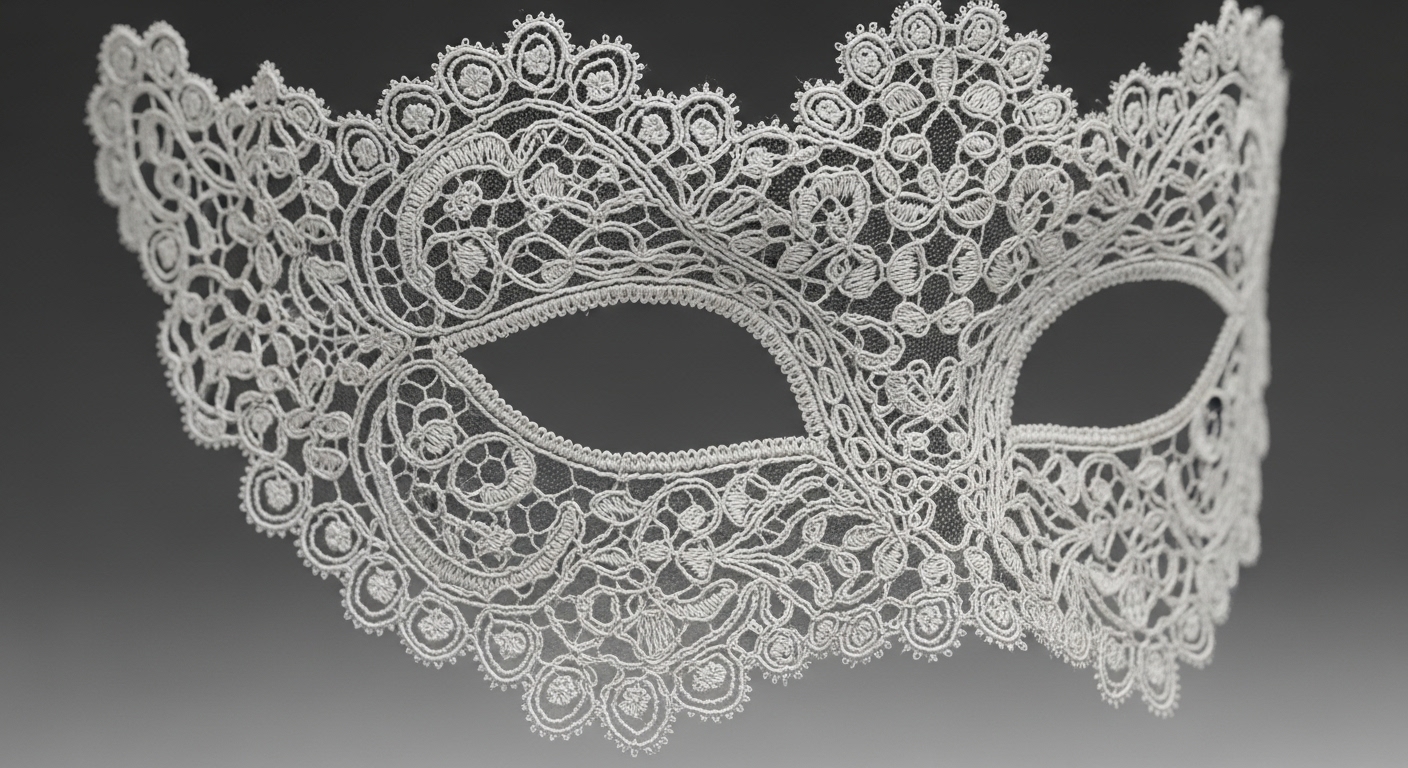
Beyond basics, Photoshop offers the Refine Edge brush for handling fur or lace. Adjust radius settings to capture fine details. Pair it with the Pen tool for paths that convert to masks. Fashion pros customize brushes for soft transitions, ensuring no harsh lines appear.
Layer Masking Technique for Beginners
Start by opening your fashion photo in editing software. Duplicate the layer to work non-destructively. Add a layer mask via the icon at the panel’s bottom. Select the Brush tool, set to black foreground, and paint over areas to hide.
For intricate details like hair, zoom in closely. Use a soft brush with low opacity for gradual blending. Switch to white to reveal mistakes. This method builds confidence quickly. Practice on images with varied textures, like silk scarves or beaded gowns.
Refine by adjusting mask properties. Feather edges slightly for natural looks. Fashion photography benefits from this, as it prevents the “cut-out” appearance. Save versions to compare progress. Over time, you’ll mask complex subjects in minutes.
Alpha Channel Masking for Advanced Control
Alpha channels store selections as grayscale images, perfect for high-precision image masking. In fashion, they excel at semi-transparent areas like veils. Create a new channel, fill with white, then paint black where you want transparency.
Copy your selection into the alpha channel. Adjust levels to sharpen contrasts. Load it as a mask on your layer. This technique captures nuances in fabrics that layer masks alone might miss. Editors use it for batch processing multiple shots.
Combine with color range selections for efficiency. Target specific hues in a model’s outfit. Fashion workflows speed up when you save channels for reuse. It ensures consistency across a photoshoot series.
Refine Edge and Hair Masking Strategies
Hair poses a notorious challenge in fashion photography. The Refine Edge tool detects strands against contrasting backgrounds. Select your subject roughly, then invoke Refine Edge. Brush over edges to let it analyze and add details automatically.
Adjust the smart radius for optimal capture. Decontaminate colors to remove background fringes. Output to a new layer with mask. This keeps your original intact. For curly or flyaway hair, combine with manual brushing.
In practice, shoot against solid colors to ease masking. Fashion stylists plan accordingly. Test on diverse hair types—straight, wavy, textured. Mastery here transforms ordinary portraits into editorial masterpieces.
Handling Fabrics and Textures with Precision
Fabrics like chiffon or fur demand careful masking. Use the Color Range tool to select similar tones. Hold Shift to add areas, Alt to subtract. Convert the selection to a mask.
For textures, apply noise reduction first to avoid artifacts. Zoom to 200% for pixel-level edits. Brush softly along edges. Fashion images with patterns benefit from this, as it retains depth.
Layer multiple masks if needed—one for opacity, another for color correction. This builds complex composites. Editors often mask accessories separately for flexibility.
Integrating Masks with Other Editing Techniques
Masks pair well with adjustment layers. Add a curves layer, then mask it to affect only the model. This brightens skin without altering the background.
In fashion, use for targeted retouching. Mask blemish heals or dodge burns. Combine with liquify for shape tweaks, masked to specific areas.
This integration streamlines workflows. Pros create actions to automate repetitive masks. It saves hours on large projects.
Common Pitfalls and How to Avoid Them
Over-masking leads to unnatural halos. Counter by feathering edges judiciously. Always preview at full size.
Ignoring resolution mismatches causes blurriness. Match DPI across layers. Fashion prints require high-res masks.
Rushing selections skips details. Take time to refine. Use tablets for precise brushing.
Professional Services for Complex Projects
When projects overwhelm, experts handle the load. They tackle bulk edits with consistent quality. These teams use proprietary tools alongside standard software. Turnaround times fit tight deadlines. Fashion brands outsource to focus on creativity.
Scaling Up: Batch Processing Masks
For photoshoot volumes, batch masking saves sanity. Record actions in Photoshop for repetition. Apply to folders of images.
Customize scripts for fashion specifics, like auto-detecting skin tones. This ensures uniformity in catalogs.
Test on subsets first. Adjust parameters for varying lighting. Efficiency rises with practice.
Creative Applications in Fashion Campaigns
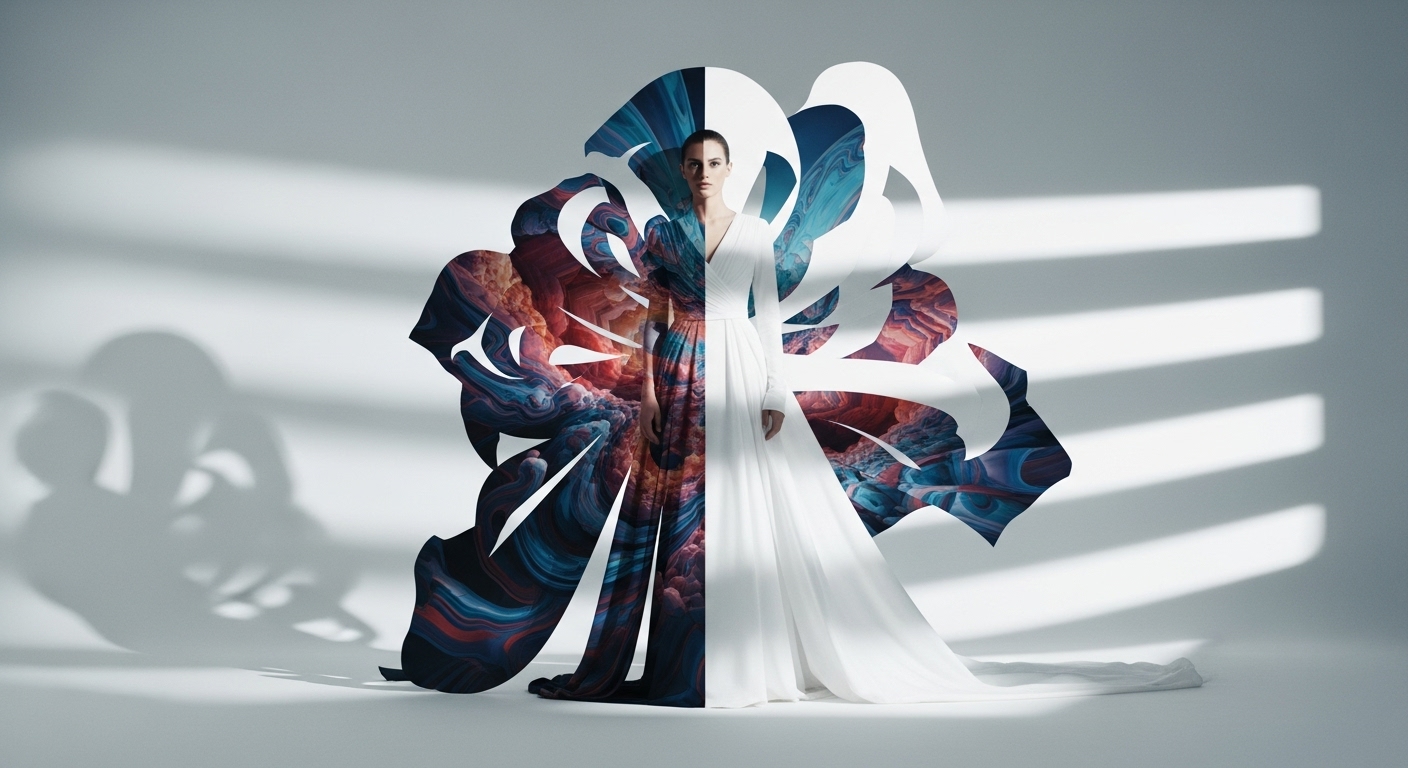
Masks enable surreal composites. Place models in impossible scenes, like floating fabrics in space. Fashion ads thrive on this innovation.
Experiment with double exposures, masked for impact. Blend patterns seamlessly.
Storytelling amplifies—mask elements to reveal narratives. Campaigns gain memorability.
Tips for Maintaining Workflow Efficiency
Organize layers logically. Name masks descriptively. Group related elements.
Backup frequently to avoid losses. Fashion deadlines demand reliability.
Collaborate via shared files. Masks travel well in PSD formats.
Future Trends in Image Masking
Tools evolve with machine learning, automating detections. Fashion adapts quickly.
Expect better handling of motion blur or low-light shots. Precision improves.
Integration with 3D modeling expands possibilities. Masks bridge 2D and 3D.
Mastering High-Precision Image Masking
High-precision image masking revolutionizes fashion photography by conquering intricate details. From hair to fabrics, these techniques deliver flawless results. Practice consistently to hone skills. For demanding tasks, consider professional image masking services that guarantee excellence. Embrace this art to elevate your visuals and captivate viewers.
FAQs
What makes high-precision image masking different from clipping paths?
High-precision image masking uses soft brushes and channels for handling fuzzy edges, while clipping paths suit hard outlines. It preserves details in fashion elements like hair better.
How long does it take to mask a complex fashion photo?
It varies by intricacy, but beginners might spend 30-60 minutes. Experienced editors finish in 10-20 minutes with efficient tools and practice.
Can I use free software for image masking?
Yes, programs like GIMP offer similar masking features to paid ones. They work well for basic fashion edits, though advanced options might lack.
Why does my masked image show halos around edges?
Halos often result from poor decontamination or sharp contrasts. Use refine tools and adjust feathering to blend seamlessly in fashion shots.
How do I choose between layer masks and alpha channels?
Layer masks suit quick, reversible edits. Alpha channels provide more control for semi-transparent fashion details like lace or sheer fabrics.