Logo
Clipping Expert Asia Professional Editing
  • Home
  • Services

    Need Help With Your Project?

    Our expert team is ready to deliver pixel-perfect results within 24 hours.

    Get Free Quote

    Clipping Path

    Precision hand-drawn paths

    Background Removal

    Clean & transparent BG

    Image Masking

    Hair, fur & complex edges

    Ghost Mannequin

    3D hollow body effect

    Photo Retouching

    High-end skin editing

    Beauty Retouching

    Magazine quality finish

    Shadow Creation

    Natural drop shadows

    Color Changes

    Product color variants

    Multi-Clipping Path

    Multiple path selection

    Jewelry Retouch

    Diamonds,golds Etc

  • Pricing
  • About
  • Blog
  • Contact
Get Quote
Menu
Home
Services
Clipping Path Background Removal Image Masking Ghost Mannequin Photo Retouching Beauty Retouching Shadow Creation Color Changes Multi-Clipping Path
Pricing About Us Blog Contact
Get Free Quote

Professional Image Masking Services

Pixel-perfect Photoshop masking for hair, fur, transparent objects, wedding veils, glassware, and every subject where clipping paths fail. Our expert retouchers deliver alpha channel masking, layer masking, refine edge, and channel masking with natural, seamless edges that drop cleanly onto any background. Starting at just $0.99 per image.

100% Hand-Drawn Alpha Channel Masking 24/7 Support
Upload Images View Pricing
500K+
Images Masked
10K+
Happy Clients
99.9%
Satisfaction Rate
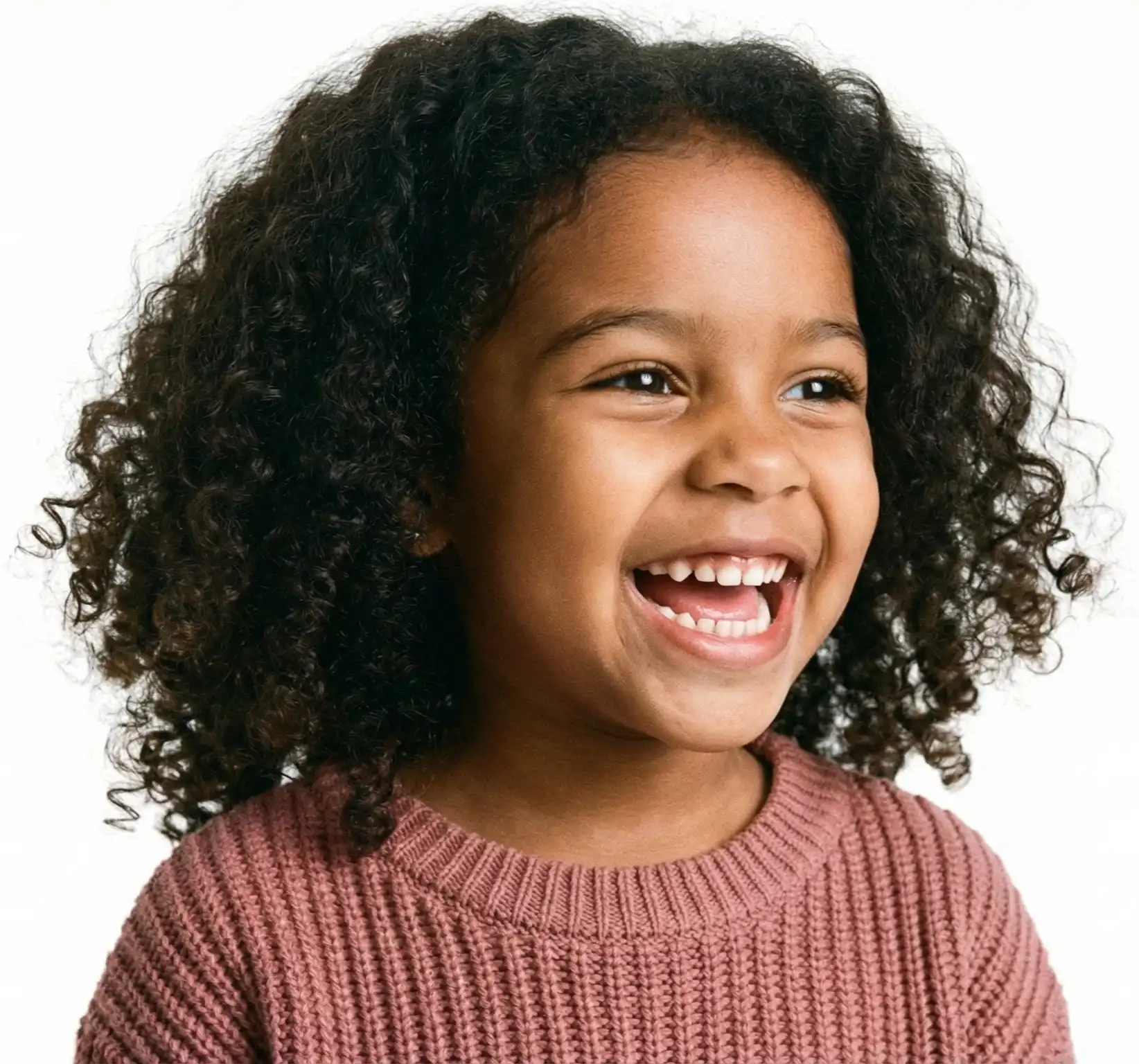
Professional image masking service — hair and fur masking example
Starting at
$0.99/image
Secure & Confidential
24-Hour Delivery
Unlimited Revisions
24/7 Support
NDA Available

What Is Image Masking Service?

Image masking is an advanced Photoshop technique used to isolate complex subjects — hair, fur, glass, smoke, wedding veils, feathers, and semi-transparent objects — from their backgrounds while preserving every soft edge and translucent detail.

When a standard clipping path is applied to a subject with fuzzy or transparent edges, the result is a hard, unnatural cutout that destroys realism. A wisp of hair becomes a jagged silhouette. A frosted-glass perfume bottle loses its transparency. A dog's fur turns into a chopped outline. This is where professional image masking services take over.

An image masking service uses techniques like alpha channel masking, layer masking, refine edge masking, and channel masking to create pixel-accurate selections that respect every strand, every fiber, and every semi-transparent pixel. The result is a subject that lifts cleanly off its original background and drops seamlessly onto a new one — pure white for e-commerce, transparent PNG for design compositing, or any brand backdrop your campaign demands.

At Clipping Expert Asia, every mask is drawn 100% by hand by trained Photoshop specialists — no AI shortcuts, no automated selections, no destructive cutouts. Our production pipeline delivers editable PSD files with alpha channels and layer masks preserved, so your in-house team can adjust or repurpose the selection long after delivery. We've completed over 500,000 masking jobs for e-commerce brands, apparel retailers, jewelry designers, wedding studios, pet-product companies, and creative agencies.

Image Masking vs Clipping Path: Which Do You Need?

These are the two foundational background-isolation techniques in professional photo editing — but they solve completely different problems. Here's the definitive side-by-side.

Clipping Path
Image Masking
Best for hard, defined edges
Best for soft, fuzzy, or transparent edges
Uses the Photoshop pen tool
Uses alpha channels, layer masks, refine edge
Perfect for phones, boxes, watches, shoes
Perfect for hair, fur, glass, smoke, veils
Creates a vector outline
Creates a pixel-based grayscale mask
Destroys soft edges & transparency
Preserves soft edges & translucency
Cannot capture translucent glass
Captures full glass, water, smoke transparency
Starts at $0.39 per image
Starts at $0.99 per image
Faster to produce at scale
More time-intensive, higher-value output

Why Choose Our Image Masking Services?

We deliver high-quality Photoshop image masking with advanced hand-drawn techniques. Trusted by thousands of e-commerce brands, fashion photographers, and creative agencies worldwide.

Natural Edges

Preserve natural transitions for realistic, seamless edges on hair, fur, and every soft-edged subject.

Alpha Channel

Alpha channel masking preserves translucency and semi-transparent areas at pixel-level accuracy.

Hair & Fur

Expert hair masking and fur masking that preserves individual strands, wisps, and flyaways naturally.

Transparency

Retain full transparency in glass, water, smoke, lace, and other translucent or see-through objects.

Unlimited Revisions

We refine every edge and detail until it's exactly right. Free unlimited revisions on every order.

Layer Masking

Professional non-destructive layer masking so your team can edit and repurpose selections later.

Color Range

Advanced color range and channel-based masking for precise selection of dense, complex areas.

No Halos

Every mask is checked against dark and light backgrounds to ensure zero color fringing or halos.

Our Image Masking Workflow

Handling complex edges demands patience, disciplined technique, and multiple quality checks. Here's exactly how we do it on every image.

1

Upload

Send your raw images in any format — RAW, TIFF, PSD, PNG, JPG — via our secure encrypted portal. NDAs available on request.

2

Advanced Masking

Our editors apply the right technique — alpha channel, layer mask, refine edge, or channel masking — based on the subject's complexity.

3

Detail Check

Every mask is checked against pure white, black, and colored backgrounds at 400% zoom to ensure zero halos and clean edges.

4

Delivery

Receive PSD or TIFF files with layer masks and alpha channels preserved, ready for compositing or immediate marketplace upload.

Perfect edges for complex subjects — image masking example

Perfect Edges for Complex Subjects

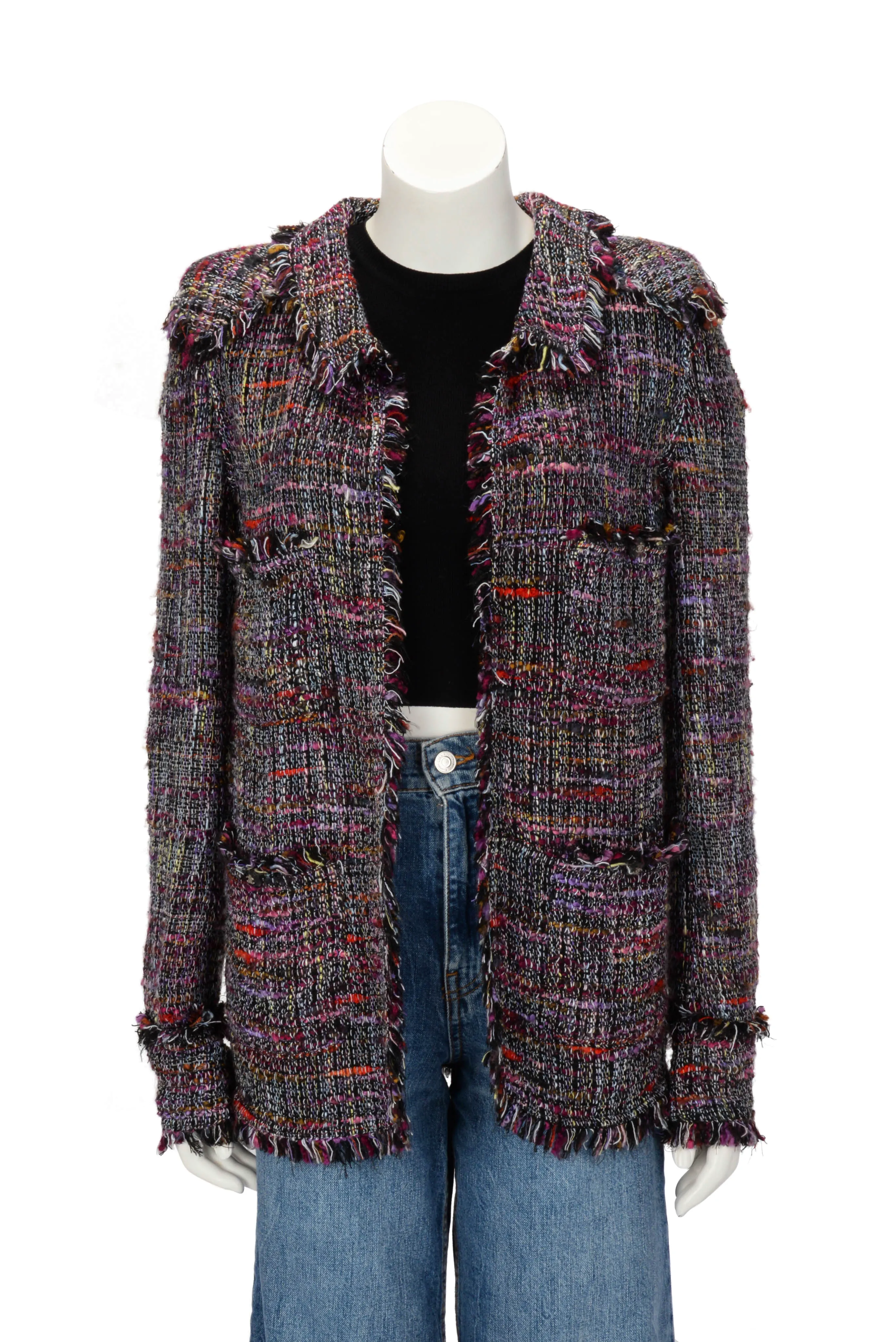
Standard clipping paths create hard, unnatural edges on "fuzzy" subjects — models with flying hair, furry pets, wool clothing, feathered accessories, or wedding veils. When you cut those subjects with a vector pen tool, the result screams "amateur editing" from the first glance.

Our Image Masking Service uses the full suite of professional Photoshop techniques — alpha channel masking, layer masking, color range selection, refine edge, and channel masking — to separate the subject from the background while preserving every soft transition, every semi-transparent pixel, and every micro-detail that makes the image feel real.

The result is a masked image that can be dropped onto pure white for Amazon and Shopify, onto a transparent PNG for design compositing, or onto a fully replaced lifestyle backdrop for a marketing campaign — with edges so natural that no viewer will ever notice the work.

  • Natural transitions for a completely realistic look
  • Soft edges and motion blur perfectly preserved
  • Full transparency retained in glass, water, and smoke
  • Individual strands of hair, fur, and feathers isolated
  • Semi-transparent and translucent areas kept intact
  • Zero color fringing, halos, or background contamination

Types of Image Masking Services We Offer

Every complex image needs a different masking approach. Our specialists are trained in every professional Photoshop masking technique — here are the ones we deploy most often.

Layer Masking

The foundation of non-destructive editing. We use black-and-white grayscale layer masks to hide or reveal specific portions of an image without permanently deleting any pixels — so future edits stay possible.

Alpha Channel Masking

Advanced channel-based technique that uses the alpha channel to create pixel-accurate selections. Perfect for capturing hair strands, semi-transparent glass, and soft edges that other tools completely miss.

Refine Edge Masking

Photoshop's Refine Edge and Select-and-Mask workspace let us isolate individual hair strands, fur tips, feather barbs, and every wispy edge at pixel-level accuracy — essential for portrait and pet photography.

Transparent Object Masking

Specialized masking for eyewear, wine bottles, water splashes, and any object with fully transparent regions. Preserves the visual pass-through so the object still reads as glass or liquid on a new background.

Translucent Masking

For frosted glass, tinted windows, lace, tulle, sheer curtains, and semi-opaque materials that partially transmit light. We preserve the exact opacity gradient across the entire surface.

Hair Masking

The most demanded specialty in image masking. We hand-preserve every flyaway strand, curl, wisp, and windswept detail for models, portraits, and beauty campaign imagery.

Fur & Feather Masking

Dedicated technique for pets, wildlife photography, feather accessories, wool garments, and fur-lined apparel. Each individual fiber stays intact against any new background.

Color Masking

Selective color-based selections that isolate specific hues or tonal ranges for targeted color correction, brand-color enforcement, or artistic manipulation.

Tree & Foliage Masking

Extreme detail masking for trees, bushes, pine needles, wreaths, floral arrangements, and any subject with hundreds of tiny leaves, branches, or organic detail.

Advanced Photoshop Masking Techniques

These are the professional post-production methods our retouchers deploy daily to isolate the most challenging subjects imaginable — from wind-blown model hair to intricate wedding veils.

01

Alpha Channel Extraction

Alpha channel masking is the gold standard for isolating hair, fur, and semi-transparent subjects. We duplicate the color channel with the strongest contrast between subject and background, then invert and refine it into a high-precision grayscale selection. This technique captures details that no automated tool can — individual hair strands against a similar-colored background, wispy smoke edges, and lace-like transparency all get preserved perfectly.

02

Refine Edge & Select-and-Mask

Photoshop's Select-and-Mask workspace combined with the Refine Edge Brush is essential for hair and fur masking. Our editors paint over the wispy edge regions to let Photoshop recognize the fine detail, then manually clean up any missed strands and remove color fringing. Combined with the smart-radius setting, this technique handles even the most unruly flying hair on any background.

03

Multi-Layer Compositing

Complex subjects require multiple stacked masks, each tuned for a different edge region. A model's hard-edged jewelry gets a pen-tool clipping path, her soft-edged hair gets refine-edge masking, and her transparent sunglasses get channel masking — all on separate layers that combine into a single flawless composite.

04

Color Decontamination

After masking, subjects often carry a subtle color cast from their original background — a green tint from a leafy backdrop, or a blue fringe from a sky. Our color decontamination pass strips those contaminations from the edge pixels so the subject drops cleanly onto any new background without a visible outline halo.

05

Gradient & Density Masking

For subjects with continuously varying opacity — smoke, mist, sheer fabric, splashing water — we build density-graded masks using gradient tools and painted refinement. Every pixel gets the exact opacity value it needs to look photorealistic against any new backdrop.

06

Vector Masking Overlay

When a subject has hybrid edges — hard mechanical parts plus soft organic parts — we combine vector masks (drawn with the pen tool) for the hard edges with pixel-based masks for the soft regions. The result is a single deliverable that carries the precision of both techniques and remains fully editable in Photoshop.

Professional Photoshop Tools We Use

Great masking is 20% software and 80% technique. Here's the exact toolkit our specialists use to handle every complex image that lands in our production queue.

Pen Tool

Vector precision for hard-edged regions of hybrid subjects. Combined with pixel masks, the pen tool handles the sharp mechanical edges that soft-selection tools always jag.

Object Selection Tool

AI-assisted starting selection that we then refine manually. Never used as the final selection — only as a rough base that our editors clean up pixel by pixel.

Quick Selection Tool

Brush-based automatic selection for solid-color regions. Perfect for the base layer before refinement, especially on well-lit product photography.

Refine Edge Brush

The single most important tool for hair and fur masking. We paint over wispy edges and let Photoshop detect the transition pixels with smart-radius technology.

Background Eraser

Color-sample-based erasure for backgrounds with strong subject/background separation. Fast for simple images but always combined with manual cleanup.

Brush Tool

Our primary tool for painting refinements onto layer masks. Soft-edged brushes for hair, hard-edged for mechanical parts — all applied non-destructively.

Channels Panel

The heart of alpha channel masking. We duplicate the highest-contrast channel, apply curves and levels, and convert it into a selection with pixel-perfect precision.

Select & Mask Workspace

Photoshop's dedicated masking environment with smart-radius, decontamination, and edge-detection controls — the professional standard for hair and fur.

Layer Mask Tool

Non-destructive editing foundation. Every masking operation lives on a layer mask so future edits stay possible and the original pixels are never damaged.

Hand-Drawn Image Masking vs AI Automation

AI masking tools have gotten better, but they still fail on the images that matter most. Here's the honest side-by-side.

AI / Automated Masking
Hand-Drawn by Clipping Expert Asia
Fails on hair against similar-toned backgrounds
Alpha channel handles any hair-vs-background scenario
Loses transparent glass and water details
Perfect translucency preservation on every pixel
Adds color halos and edge fringing
Zero halos — decontamination pass on every image
Can't handle motion blur or soft focus
Gradient masking preserves natural blur exactly
Delivers destructive raster cutouts
Editable PSD with alpha channels & layer masks
Inconsistent across a catalog batch
Style-guide-locked consistency across every SKU
No human review or quality control
Three-stage human QA on every single image
No revisions — you get what you get
Unlimited free revisions until every edge is right

Who Needs Image Masking Services?

Any industry that photographs soft, semi-transparent, or intricate subjects. If your subject has fuzzy edges or translucent areas, image masking is what makes the cutout look real.

Fashion & Model

Preserving flying hair, sheer fabric, and lace edges for lookbooks, magazines, and campaign imagery.

Pet Products

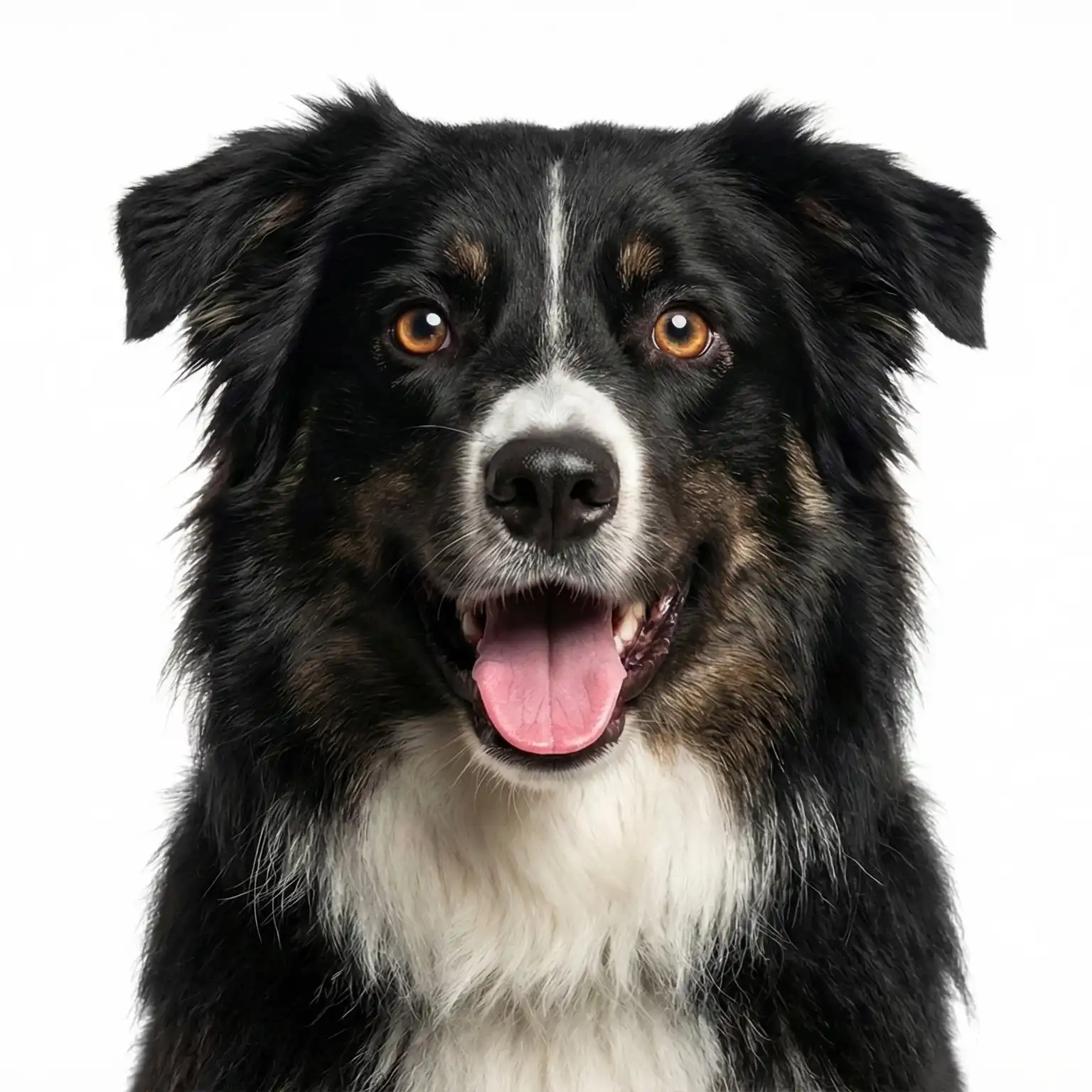
Isolating furry animals — cats, dogs, rabbits — from studio backgrounds while keeping every hair intact.

Glassware & Liquids

Retaining full transparency in perfume bottles, wine glasses, water splashes, and cosmetic containers.

Textiles & Apparel

Wool sweaters, fur-lined boots, velvet dresses, and any product with soft, fuzzy, or fibrous edges.

Wedding Studios

Bridal veils, tulle skirts, lace details, and portrait retouching that requires natural-edge masking.

Jewelry Brands

Fine chains, translucent gemstones, tassels, and intricate jewelry with mixed hard and soft edges.

Home & Décor

Sheer curtains, potted plants, wreaths, floral arrangements, and organic decorative pieces.

Ad Agencies

Campaign composites, seasonal creative, hero banners, and creative direction requiring perfect masks.

Complex Masking Challenges We Solve Every Day

Every studio capture with soft edges arrives with predictable problems. Here are the exact issues our image masking services eliminate for hundreds of clients each week.

01

Flying Hair Against Same-Tone Background

A blonde model on a beige studio backdrop is the classic masking nightmare. Alpha channel masking separates them cleanly, strand by strand.

02

Transparent Perfume Bottles

Glass containers must retain their transparency so the label and liquid show through on the new background. Transparent object masking preserves it exactly.

03

Wedding Veil Tulle

A bridal veil has thousands of individual holes and semi-transparent fabric zones. Gradient density masking captures every pixel of the tulle correctly.

04

Furry Pet Products

Plush toys, pet beds, and fur-lined items have thousands of individual fibers. Refine edge and fur masking preserve every one.

05

Water Splashes & Motion Blur

Beverage and cosmetic shoots often include liquid splashes with motion blur. Gradient density masking retains the natural blur perfectly.

06

Frosted or Tinted Glass

Frosted-glass perfume bottles, tinted sunglasses, and etched glassware need translucent masking to keep their semi-opaque character.

07

Feathers & Fine Detail

Feathered fashion accessories, boas, and feathered hats have hundreds of tiny barbs. Extreme detail masking preserves them all.

08

Complex Foliage

Potted plants, floral bouquets, wreaths, and Christmas garlands have hundreds of tiny leaves. Tree masking isolates each one cleanly.

09

Group Portraits with Overlapping Hair

Multiple people with different hair colors and overlapping edges require layered masking with individual refinement per subject.

Related Image Editing Services

Complete post-production solutions built for photographers, e-commerce brands, and creative teams.

Image Masking

Advanced Photoshop masking for hair, fur, transparency, and every complex detail that clipping paths cannot handle.

Learn More

Clipping Path

Hand-drawn precision paths using the Adobe Photoshop pen tool for pixel-perfect vector cutouts on hard-edged products.

Learn More

Background Removal

Remove any background and replace with transparent PNG, pure white, or a branded backdrop for e-commerce listings.

Learn More

Ghost Mannequin

Create the professional invisible-mannequin neck-joint effect for apparel and fashion e-commerce photography.

Learn More

Shadow Service

Natural drop shadows, reflection shadows, and floating shadows that give isolated products physical presence.

Learn More

Multi-Clipping Path

Separate every part of your image into isolated paths for total color correction, recoloring, and creative manipulation.

Learn More

How much does image masking service cost?

Our pricing depends on the complexity of hair, fur, or transparency. See the detailed breakdown below.

+

Basic Image Masking $0.99 / Image

Basic Image Masking is ideal for simple products with solid backgrounds where the subject has minimal transparency or soft edges. We use foundational layer masking techniques for items like plastic bottles, ceramic containers, simple electronics, and everyday retail products. This tier delivers a clean separation of the object from its studio background while maintaining crisp edge quality. It's the most affordable option for high-volume e-commerce catalogs that don't need complex hair, fur, or glass extraction.

What's Included

  • Basic Layer Masking
  • Solid Object Isolation
  • White/Transparent Background
  • Edge Refinement
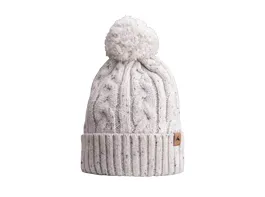
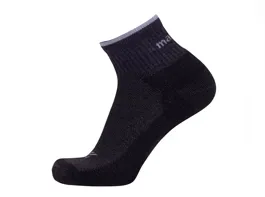
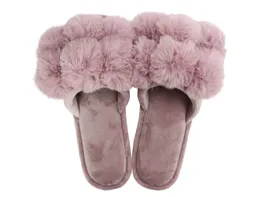
Solid object basic image masking example
Solid Object
Bottle basic image masking example
Bottle
Product box basic image masking example
Product Box
Item basic image masking example
Item

Simple Image Masking $1.39 / Image

Our Simple Image Masking service is designed for products with slight transparency, tassels, or lightly fuzzy edges. This includes feather dusters, simple fabrics, electronics with translucent panels, and handbags with fringed details. We carefully apply hand-drawn layer masks combined with light refine-edge work to preserve semi-transparent areas while removing the background completely. This ensures the product looks natural on any new backdrop.

What's Included

  • Simple Layer Masking
  • Minor Transparency Handling
  • Fuzzy Edge Retention
  • Background Replacement
Product simple image masking example
Product
Watch simple image masking example
Watch
Item simple image masking example
Item
Item simple image masking example
Item

Medium Image Masking $1.99 / Image

Medium Image Masking handles products with moderate transparency and intricate edges — glassware, transparent plastics, jewelry with semi-clear stones, translucent gemstones, and eyewear with clear lenses. We deploy advanced alpha channel masking and channel-based selections to isolate these objects while preserving light refraction, transparency, and reflective highlights. This tier delivers the realism required for luxury product listings and campaign hero shots.

What's Included

  • Channel Masking
  • Transparency Preservation
  • Glass & Plastic Editing
  • Detail Retention
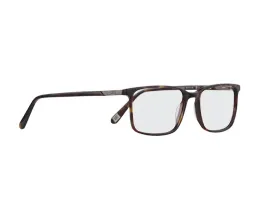
Glassware medium image masking example
Glassware
Jewelry medium image masking example
Jewelry
Object medium image masking example
Object
Item medium image masking example
Item

Complex Image Masking $3.99 / Image

Our Complex Image Masking service handles challenging subjects like flying hair, pet fur, trees, and dense foliage. We deploy the full arsenal — alpha channel extraction, refine-edge brushing, multi-layer compositing, and color decontamination — to separate the subject from the background pixel by pixel. Every strand of hair, every fiber of fur, and every leaf edge is preserved with the natural transitions that no automated tool can replicate.

What's Included

  • Advanced Hair Masking
  • Fur Extraction
  • Tree & Foliage Masking
  • Pixel-Perfect Cutout
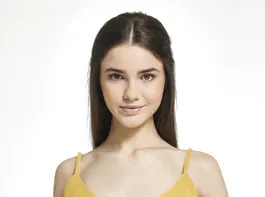
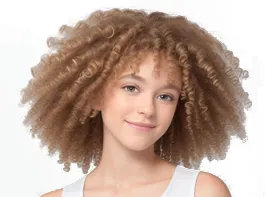
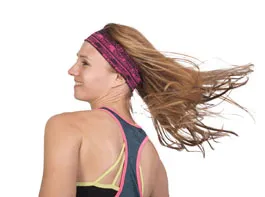
Hair complex image masking example
Hair
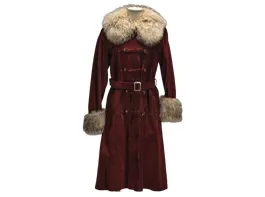
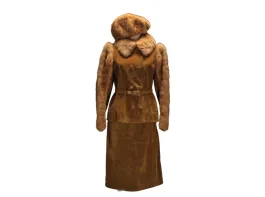
Fur complex image masking example
Fur
Tree complex image masking example
Tree
Portrait complex image masking example
Portrait

Super Complex Image Masking $5.99 / Image

Super Complex Image Masking is engineered for images with extreme detail density — group shots with overlapping hair, intricate bridal veils with lace and tulle, densely furred animals, feathered fashion accessories, and large-scale foliage compositions. This tier requires extensive manual work combining every professional masking technique. Chosen by high-end fashion advertisers, wedding photographers, and luxury campaign producers who need magazine-cover output on every single image.

What's Included

  • Extreme Detail Masking
  • Group Hair Masking
  • Veil & Fabric Transparency
  • High-End Retouching
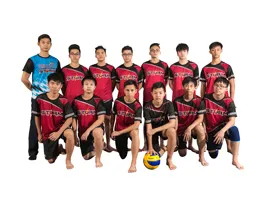
Group super complex image masking example
Group
Veil super complex image masking example
Veil
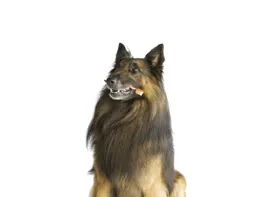
Animal super complex image masking example
Animal
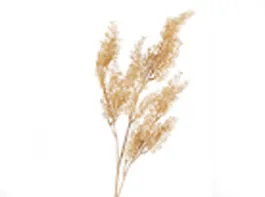
Detail super complex image masking example
Detail

What Our Image Masking Clients Say

Trusted by fashion photographers, e-commerce brands, pet product companies, and creative agencies worldwide.

"Clipping Expert Asia's image masking service is incredible! They preserved every single strand of hair in our model's photos, even against a similar-toned background. The alpha channel work is invisible — the cutouts drop onto any color backdrop without a halo. Quality and turnaround are both outstanding."

EM
Emily Martinez
Fashion Photographer

"We needed glassware images with perfect transparency for our new perfume line. Their transparent object masking retained all the glass details and label pass-through while removing the studio background completely. Our product listings have never looked more premium."

RJ
Robert Johnson
E-commerce Store Owner

"Their fur masking for pet product images is phenomenal. Every individual fiber on our plush dog beds and cat accessories stayed intact. The PSD delivery format with layer masks preserved means our design team can adjust the selections in-house whenever we need to refresh a campaign."

SL
Sarah Lee
Pet Products Brand

Image Masking Service FAQs

Everything you need to know about Photoshop image masking, alpha channels, hair masking, transparency, and delivery.

What is image masking?
Image masking is an advanced Photoshop technique used to separate complex subjects from their backgrounds when standard clipping paths fail. It's essential for images with fuzzy edges like hair, fur, feathers, transparent objects (glass, water, smoke), motion blur, or any subject with soft, semi-transparent, or intricate details. Unlike a vector clipping path, an image mask uses pixel-based grayscale data to control opacity — allowing for smooth transitions and true transparency preservation.
When should I use image masking instead of clipping path?
Use image masking when your subject has any of these characteristics: hair or fur, transparent or translucent regions (glass, water, smoke, lace), soft or motion-blurred edges, wool or textile products with fibrous edges, feathers or fringed details, or semi-transparent areas of any kind. Clipping paths work best for hard-edged solid products — phones, boxes, watches, shoes, and geometrically defined objects — where the outline is sharp and continuous.
What is alpha channel masking?
Alpha channel masking is the gold standard for isolating hair, fur, and semi-transparent subjects in Photoshop. We duplicate the color channel with the strongest contrast between subject and background (usually red, green, or blue), apply curves and levels adjustments to boost that contrast further, then convert the result into a high-precision grayscale selection. This technique captures the finest details that automated tools and standard selections completely miss — individual hair strands, wisps of smoke, and lace transparency.
Can you mask images with complex flying hair?
Absolutely — hair masking is one of our core specializations. We use a combination of alpha channel extraction, Photoshop's Select-and-Mask workspace with the Refine Edge Brush, and manual painted refinements to preserve every individual strand of flying hair, wispy flyaway, and windswept curl. Even models photographed against similar-colored backgrounds get clean, natural-looking cutouts that drop seamlessly onto any new backdrop.
Can you handle fully transparent objects like glass?
Yes — transparent object masking is one of our specialty tiers. We preserve the full translucency in wine bottles, perfume glass, water splashes, tinted sunglasses, ice cubes, and any transparent or semi-transparent material. Our alpha channel technique ensures the light pass-through is retained in the output file, so labels, liquids, and objects behind the glass still read correctly on the new background.
What file formats do you deliver?
We deliver layered PSD (Photoshop) and TIFF files with alpha channels and layer masks preserved — this lets your team modify or repurpose the selections later without redoing the work. We also deliver transparent PNG for design compositing, JPG on solid white for marketplace listings, and CMYK-converted TIFF for print catalogs. Simply tell us your workflow and we deliver the exact format you need.
How long does image masking take?
Basic and simple masking is delivered in 24 hours. Complex hair, fur, or transparency masking typically takes 24–48 hours depending on complexity and batch volume. Super complex masking with group shots, wedding veils, or dense foliage may take 48–72 hours. Rush services with 6-hour and 12-hour turnaround are available for urgent projects at an additional fee.
What is the difference between layer masking and alpha channel masking?
Layer masking uses a black-and-white grayscale mask attached to a layer to hide or reveal pixels non-destructively — great for straightforward isolations and general non-destructive editing. Alpha channel masking uses the actual color channels of the image (red, green, or blue) to create a much more precise selection based on tonal contrast — essential for hair, fur, and semi-transparent subjects. Most professional projects use both techniques together on separate layers.
Do you offer unlimited free revisions?
Yes — every image masking order includes unlimited free revisions. If any edge, detail, or transparency isn't exactly what you need, simply let us know within 14 days of delivery and we'll fix it immediately at no additional cost. Whether it's a stray hair to add back, a slight halo to clean, or a background to swap, our team revises until every pixel is right.
Are my images secure and confidential?
Absolutely. Your privacy is our top priority. We're happy to sign an NDA (Non-Disclosure Agreement) before any project begins. All uploads and downloads happen over encrypted SSL connections, your images are never sold or shared with third parties, and files are automatically purged from our servers 30 days after project completion. Enterprise clients can request custom immediate-purge policies.
Do you offer bulk discounts for large masking projects?
Yes — significant discounts apply to volume orders. 50+ images receive 10% off, 100+ images receive 20% off, and 500+ images qualify for custom enterprise pricing. We also offer monthly retainer plans for brands and studios with ongoing catalog work, which include dedicated daily production capacity, priority turnaround, and locked-in per-image rates regardless of complexity mix.
Can I get a free trial before ordering?
Yes. New clients can send us 2–3 sample images for a completely free masking trial. No credit card required, no commitment, no strings. This lets you evaluate our edge quality, turnaround speed, and communication style before committing to a paid order — the fastest way to see whether we're the right creative partner for your workflow.
Do you handle hair masking on solid-colored backgrounds?
Yes — even the classic "blonde model on beige backdrop" scenario. Alpha channel extraction is designed for exactly this challenge: we find the color channel with the maximum contrast between hair and background, boost that contrast further with curves adjustments, and convert the result into a selection that respects every wispy strand. Combined with color decontamination, the final result carries zero halo or fringing on any new backdrop.

Ready to Get Started?

Upload your complex images today and get professional masking with natural, seamless edges — hair, fur, glass, and every soft-edged subject handled by trained Photoshop specialists. Free trial available on your first 2–3 sample images. No credit card required.

Contact Us Get a Quote
Image MaskingImage MaskingImage MaskingImage Masking
✕
Free Consultation
0

$0.00

    ✕

    Login

    Lost your password?

    C
    Clipping Expert Asia

    Your 24/7 virtual photo editing studio for hand-drawn clipping paths and crisp, clean cutouts you can put on any background.

    Services

    • Clipping Path
    • Background Removal
    • Image Masking
    • Ghost Mannequin
    • Jewelry Retouching

    Services

    • Photo Retouching
    • Beauty Retouching
    • Shadow Creation
    • Color Changes
    • Multi-Clipping Path

    Support

    • About Us
    • Pricing
    • Portfolio
    • Contact

    © 2026 Clipping Expert Asia. All rights reserved.

    Privacy Policy Terms of Service