


How to Take a Screenshot on Windows 11 and Windows 10: Shortcuts and Tools
January 30, 2026
Elevate Your Visuals: The Comprehensive Guide to Beauty Retouching Agencies
January 31, 2026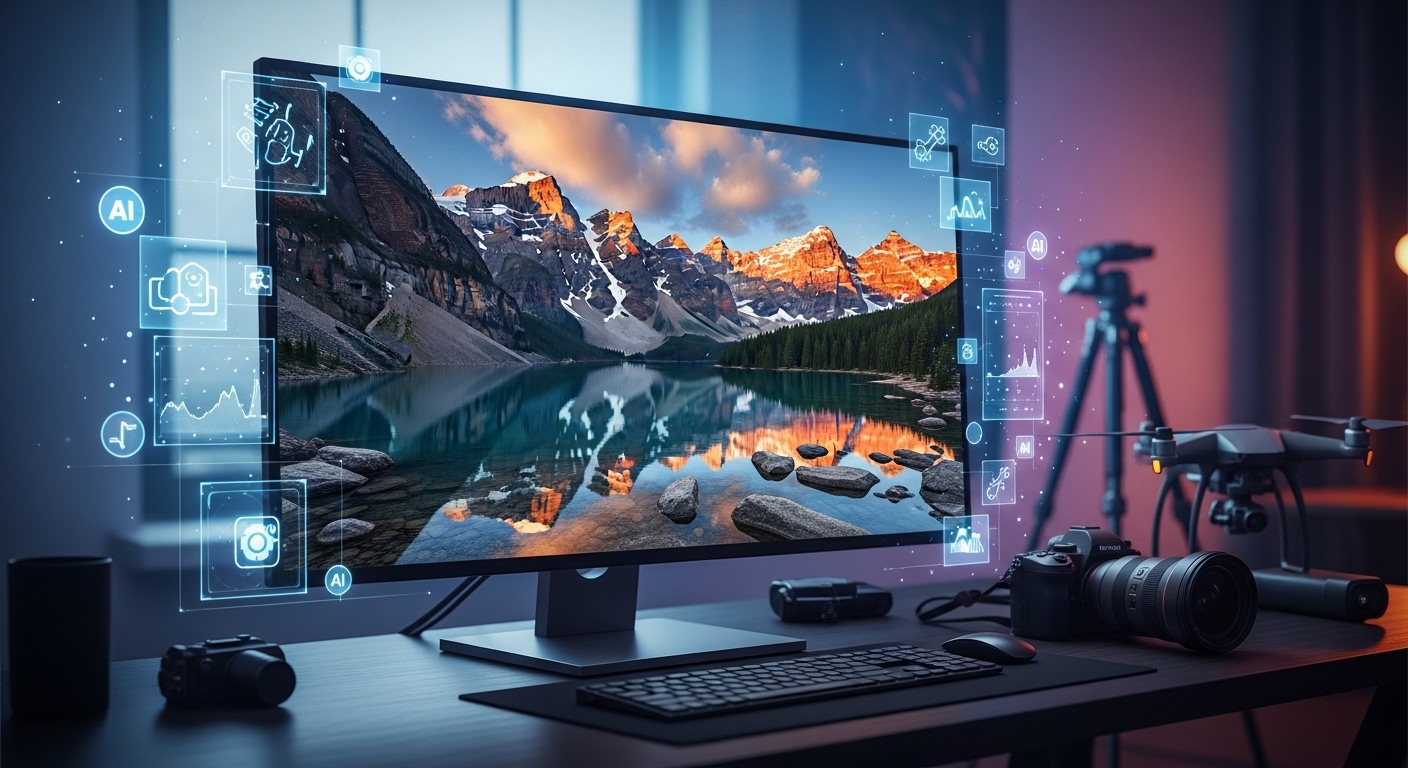
Photographers today demand tools that deliver stunning results quickly and efficiently. You capture raw emotion in portraits, dramatic details in landscapes, or perfect tones in product shots, and the right professional photo editing software transforms good images into masterpieces. In 2026, AI-powered features dominate the scene, automating tedious tasks while giving you full creative control. Editors handle massive RAW files with ease, offer precise color grading, and integrate seamless workflows. Professionals choose software that saves time on batch processing, excels in noise reduction, or provides unmatched retouching capabilities. This guide explores the best professional photo editing software in 2026, helping you find the perfect fit for your style and needs.
You no longer settle for basic adjustments. Leading tools now use smart algorithms to enhance skies, remove distractions, or upscale images without losing quality. Whether you shoot weddings, fashion, or wildlife, these programs boost your productivity and elevate your work. Dive into the top options that pros rely on daily.
The best software won’t save you time. Try our professional editing service – we use all of them for you
- Why Choosing the Right Photo Editing Software Matters More Than Ever
- Top Professional Photo Editing Software Options in 2026
- How to Choose the Best Professional Photo Editing Software for Your Needs
- Key Features to Look for in Professional Photo Editing Software
- Emerging Trends in Photo Editing Software for 2026 and Beyond
- Tips for Mastering Your Chosen Photo Editing Software
- Frequently Asked Questions About Professional Photo Editing Software
Why Choosing the Right Photo Editing Software Matters More Than Ever
Professional photographers edit hundreds or thousands of images per shoot. The best software streamlines your workflow from import to export. You organize libraries effortlessly, apply non-destructive edits, and achieve consistent results across galleries.
In 2026, AI changes everything. Tools detect subjects automatically, suggest enhancements, and even learn your editing style. You spend less time on repetitive tasks and more on creativity. Great software supports tethered shooting for studios, delivers accurate color for prints, and handles high-resolution files from the latest cameras.
Investing in the right program sharpens your skills and impresses clients. Poor choices lead to frustration, lost time, and subpar outputs. Pros prioritize raw processing power, layer-based editing for composites, and reliable performance on high-end hardware.
Top Professional Photo Editing Software Options in 2026
1. Adobe Lightroom Classic: The Workflow King for Photographers
Adobe Lightroom Classic remains the go-to choice for millions of professionals. You organize vast photo libraries with powerful cataloging tools, keywords, and smart collections. The software excels at batch editing, allowing you to sync adjustments across hundreds of images in seconds.
Lightroom’s raw processing engine delivers exceptional detail recovery and natural colors. You tackle underexposed shadows or blown highlights with ease. AI features like adaptive presets and subject masking speed up portraits and landscapes. The Develop module offers precise controls for exposure, contrast, and curves.
Pros integrate Lightroom seamlessly with Adobe Photoshop for advanced retouching. Cloud sync keeps your edits accessible across devices. Many photographers start and finish their workflow here.
Explore Lightroom further at Adobe Lightroom.
2. Adobe Photoshop: Unrivaled Power for Detailed Manipulation
Adobe Photoshop sets the standard for pixel-level editing. You create complex composites, remove unwanted objects with Content-Aware Fill, or build surreal artwork using layers and masks. Generative AI tools expand canvases, add elements, or replace backgrounds intelligently.
Photoshop handles frequency separation for flawless skin retouching in portraits. You use Liquify for body shaping, dodge and burn for depth, and neural filters for quick enhancements. Professionals in advertising and fine art rely on its depth.
The interface feels intuitive after practice, with customizable workspaces. Photoshop integrates perfectly with Lightroom for a complete ecosystem. You achieve results no other software matches for creative freedom.
Discover more about its capabilities on the official Adobe Photoshop page.
3. Capture One Pro: Superior Color and Tethered Shooting Excellence
Capture One Pro shines in studio environments. You tether directly to your camera for instant feedback on high-resolution previews. Color grading tools provide unmatched accuracy, especially with skin tones in fashion and portrait work.
The software’s layer-based adjustments allow targeted edits without affecting the entire image. You customize styles and presets for consistent looks across sessions. Capture One supports over 500 camera models with tailored profiles.
Many pros switch from Lightroom for better raw conversion and sharper details. You appreciate the speed variants and advanced healing brushes. It’s a favorite for commercial photographers who demand precision.
Check out Capture One at their official site.
4. Skylum Luminar Neo: AI-Driven Creativity at Its Best
Skylum Luminar Neo makes complex edits simple with powerful AI. You replace skies automatically, enhance landscapes with Relight AI, or remove power lines in one click. The tool understands scene structure for realistic results.
Luminar works as a standalone editor or plugin. You layer effects non-destructively, add atmospheric elements like fog or sunrays, and upscale images with AI. Portrait tools smooth skin, enhance eyes, and slim figures naturally.
Creatives love the extension library for extras like HDR merging. You experiment freely without technical hurdles. Luminar Neo appeals to photographers who want stunning visuals fast.
Visit Skylum Luminar to see the AI magic.
5. Affinity Photo: One-Time Purchase Powerhouse
Affinity Photo delivers Photoshop-level features without subscription fees. You edit with full layers, masks, and live filters. Advanced selection tools refine edges precisely, even on hair.
The software supports macros for batch processing and HDR stacking. You retouch with inpainting brushes, clone tools, and frequency separation. Affinity handles PSD files natively for easy collaboration.
Performance stays snappy on modest hardware. Updates come free with version 2 (now 3 in 2026). You own it forever, making it budget-friendly for pros.
Learn more at Affinity Photo official page.
6. ON1 Photo RAW: All-in-One Alternative with Brilliant AI
ON1 Photo RAW combines browsing, editing, and effects in one app. You browse files without importing, apply AI masking for subjects or skies, and stack effects non-destructively.
Brilliant AI suggests starting points based on your image. You resize with genius upscale, reduce noise effectively, and create focus stacks. Portrait AI detects faces and retouches automatically.
ON1 appeals to photographers tired of Adobe’s ecosystem. You customize the interface fully and use plugins. It’s a strong Lightroom and Photoshop replacement.
Explore ON1 at their site.
7. DxO PhotoLab: Unbeatable Noise Reduction and Optics Corrections
DxO PhotoLab leads in raw processing purity. DeepPRIME XD noise reduction rescues high-ISO shots incredibly. You correct lens distortions automatically with lab-tested modules for thousands of camera-lens combos.
ClearView Plus removes haze for clearer landscapes. Local adjustments use Control Points for selective editing. PhotoLab delivers the cleanest, sharpest results from raw files.
Astrophotographers and wildlife shooters love it. You pair it with ViewPoint for perspective fixes or FilmPack for analog looks.
See the difference at DxO PhotoLab.
8. GIMP: Free and Powerful Open-Source Option
GIMP provides professional tools at no cost. You edit with layers, paths, and plugins for extended functionality. Scripts automate tasks, and community extensions add AI features.
High-end retouching uses healing tools, clone stamps, and curves. GIMP handles CMYK for print prep. You customize everything extensively.
Dedicated users achieve pro results. It’s ideal for budget-conscious freelancers or as a secondary tool.
Download and explore at GIMP.org.
How to Choose the Best Professional Photo Editing Software for Your Needs
Consider your workflow first. Volume shooters need strong organization like Lightroom or Capture One. Retouchers prioritize layers in Photoshop or Affinity Photo.
Budget plays a role. Subscription models offer constant updates, while one-time purchases like Affinity or ON1 save long-term. Free options like GIMP work for starters.
Test trials extensively. You import sample raw files and push the tools. Check AI accuracy, speed on your machine, and community support.
Many pros use multiple programs. You raw process in DxO, organize in Lightroom, and finish composites in Photoshop.
Why buy expensive licenses? Outsource your clipping path to us and skip the learning curve
Key Features to Look for in Professional Photo Editing Software
- AI Masking and Selection: Automatically isolate subjects or backgrounds.
- Non-Destructive Editing: Revert changes anytime without quality loss.
- Raw Processing Engine: Extract maximum detail and dynamic range.
- Batch Processing: Apply edits to hundreds of images quickly.
- Tethered Capture: Shoot directly into the software for studios.
- Plugin Support: Extend functionality with third-party tools.
- Color Management: Ensure accurate output for web and print.
You benefit from local adjustments, histogram precision, and export options for various formats.
Emerging Trends in Photo Editing Software for 2026 and Beyond
AI leads the charge. Tools now generate elements, remove reflections intelligently, or match lighting across composites. Adaptive learning personalizes suggestions based on your style.
Cloud integration grows. You edit on desktop, tablet, or phone seamlessly. Collaboration features allow team feedback in real-time.
Sustainability matters. Efficient processing reduces energy use on powerful GPUs.
Mobile editing advances. Pros cull and basic edit on-site with full desktop sync.
Tips for Mastering Your Chosen Photo Editing Software
Practice daily with personal projects. You follow tutorials from experts on YouTube or official channels.
Customize workspaces for efficiency. You create presets for recurring styles, saving hours on weddings or events.
Learn keyboard shortcuts. You speed through edits dramatically.
Join communities. Forums and Reddit groups share techniques and troubleshoot issues.
Backup catalogs regularly. You protect your work from crashes.
Mastering professional photo editing software elevates your photography to new heights. You deliver consistent, breathtaking images that wow clients and stand out in portfolios. Whether you choose the industry-standard Adobe suite, AI-heavy Luminar Neo, or value-packed Affinity Photo, the tools in 2026 empower your vision.
Experiment with trials and find what clicks for your creative process. Great editing enhances your unique voice as a photographer.
For e-commerce pros dealing with product images, clean backgrounds make all the difference. Learn effective techniques in this guide: Remove Background from Image: Best Methods.
Frequently Asked Questions About Professional Photo Editing Software
What is the best overall professional photo editing software in 2026?
Adobe Lightroom Classic tops the list for most photographers due to its unbeatable workflow, organization, and raw processing. Pair it with Photoshop for ultimate power.
Is there a one-time purchase alternative to Adobe Photoshop?
Yes, Affinity Photo offers similar layer-based editing with a single payment and free updates within major versions.
Which software has the best AI features for quick edits?
Skylum Luminar Neo and ON1 Photo RAW lead with intuitive AI tools for sky replacement, portrait enhancement, and more.
Can free software handle professional work?
GIMP absolutely can with the right plugins and skills, though it requires more manual effort than paid options.
What software do studio photographers prefer for tethered shooting?
Capture One Pro dominates studios with reliable tethering, excellent color tools, and fast performance.
One quote for all services – clipping, masking, shadows, retouching. Start with a free trial of our service