


Evolution of Photography: Camera Origins Explored
March 23, 2026
Complete Guide to Photo Sizes: 4×6 to 16×20
March 27, 2026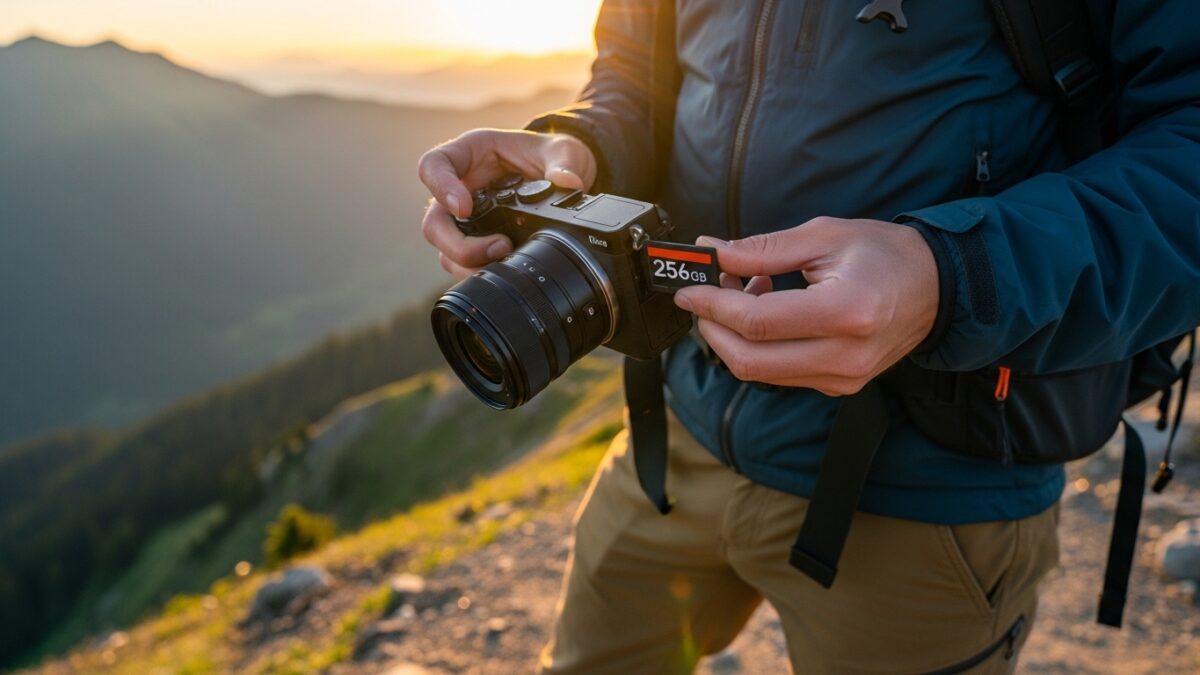
You grab your camera for a weekend adventure or a full-day professional shoot and wonder exactly how many shots that fresh memory card can handle before it fills up. In 2026 photographers capture more detail than ever with higher-resolution sensors and advanced file formats, so knowing your card’s real limits saves you from missed moments.
This guide breaks down everything you need to know about storage for 32GB, 64GB, 128GB, and 256GB cards. You learn how file sizes change with camera type and settings, see exact photo counts for different scenarios, and discover smart ways to stretch every gigabyte. Whether you shoot casual smartphone snaps or professional RAW bursts, these numbers help you choose the right card and shoot confidently all day long.
From 32GB to 256GB – we handle any volume. Try our image masking service free on 2 photos
- Why Memory Card Capacity Still Matters in 2026
- Understanding Photo File Sizes in 2026
- Key Factors That Determine Storage Capacity
- How Many Photos Can a 32GB Memory Card Hold?
- 64GB Memory Cards: Ideal Balance for Most Shooters
- 128GB Cards: Serious Storage for Extended Projects
- 256GB Memory Cards: Maximum Capacity for Power Users
- Smartphone vs Mirrorless Camera Storage Needs
- Professional Tips to Maximize Every Gigabyte
- Selecting the Perfect Memory Card for Your Needs in 2026
- Looking Ahead: Storage Trends Beyond 2026
- FAQs About Memory Card Photo Capacity in 2026
Why Memory Card Capacity Still Matters in 2026
Photographers today demand more from their gear than ever before. Higher-megapixel sensors in mirrorless cameras and smartphones create larger files, yet you want to keep shooting without constantly swapping cards. A single 256GB card now holds thousands of images, but the exact number depends on your workflow.
You avoid frustration when you understand these limits upfront. Professionals who shoot events or travel rely on accurate estimates to plan backup strategies. Hobbyists who fill cards during family vacations appreciate knowing they can capture every smile without worry. In 2026 you also factor in faster write speeds and better compression, but the core question remains the same: how many photos will actually fit?
Understanding Photo File Sizes in 2026
Modern cameras produce files that vary widely in size. A casual smartphone photo saved as HEIC or optimized JPEG usually lands around 4MB. You get crisp results without wasting space.
Mid-range mirrorless or DSLR cameras shooting JPEG at 24- to 50-megapixel resolution create files of roughly 8MB to 10MB each. Professional shooters who prefer RAW files see much larger sizes typically 35MB to 40MB per image after lossless compression. Higher-end medium-format cameras push files even bigger, but most enthusiasts stay in the 24- to 61-megapixel range.
You control file size through camera settings. Choosing Fine JPEG instead of Basic cuts quality slightly but doubles your capacity. Switching to HEIF format on newer bodies shrinks files further while preserving detail. These choices let you tailor storage to your exact needs.
Learn the latest official memory card standards directly from the SD Card Association.
Key Factors That Determine Storage Capacity
Several variables affect how many photos your card holds. Camera resolution tops the list higher megapixels mean bigger files. File format matters just as much: JPEG compresses efficiently while RAW preserves every bit of sensor data for editing flexibility.
Compression settings play a huge role. Lossless RAW keeps quality intact at a smaller size than uncompressed options. Your burst mode habits also influence totals because rapid sequences fill cards faster. Environmental factors like temperature can slightly impact performance, though 2026 cards handle heat and cold better than previous generations.
You account for formatting overhead too. A 32GB card gives you about 29GB to 30GB of actual usable space after the file system reserves a small portion. These details add up when you plan a long shoot.
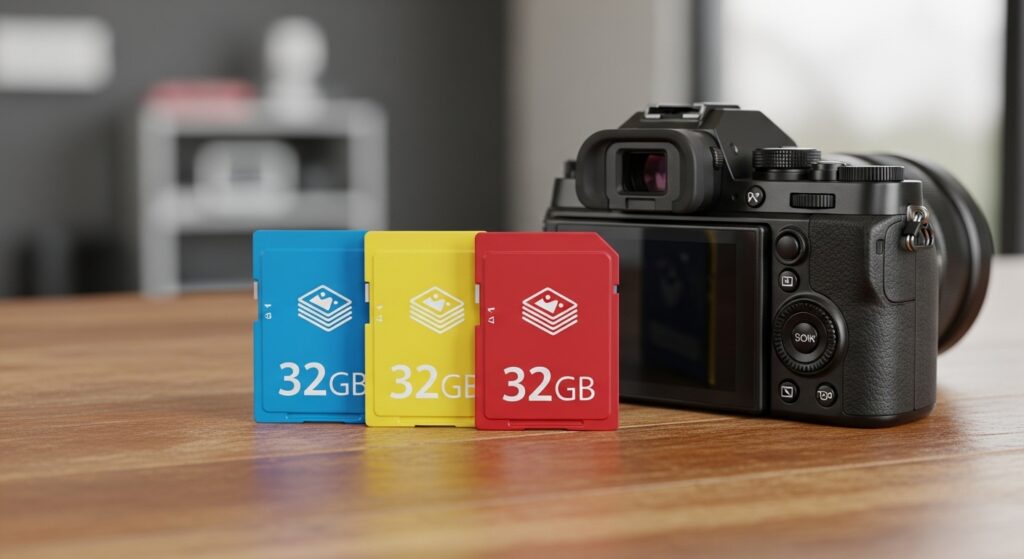
How Many Photos Can a 32GB Memory Card Hold?
You pick up a 32GB card for quick outings or as a backup. It delivers surprising capacity when you shoot smart.
For everyday JPEG photos averaging 8MB each, you store approximately 4,000 images. Switch to 10MB files and the number drops to around 3,200 photos. Smartphone users shooting HEIC files at 4MB each enjoy up to 8,000 shots on the same card.
Professional RAW shooters see lower counts. At 40MB per image you fit about 800 photos. Compressed RAW at 35MB raises that to roughly 930 images. These numbers give you plenty for a day hike or portrait session, but you plan ahead for extended events.
Real-world results vary slightly with your camera brand and settings, yet the figures remain reliable guides. You format the card in-camera for best performance and always keep one spare handy.
Thousands of photos from any card – we clip them all. See our bulk clipping path pricing for thousands of images
64GB Memory Cards: Ideal Balance for Most Shooters
You step up to 64GB when you need more breathing room. This size strikes the perfect balance for weekend warriors and semi-pros.
JPEG shooters at 8MB per file store around 8,100 photos. The 10MB average drops the total to 6,500 images. HEIC users on smartphones pack in over 16,000 shots without breaking a sweat.
RAW photographers capture 1,600 images at 40MB each or about 1,850 at 35MB. You enjoy full freedom during weddings, sports events, or landscape expeditions. The extra space lets you shoot freely and edit later without deleting on the fly.
Many enthusiasts now choose 64GB as their everyday carry. You transfer files nightly and reuse the card the next morning, making it a practical workhorse for 2026 photography.
128GB Cards: Serious Storage for Extended Projects
You reach for a 128GB card when projects stretch over multiple days or you shoot high-volume sequences. This capacity supports serious workflows without constant backups.
At 8MB JPEG you hold roughly 16,300 photos. The 10MB JPEG scenario gives you 13,000 images. Smartphone HEIC files expand to over 32,000 shots enough for an entire vacation or product catalog.
RAW files at 40MB fit about 3,200 images, while 35MB compressed RAW reaches 3,700. You document multi-day conferences, wildlife safaris, or commercial campaigns with room to spare. The card handles burst shooting smoothly thanks to improved 2026 speeds.
Professionals appreciate the reliability. You focus on creativity instead of storage anxiety and download only when you return to base.
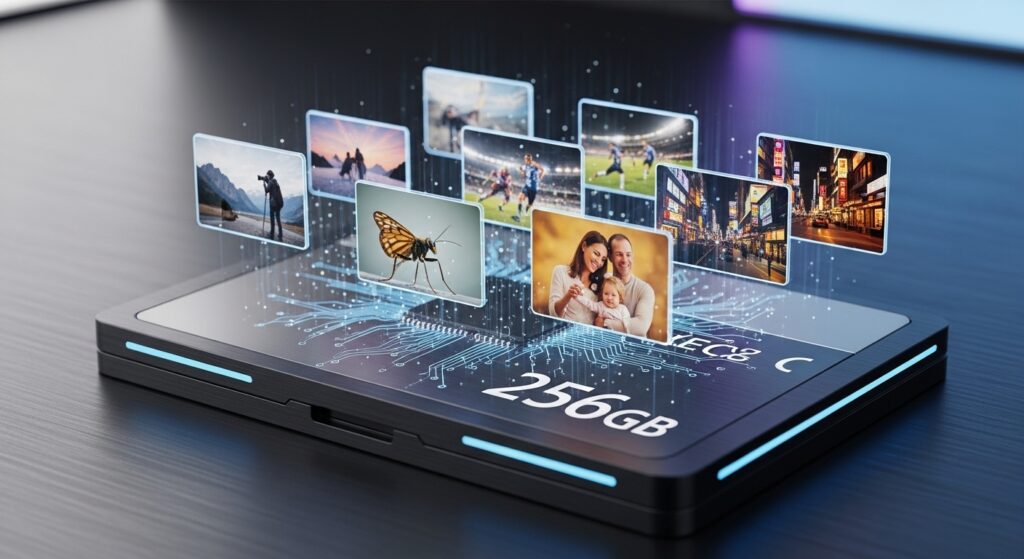
256GB Memory Cards: Maximum Capacity for Power Users
You select 256GB cards for the heaviest workloads. Videographers who also shoot stills and pros who never want to stop love this size.
JPEG at 8MB delivers around 32,700 photos. The 10MB average still gives you over 26,000 images. HEIC smartphone users store a staggering 65,000 shots perfect for content creators who post daily.
RAW at 40MB holds about 6,500 images, and 35MB compressed RAW pushes to 7,400. You shoot thousands of frames during fashion weeks, concerts, or epic travel documentaries and still have space left.
These cards future-proof your kit. You invest once and shoot confidently for years as camera resolutions continue to climb.
Smartphone vs Mirrorless Camera Storage Needs
Smartphones in 2026 optimize files aggressively with HEIC and computational photography. You capture thousands more images on the same card than with dedicated cameras.
Mirrorless bodies give you full creative control through RAW but demand more space. You balance quality against quantity by mixing formats JPEG for quick shares and RAW for hero shots. Hybrid shooters switch settings on the fly to match the moment.
Your shooting style dictates the best card size. Casual users thrive with smaller cards and cloud backups, while pros carry multiple high-capacity options and download nightly.
Professional Tips to Maximize Every Gigabyte
You stretch storage further with simple habits. Shoot in bursts only when necessary and review images on the camera screen to delete obvious mistakes immediately.
Enable in-camera compression and choose the right JPEG quality for your final output. Turn on dual-card recording if your body supports it, using one slot for backups.
For expert help compressing and editing your images to free up space without losing quality, consider the professional photo editing services at Clipping Expert Asia.
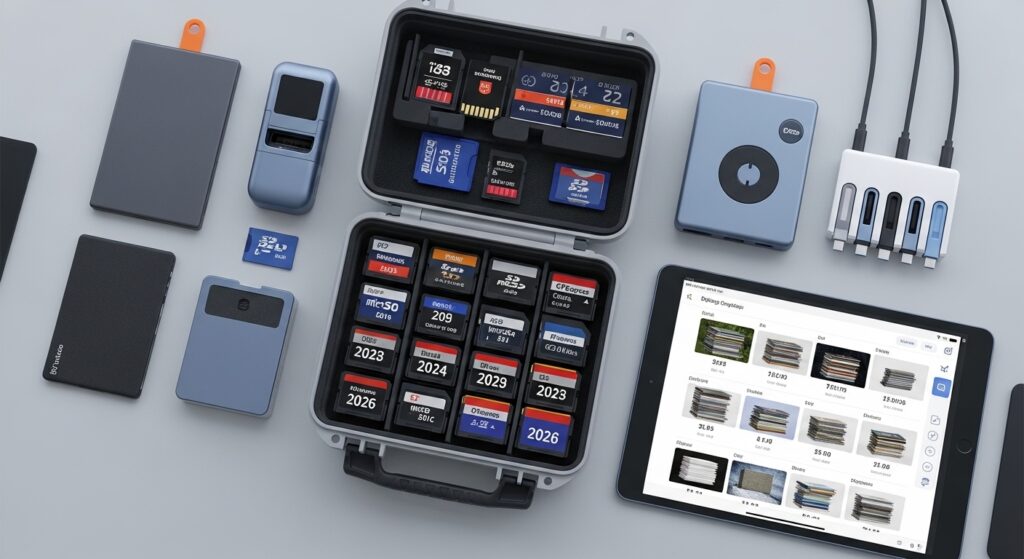
You also keep cards organized with clear labels and rotate them to avoid wear. Regular firmware updates from your camera manufacturer improve efficiency and compatibility.
Selecting the Perfect Memory Card for Your Needs in 2026
You match card capacity to your photography style. Beginners start with 64GB and upgrade as skills grow. Event photographers grab 128GB or 256GB for reliability.
Speed ratings matter too. Look for UHS-II or faster cards if you shoot 4K bursts or high-resolution stills. Brand reputation ensures durability and consistent performance over thousands of write cycles.
Check the latest recommendations from Digital Camera World for the best memory cards in 2026.
You test new cards on a short shoot before trusting them with important work. This habit prevents data loss and gives you confidence in the field.
Looking Ahead: Storage Trends Beyond 2026
You watch as camera makers introduce even more efficient formats and cloud-hybrid workflows. Larger cards up to 2TB become common, yet the 32GB to 256GB range remains popular for its affordability and portability.
Faster transfer speeds and built-in wireless options change how you move files. You still rely on physical cards for immediate, reliable storage during shoots.
Smart planning today keeps your kit ready for tomorrow’s advancements. You capture more, edit better, and share faster than ever before.
Stop counting capacity – start selling. Get a free quote for professional photo retouching on any volume
FAQs About Memory Card Photo Capacity in 2026
1. Does the camera brand change how many photos fit on a card?
Yes. Different manufacturers apply varying compression algorithms. You test your specific body to get the most accurate numbers for your workflow.
2. Should I buy one large card or several smaller ones?
You choose based on risk tolerance. Many pros carry multiple 64GB or 128GB cards to avoid losing an entire shoot if one fails.
3. How much usable space does a 256GB card actually offer?
You typically get 230GB to 240GB after formatting. The difference stays small but adds up when you shoot RAW.
4. Can I mix JPEG and RAW on the same card?
Absolutely. You shoot RAW+JPEG pairs for flexibility and still calculate total capacity using weighted averages of file sizes.
5. Do memory cards lose capacity over time?
They wear gradually after tens of thousands of write cycles. You replace cards every two to three years for heavy use to maintain peak performance.
6. Is HEIC format worth switching to in 2026?
Yes for smartphone users. It cuts file sizes in half while keeping excellent quality, letting you store twice as many photos on the same card.
7. What happens if my card fills up mid-shoot?
You delete low-value images on the spot or swap to a backup card. Planning with the numbers above prevents this situation almost entirely.
You now hold all the tools to calculate storage accurately and shoot without limits. Grab the right card, apply these tips, and focus on creating the images you love. Your next adventure awaits make every frame count.