


How to Use Photoshop to Edit Photos for Beginners
January 31, 2026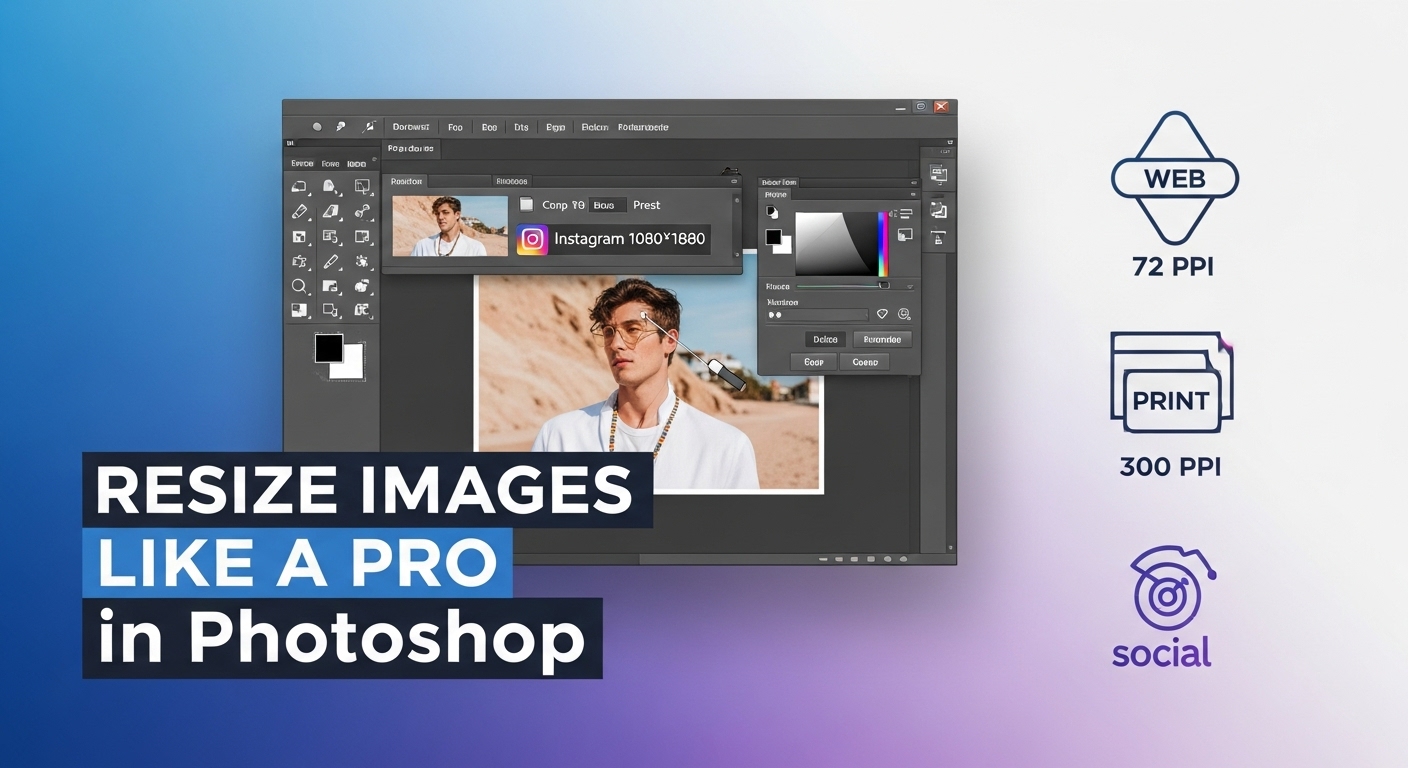
How to Resize an Image in Photoshop: Step-by-Step Guide
February 2, 2026
Graphic design opens doors to creativity, whether you craft social media posts, logos, or marketing materials. Beginners in 2026 benefit from tools that simplify complex tasks while building skills. This year, software options blend intuitive interfaces with powerful features, making design accessible without steep learning curves. You discover programs that handle vector graphics, photo editing, and layout creation efficiently. Professionals and hobbyists alike turn to these solutions for quick results. As technology evolves, entry-level designers find more ways to produce professional-quality work from home or on the go.
Designers prioritize user-friendly platforms that encourage experimentation. You start with basic elements like shapes and colors, then advance to layered compositions. The right software boosts confidence and speeds up workflows. In 2026, many tools incorporate smart assistants for automatic adjustments, helping novices avoid common pitfalls. You explore free and paid options that fit various budgets. This guide covers top choices, key features, and tips to get started, ensuring you select software that matches your goals in graphic design for beginners.
Learn software or hire experts? Try our clipping path service free on 2 images – no design degree needed
- Why Beginners Should Invest in Quality Graphic Design Software
- Key Criteria for Selecting Graphic Design Software as a Beginner
- Canva: The Ultimate Starter Tool for Graphic Design Newbies
- GIMP: Free and Powerful Open-Source Alternative
- Design : Stand out from the crowd with unique logo designs.
- Inkscape: Vector Graphics Made Simple for Novices
- Adobe Express: Quick Designs with Professional Polish
- Affinity Designer: Affordable One-Time Purchase Option
- Adobe Photoshop: Advanced Yet Approachable for Aspiring Designers
- Incorporating Photo Editing into Your Graphic Design Workflow
- Essential Photo Editing Techniques Every Beginner Should Learn
- Deciding Which Photo Editing Services Suit Your Needs
- Outsourcing Photo Editing to Boost Efficiency
- Tips for Mastering Graphic Design Software Quickly
- Building a Portfolio with Beginner-Friendly Tools
- Future Trends in Graphic Design Software for 2026 and Beyond
- Frequently Asked Questions (FAQs)
Why Beginners Should Invest in Quality Graphic Design Software
You gain an edge when you choose software tailored for newcomers. These programs reduce frustration by offering drag-and-drop functionality and pre-made templates. Beginners often struggle with concepts like resolution and file formats, but modern tools explain these basics through built-in tutorials. You create stunning visuals faster, which motivates continued practice.
Quality software supports skill development over time. You begin with simple edits and gradually tackle advanced techniques. Platforms with community resources, such as forums and video guides, help you troubleshoot issues independently. In 2026, designers value software that integrates with mobile devices, allowing seamless work across screens. You avoid outdated programs that limit creativity and instead embrace ones that evolve with industry trends.
Budget plays a role, yet free alternatives deliver impressive results. You weigh options based on your needs, like photo manipulation or illustration. Reliable software prevents data loss through cloud saving and version history. Beginners who start strong build portfolios quicker, opening opportunities in freelance or professional roles.
Key Criteria for Selecting Graphic Design Software as a Beginner
You evaluate software based on ease of use first. Look for interfaces that feel intuitive, with clear icons and minimal clutter. Beginners thrive when tools provide real-time previews of changes, letting you experiment without fear.
Compatibility matters too. You check if the program runs on your operating system, whether Windows, macOS, or even web-based. Mobile apps extend functionality for on-the-go edits. In 2026, cross-platform support ensures you switch devices effortlessly.
Features like templates and asset libraries accelerate learning. You search for software with extensive free resources, including fonts, images, and effects. Community-driven updates keep the tool relevant.
Pricing influences decisions. You opt for free trials to test before committing. Subscription models offer flexibility, while one-time purchases suit long-term users. Hidden costs, like premium add-ons, deserve scrutiny.
Finally, you consider export options. Software should output files in common formats like PNG, JPEG, and SVG for easy sharing. Integration with other apps, such as social media platforms, streamlines workflows.
Canva: The Ultimate Starter Tool for Graphic Design Newbies
Canva stands out as a go-to choice for those new to graphic design. You drag and drop elements onto canvases, creating posters, invitations, or infographics in minutes. The platform’s vast template library covers categories from business cards to social media graphics, guiding you through layouts.
In 2026, Canva enhances its magic studio features, where you input ideas and receive customized designs. Beginners appreciate the collaboration tools, letting you share projects with mentors for feedback. The free version includes thousands of stock photos and icons, reducing the need for external resources.
You customize elements easily, adjusting colors, fonts, and sizes with sliders. Canva’s animation options add flair to digital content without complexity. For print projects, you access high-resolution exports. Pro upgrades unlock advanced elements, but basics suffice for starters.
Users praise its speed for quick tasks. You build confidence by remixing existing designs. Canva integrates with tools like Google Drive, keeping files organized. Beginners who focus on marketing or personal projects find it indispensable.
Software gives you tools – we give you results. Check our retouching pricing

GIMP: Free and Powerful Open-Source Alternative
GIMP delivers professional-grade editing without costs. You install it on your computer and access layers, masks, and brushes right away. As an open-source program, community contributions keep it updated for 2026 demands.
Beginners learn photo manipulation through its selection tools, which isolate subjects precisely. You apply filters for effects like blurring or sharpening. GIMP supports plugins, expanding capabilities for tasks like batch processing.
The interface adapts to your workflow with customizable docks. You follow online tutorials to master shortcuts, speeding up edits. For graphic design, you create compositions by combining images and text.
Export options include multiple formats, ensuring compatibility. GIMP handles high-resolution files, ideal for print work. Beginners value its stability and lack of subscriptions.
You experiment freely, knowing undo history protects your progress. GIMP suits those transitioning from basic apps to advanced software.
Design : Stand out from the crowd with unique logo designs.
Design.com is an AI-powered design platform that helps you create professional logos, websites, and branding in just a few minutes. It’s built for beginners, so you don’t need any design experience to get started.
At its core, it focuses on logo creation, letting you enter your business name or a keyword to instantly get hundreds of logo ideas. The AI gives you different styles and directions so you can quickly find something that fits your brand.
Once you pick a logo, you can easily customize it using a simple drag-and-edit tool. You can change fonts, colors, icons, and layouts until it looks exactly how you want.
You can also go beyond logos and create business cards, websites, social media posts, and other branding materials. Everything stays consistent, so your brand looks professional across all platforms.
It also includes helpful AI tools, such as background removal and automatic design suggestions, to speed things up. This means you can go from idea to finished design much faster.
Overall, Design.com is a beginner-friendly tool that helps you build a full brand without needing complex software. It keeps everything simple, fast, and easy to manage in one place.
Inkscape: Vector Graphics Made Simple for Novices
Inkscape excels in vector design, where you scale artwork without losing quality. Beginners draw shapes and paths using the pen tool, building logos or illustrations step by step.
In 2026, Inkscape’s extensions add features like pattern generation. You manipulate objects with nodes for precise edits. The software’s text tools support flowing paragraphs around shapes.
Free and cross-platform, Inkscape fits any setup. You import raster images and trace them into vectors. Community galleries inspire new ideas.
Beginners appreciate the grid and alignment aids, ensuring balanced designs. You export SVGs for web use or PDFs for printing. Inkscape grows with you, handling complex projects as skills improve.
Adobe Express: Quick Designs with Professional Polish
Adobe Express bridges simplicity and power. You access it via web or app, creating content like flyers or stories instantly. Templates jumpstart ideas, and you personalize them with your assets.
In 2026, integration with Adobe’s ecosystem allows seamless asset sharing. Beginners use quick actions for tasks like removing backgrounds. The tool’s font library elevates text designs. The platform’s logo maker handles brand identity creation with the same simplicity.
Collaboration features let teams edit in real time. You schedule social posts directly from the platform. Free plans offer core tools, with premiums adding stock content.
Adobe Express suits fast-paced environments. You learn design principles through guided edits. Its mobile version keeps creativity flowing anywhere.
Affinity Designer: Affordable One-Time Purchase Option
Affinity Designer offers vector and raster tools in one app. You switch modes seamlessly, editing illustrations and photos together. The persona system organizes workflows efficiently.
Beginners draw with the pencil tool, refining strokes later. In 2026, updates enhance export previews. You use symbols for repeatable elements in designs.
A single payment unlocks lifetime access, appealing to budget-conscious users. Affinity’s precision grids aid accurate placements. You import Adobe files, easing transitions.
The community provides brushes and textures. Beginners build complex art through layers and groups. Affinity Designer performs well on tablets, supporting stylus input.
Adobe Photoshop: Advanced Yet Approachable for Aspiring Designers
You dive into Adobe Photoshop for comprehensive editing. This software handles everything from retouching photos to composing graphics. Beginners start with basic adjustments like cropping and color correction.
In 2026, Photoshop’s tools streamline selections, making it easier to isolate elements. You layer effects for depth, experimenting with blends. Tutorials within the app guide you through features.
Photoshop integrates with other Creative Cloud apps for expanded workflows. You access stock libraries for inspiration. While subscriptions apply, students get discounts.
Beginners who commit time unlock its potential for professional results. Explore Adobe Photoshop to see how it elevates your designs.

Incorporating Photo Editing into Your Graphic Design Workflow
Photo editing forms a core part of graphic design. You enhance images to fit compositions, adjusting brightness or removing distractions. Beginners practice these skills to create cohesive visuals.
Tools like cropping and resizing prepare photos for layouts. You apply corrections for balanced colors, ensuring prints match screens. Layer masks hide parts without deleting, offering flexibility.
In 2026, software automates some edits, but manual control builds expertise. You explore services for complex tasks, like those from Clipping Expert Asia, which specialize in precise cutouts and retouching.
Beginners benefit from guides that outline steps. Understanding file types prevents quality loss during exports.
Essential Photo Editing Techniques Every Beginner Should Learn
You master cloning to remove blemishes seamlessly. The healing brush repairs textures naturally. Beginners practice on personal photos first.
Curves adjustments control contrast dynamically. You tweak histograms for optimal exposure. Filters add artistic touches, like vignettes.
Selection tools isolate subjects for composites. You feather edges to blend smoothly. Practice keyboard shortcuts to accelerate these processes.
In 2026, non-destructive editing preserves originals. You stack adjustments, revising as needed. Resources like a comprehensive photo editing guide provide detailed steps for common techniques.
Deciding Which Photo Editing Services Suit Your Needs
You assess your projects to choose edits. Background removal cleans product shots for e-commerce. Clipping paths handle intricate outlines.
Retouching polishes portraits, smoothing skin while keeping realism. Color correction unifies images in series. Beginners identify frequent needs to focus learning.
In 2026, hybrid approaches combine software with expert help. You start simple, scaling as designs grow ambitious.
Outsourcing Photo Editing to Boost Efficiency
You delegate edits to focus on creativity. Outsourcing handles repetitive tasks, like batch resizing. Beginners gain from pros’ insights, improving their own skills.
Providers offer quick turnarounds, fitting tight deadlines. You review samples to ensure quality. Costs vary, but affordable options exist for starters.
In 2026, secure platforms protect your files. Outsourcing complements software use, letting you tackle more projects.

Tips for Mastering Graphic Design Software Quickly
You set daily practice goals, like recreating simple ads. Consistency builds familiarity with tools. Join online communities for tips and critiques.
Break projects into steps: sketch ideas, then digitize. You use keyboard shortcuts to work faster. Watch speed-art videos for inspiration.
Experiment with effects, noting what works. Save versions to track progress. In 2026, apps offer personalized learning paths.
Seek feedback early to refine techniques. You organize assets in folders for easy access. Patience pays off as skills compound.
Building a Portfolio with Beginner-Friendly Tools
You compile your best works into a digital showcase. Start with varied pieces, like logos and banners. Tools export high-quality files for display.
Beginners use free sites to host portfolios. You include process descriptions, showing growth. Update regularly with new creations.
In 2026, interactive elements engage viewers. Share on social media for exposure. A strong portfolio attracts opportunities.
Future Trends in Graphic Design Software for 2026 and Beyond
You anticipate more collaborative features in software. Real-time edits with teams become standard. Integration with virtual reality expands design possibilities.
Sustainability influences tools, with eco-friendly export options. Beginners access more free education resources. Software adapts to user habits for personalized interfaces.
In 2026, voice commands simplify navigation. You stay updated through newsletters. These trends make design more inclusive.
Don’t waste weeks learning tools. Get a free quote for image masking and focus on design
Frequently Asked Questions (FAQs)
What is the easiest graphic design software for absolute beginners in 2026?
Canva tops the list for its drag-and-drop interface and ready-made templates. You create professional designs without prior experience, focusing on creativity over technical skills.
Is free graphic design software sufficient for beginners?
Yes, options like GIMP and Inkscape provide robust features at no cost. You handle photo edits and vector work effectively, building skills before investing in paid tools.
How does Adobe Photoshop help beginners in graphic design?
Photoshop offers guided tutorials and simple tools for starting edits. You progress to advanced layers and effects, creating versatile graphics for various projects.
What photo editing techniques should beginners prioritize?
Focus on basic adjustments like cropping, color correction, and background removal. These build a foundation for incorporating photos into designs seamlessly.
When should beginners consider outsourcing photo editing?
Outsource when projects involve complex retouching or tight deadlines. It frees time for core design work while ensuring high-quality results.
Which software is best for vector graphics as a beginner?
Inkscape provides free, intuitive tools for scalable designs. You draw and edit paths easily, ideal for logos and illustrations.
How can beginners stay updated with graphic design trends in 2026?
Follow industry blogs, join online forums, and explore software updates. Experiment with new features to keep your skills current.